
Copyright 2026 © swekartor. All Rights Reserved.



App Feature
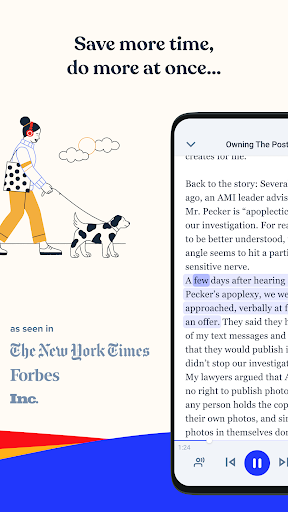
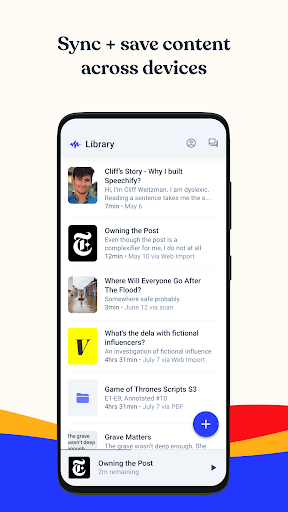
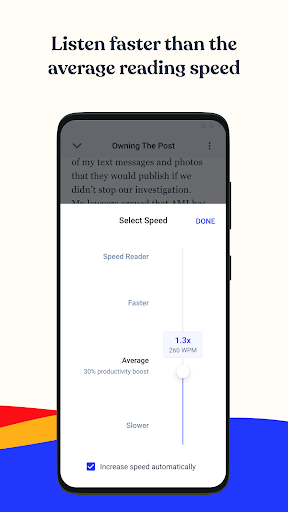
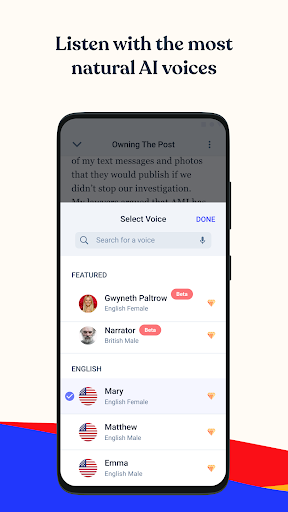
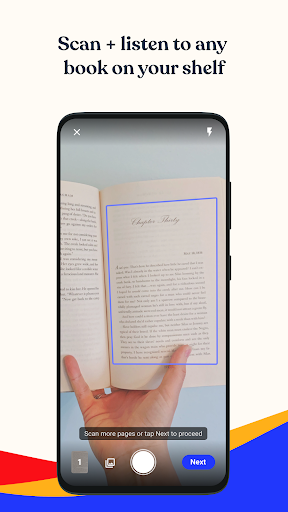
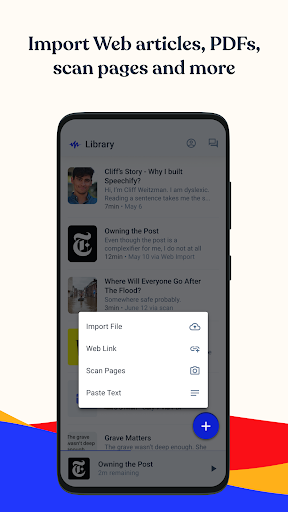
Speechify – Text to Speech turns any text (docs, PDFs, web pages, emails, screenshots) into natural-sounding audio, adds an AI reading assistant for summaries and quizzing, offers high-speed playback, OCR from photos, cross-device syncing, celebrity-style voices in 60+ languages, note-taking/bookmarks, and even AI-generated podcasts.
Verdict
Verdict: A powerful, accessibility-friendly TTS and AI reading assistant with standout voices and speed, but occasional accuracy hiccups and premium pricing may deter some.
Who is it for
Best for:
- Students and professionals who want to listen, summarize, and quiz long readings quickly
- People with dyslexia, ADHD, or vision impairments seeking dependable read-aloud and dictation
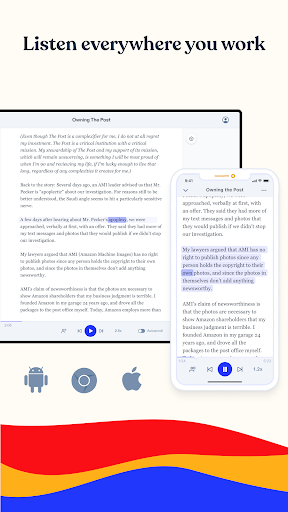
- Multitaskers who value cross-device syncing and high-quality voices
Not ideal for:
- Users who need flawless OCR and pronunciation on complex/scanned documents
- Those unwilling to pay for premium voices/features or who prefer entirely free, unlimited use
- Listeners who dislike occasional voice switching or sentence skips
Real-world User Experience
Users like it:
Highly natural voices (including celebrity options), fast and accurate reading at high speeds, effective AI assistance for summaries and guidance, life-changing accessibility for low vision/dyslexia/ADHD, helpful free tier, and solid improvements over time with good value in the annual plan.
Users complain about:
Reports of occasional voice switching to default, skipped sentences, mispronunciations of simple words, and variable accuracy on scanned pages; premium pricing (~$99/year) can feel steep for some, and trial-to-paid transition may surprise users expecting full features for free.
Is it Worth Paying For?
If you’ll use it daily for studying, accessibility, or work, the premium tier’s better voices, limits, and AI features can justify the cost—especially versus other TTS tools. Casual users can get meaningful value from the free tier (limited documents and voices) with no ads, but heavy listeners and those wanting the best voices should expect to upgrade.
How it Compares to Alternatives
Compared to NaturalReader and @Voice Aloud Reader, Speechify’s voices are generally more human-like and it adds unique perks (AI assistant, AI podcasts, celebrity voices, stronger cross-platform sync). Versus Google’s built-in Read Aloud or Chrome’s TTS, Speechify offers richer controls, better voice variety, and library management. Voice Dream Reader (iOS) rivals workflow depth, but Speechify’s cross-device ecosystem and celebrity voices stand out on Android; however, it can be pricier and shows occasional stability/accuracy quirks.
Summary
Speechify blends top-tier TTS with an AI assistant that summarizes, quizzes, and helps you power through reading-intensive tasks. It’s particularly impactful for accessibility, with fast, natural voices in many languages, robust OCR from photos, and syncing across devices. While some users encounter voice switching, skipped lines, and OCR misreads on complex scans, the overall reading/listening experience is strong and steadily improving. The free version is useful for lighter needs; the premium plan unlocks the best voices and fewer limits, offering good value for frequent listeners and learners who benefit from its AI-driven features.
Ratings
Trending APP












Alternative to this app









