
Copyright 2026 © swekartor. All Rights Reserved.


App Feature
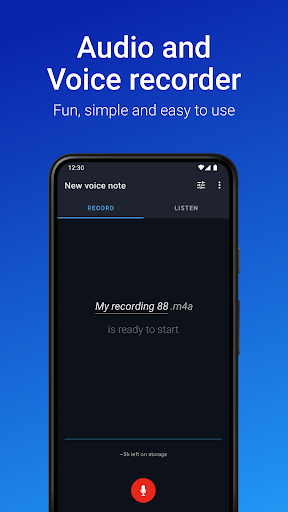
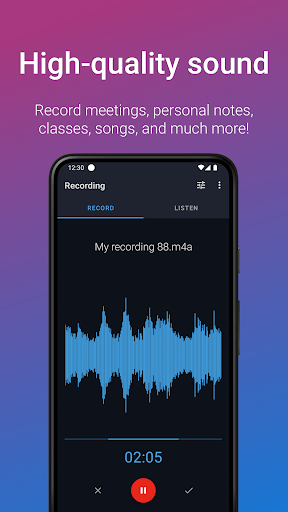
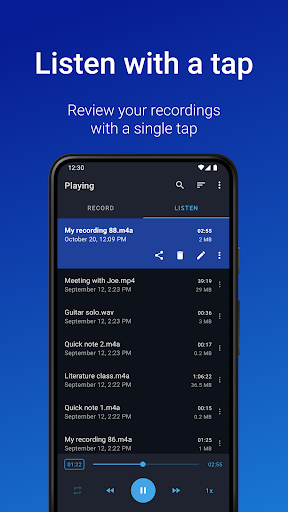
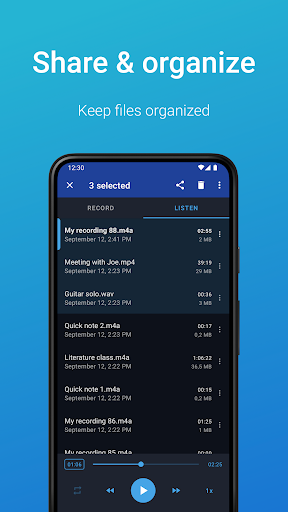
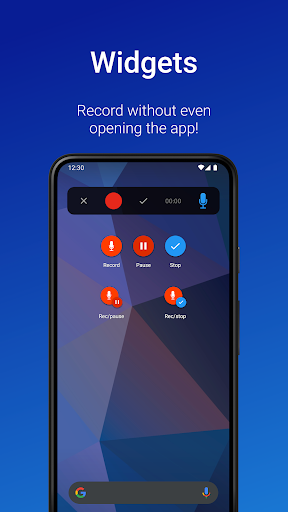
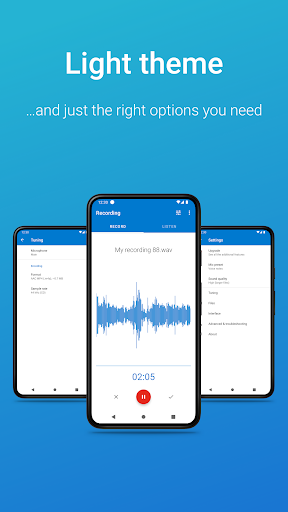
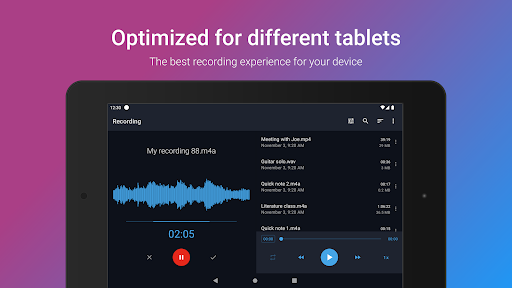
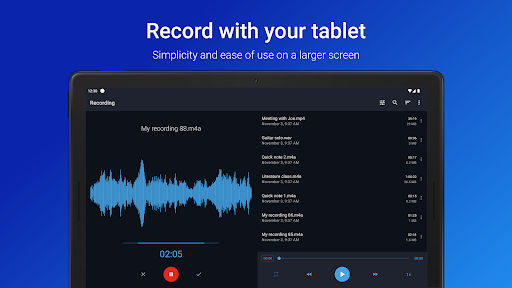
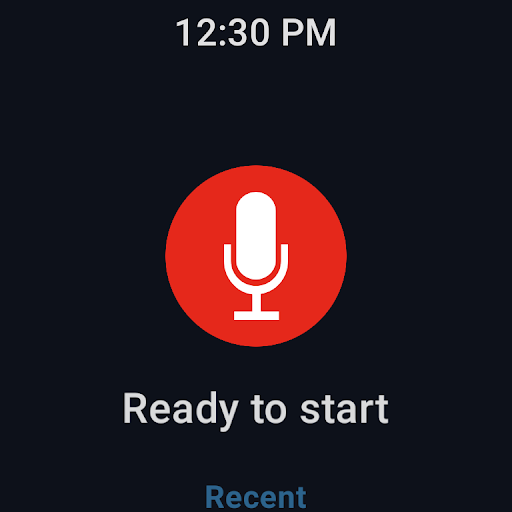
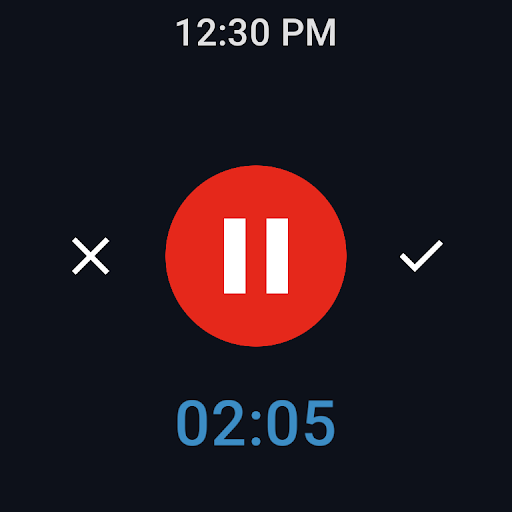
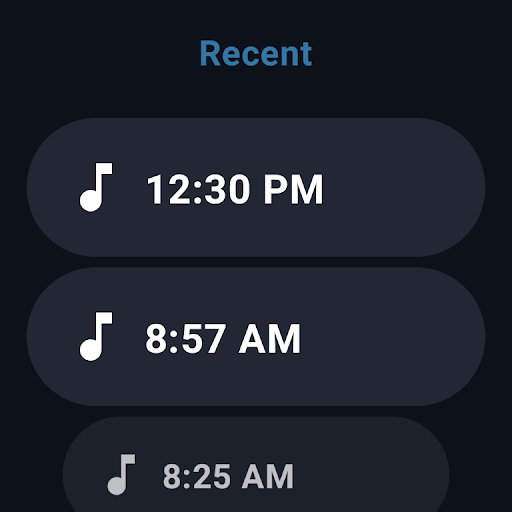
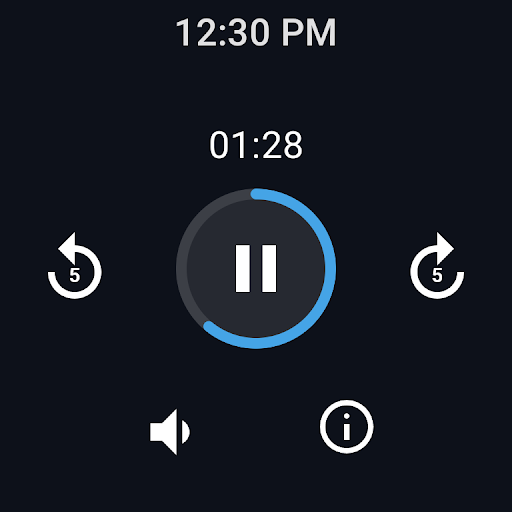
Easy Voice Recorder is a straightforward audio recorder for capturing classes, meetings, interviews, memos, and music ideas with high-quality formats (PCM/MP4/AMR), background recording, quick-access widgets, Wear OS support, and simple organization and sharing. A Pro upgrade adds MP3/FLAC/AAC, cloud backup (Drive/Dropbox), Bluetooth mic support, trimming, folders, stereo, skip silence, and more.
Verdict
Verdict: A fast, reliable, and beginner‑friendly recorder that shines for everyday voice notes and long sessions, but power editors and call recorders may need more specialized tools.
Who is it for
Best for:
- Students and professionals needing clear, long, hassle‑free lecture or meeting recordings
- Anyone who values a simple interface, quick start widgets, and dependable background recording
- Musicians or hobbyists capturing ideas with minimal setup and decent quality
Not ideal for:
- Users seeking built‑in call recording (explicitly not supported)
- Those needing advanced multi-track editing or studio‑grade post‑processing in-app
- People who want a completely ad‑free experience without upgrading
Real-world User Experience
Users like it:
Consistently praised for clarity (even at distance), ease of use, quick one‑tap recording, background operation without interruptions, reliable saving and simple file naming, visible remaining time and file size, light but nonintrusive ads during recording, and robust settings (e.g., disabling noise cancellation) that improve ambient capture. Long‑time users report stability across devices and years.
Users complain about:
Free version includes ads (generally not intrusive but noted), editing tools are basic unless you upgrade, and it’s not suitable for very loud or chaotic environments (e.g., clubs) or for call recording. A few users express general privacy/ad‑targeting concerns typical of ad‑supported apps.
Is it Worth Paying For?
Yes for frequent users: the one‑time Pro upgrade (as noted by a reviewer) delivers strong value with MP3/FLAC/AAC formats, cloud uploads, Bluetooth mic support, trimming, folders, stereo, skip silence, and volume boost—features that meaningfully improve workflow and quality. Casual note‑takers can comfortably stay on the free version.
How it Compares to Alternatives
Compared to built‑in phone recorders, it’s more intuitive, shows remaining time, and supports background recording and widgets more cleanly. Versus lightweight alternatives (e.g., Smart Recorder/Voice Recorder), it stands out for reliability, Wear OS support, and thoughtful presets. It lacks the transcription and collaboration depth of services like Otter.ai, and it’s not a DAW—advanced multitrack editing still requires external tools.
Summary
Easy Voice Recorder lives up to its name: it’s a clean, dependable way to capture lectures, meetings, interviews, and musical ideas with excellent clarity and minimal friction. The free version is fully usable for everyday recording with light ads, while Pro adds meaningful upgrades—universal formats, cloud sync, trimming, folders, and better input options—that streamline serious workflows. It doesn’t do call recording and it won’t replace a studio editor, but for quick, high‑quality voice capture you can trust across phone and smartwatch, it’s one of the most reliable choices on Android.
Ratings
Trending APP












Alternative to this app









