
Copyright 2026 © swekartor. All Rights Reserved.



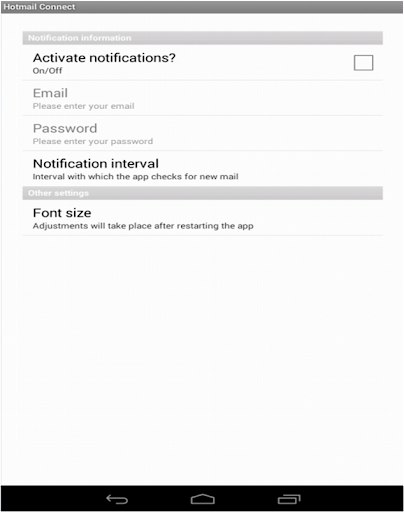
App Feature
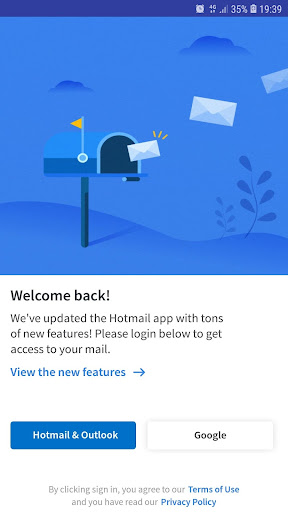
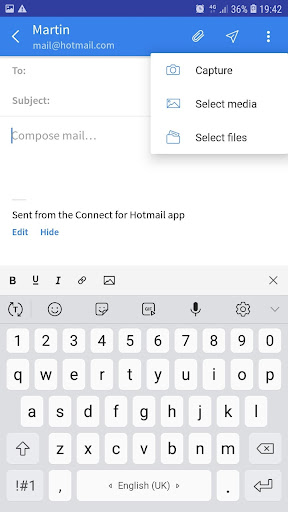
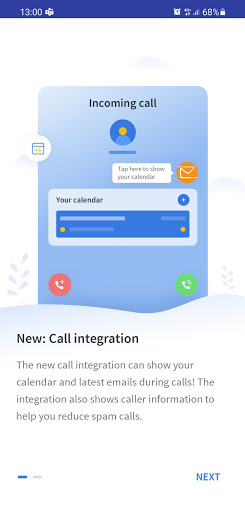
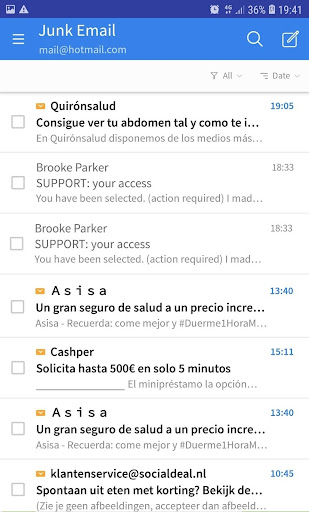
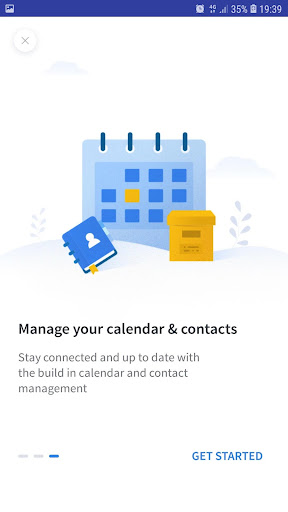
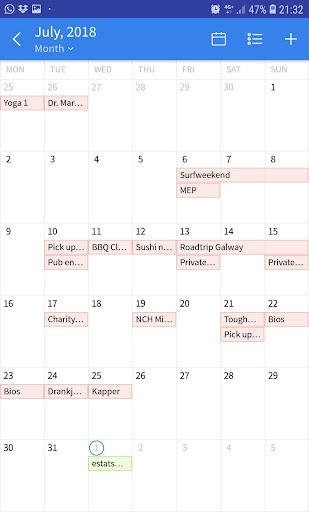
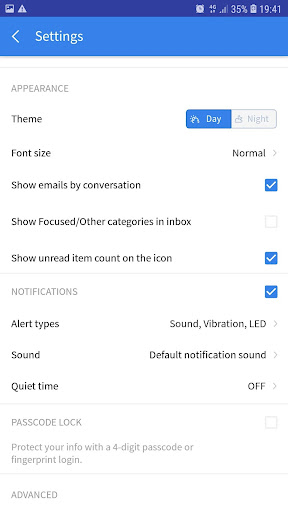
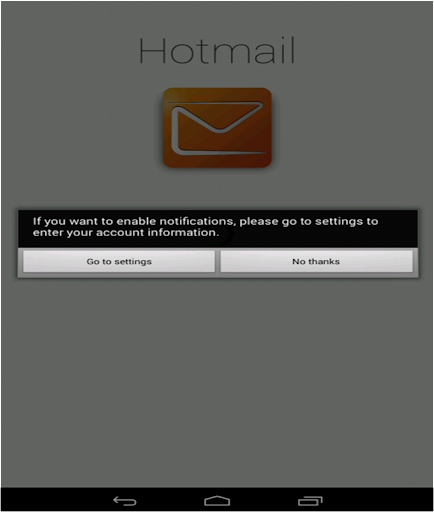
Connect for Hotmail & Outlook is a third‑party email and calendar client for Microsoft accounts that offers unified inbox, real‑time notifications, calendar sync with multiple views, after‑call overlays for quick actions, contact sync, dark mode, security options (password/fingerprint), conversation view, focused/other inbox categories, advanced search, and PDF printing.
Verdict
Verdict: A capable, free Outlook/Hotmail client with handy call-time calendar/email tools, but ads and occasional reliability gaps make the official Outlook app a safer default for power users.
Who is it for
Best for:
- Hotmail/Outlook users wanting a simple, unified inbox with calendar sync
- People who like after‑call prompts to add events or send emails
- Users who prefer lightweight, straightforward email apps with dark mode
Not ideal for:
- Power users needing enterprise features and rock‑solid sync
- Anyone who dislikes ads or prefers the official Microsoft experience
- Privacy‑sensitive users wary of third‑party email clients
Real-world User Experience
Users like it:
Smooth setup for Hotmail/Outlook accounts, intuitive interface, useful unified inbox, reliable notifications for most, and practical calendar views with the after‑call overlay for quick follow‑ups.
Users complain about:
Contains ads; some users report intermittent sync/notification delays, occasional glitches with the after‑call screen feeling intrusive, and UI polish/feature depth trailing the official Microsoft Outlook app.
Is it Worth Paying For?
The app is free and offers no in‑app purchases; value is good if you’re fine with ads, but there’s nothing to buy to remove them.
How it Compares to Alternatives
Compared to Microsoft Outlook, it’s simpler and adds the after‑call workflow, but Outlook generally offers steadier sync, richer enterprise features, and no third‑party trust concerns. Versus alternatives like BlueMail or Edison Mail, it’s competitive on simplicity and calendar integration but lags in cross‑service smarts, advanced filtering, and UI refinement.
Summary
Connect for Hotmail & Outlook delivers a clean, easy way to access Hotmail/Outlook email and calendar in one place, highlighted by an after‑call overlay that helps you act on calls immediately. It covers the essentials—unified inbox, focused categories, conversation threading, advanced search, dark mode, and PDF printing—while keeping the experience approachable. Ads and occasional reliability hiccups may frustrate demanding users, and those who want the most stable, fully featured Microsoft ecosystem fit will still prefer the official Outlook app. For everyday email and calendar management on Hotmail/Outlook, though, this free option is convenient and pleasantly straightforward.
Ratings
Trending APP












Alternative to this app









