
Copyright 2026 © swekartor. All Rights Reserved.



App Feature
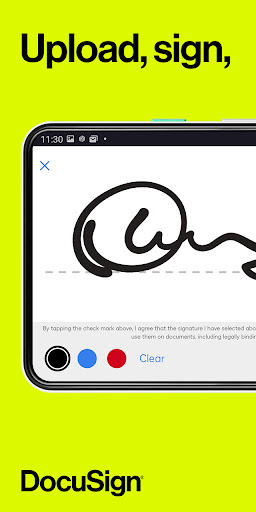
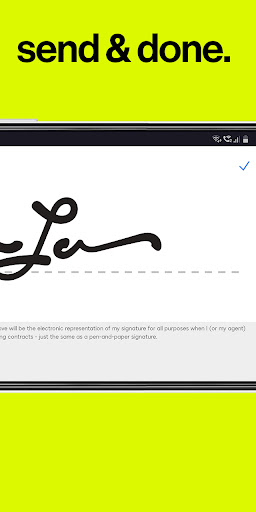
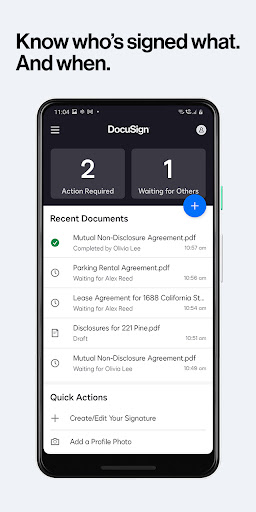
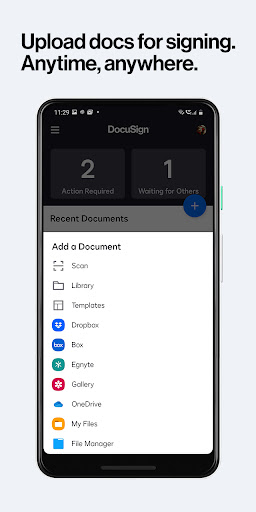
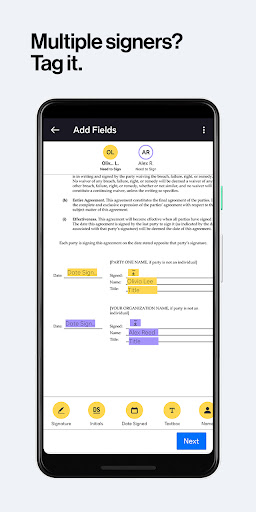
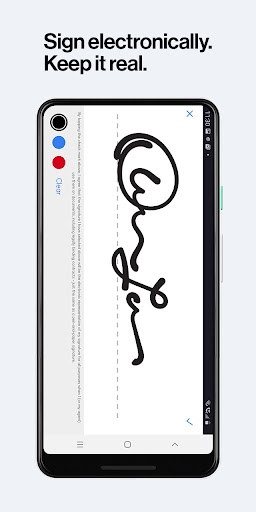
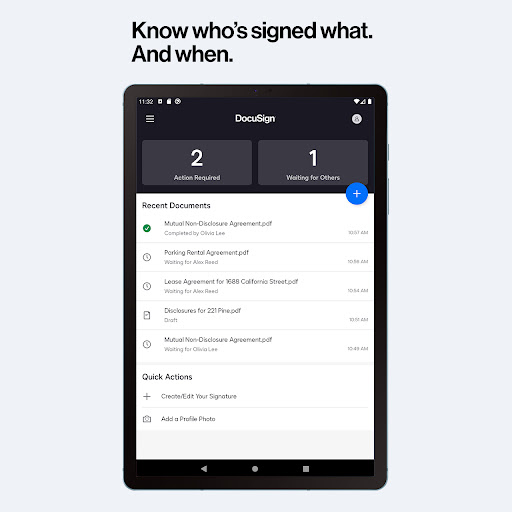
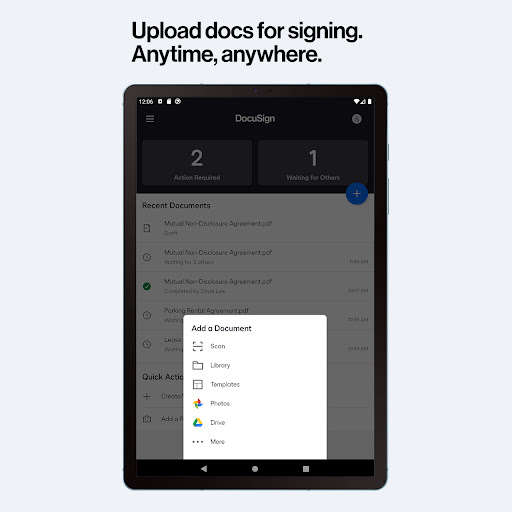
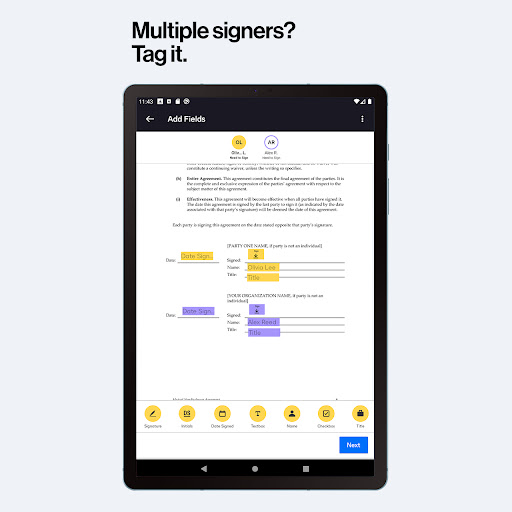
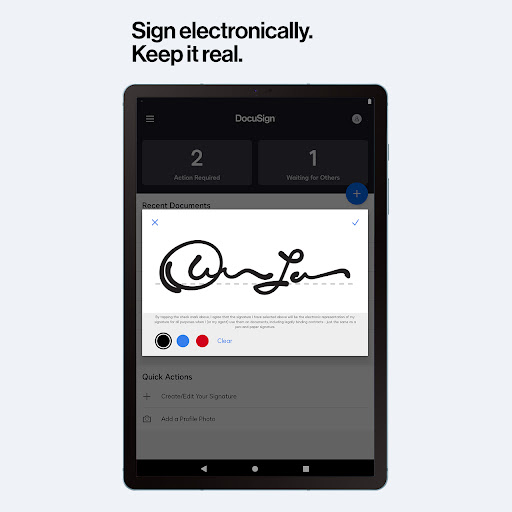
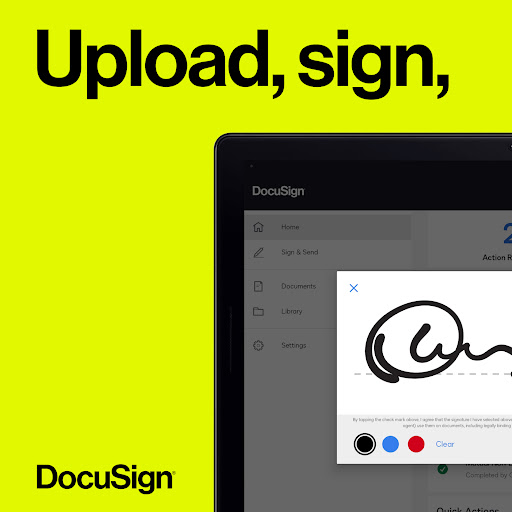
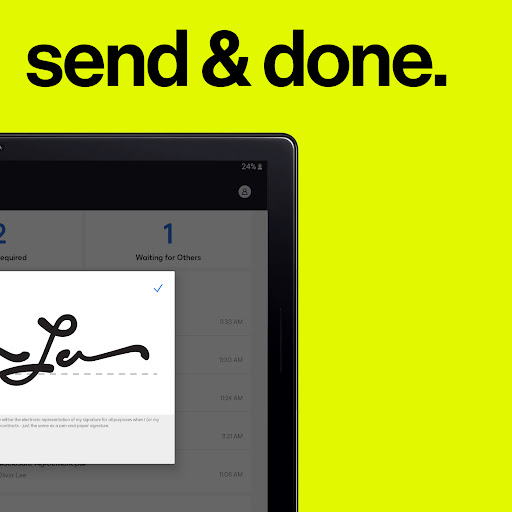
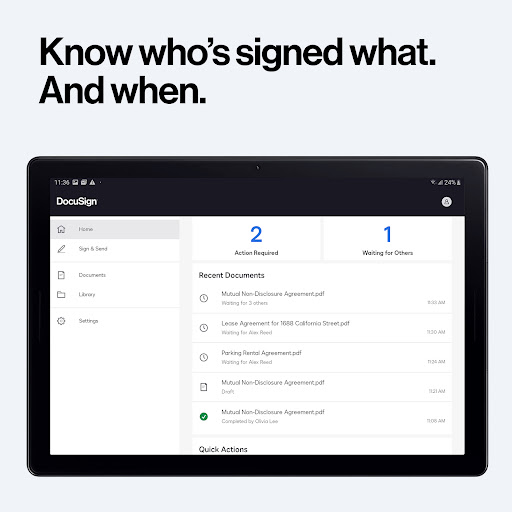
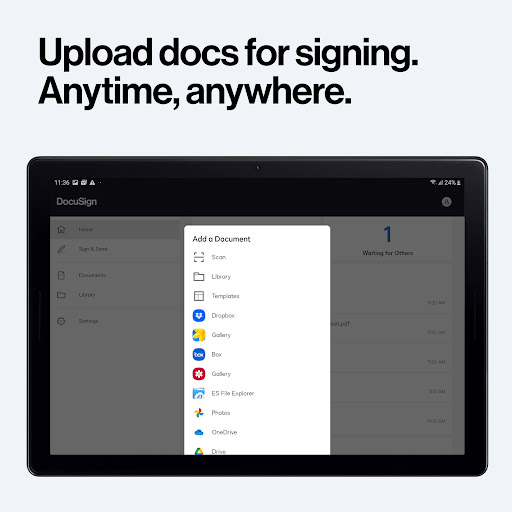
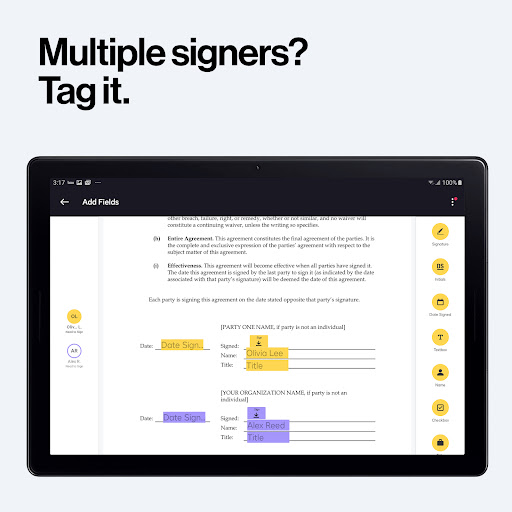
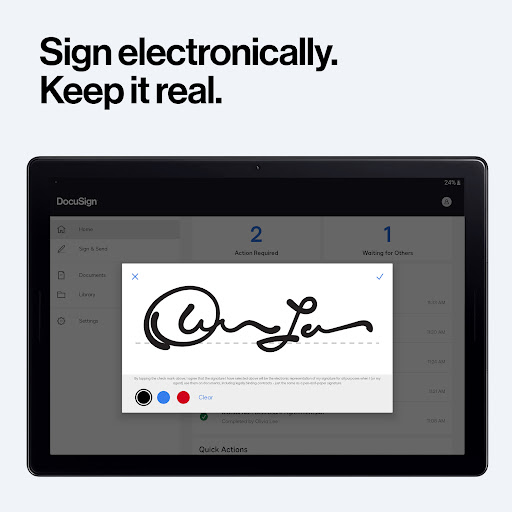
DocuSign lets you securely upload, fill, e‑sign, and send documents from your phone with legal, encrypted eSignatures, real-time notifications, workflow tools (tags, signer order, reminders), mobile-responsive signing, templates, and broad cloud integrations (Drive, Dropbox, Box, Salesforce).
Verdict
Verdict: A polished, trusted eSignature app that excels at quick, legally binding signing on mobile, though advanced sending/sharing workflows may require a paid plan or workarounds.
Who is it for
Best for:
- Individuals who need to sign PDFs and forms quickly without printing/scanning
- Professionals and small teams that want mobile-friendly, legally compliant signatures with audit trails
- Real estate and sales roles needing templates, signer order, and tracking
Not ideal for:
- Power users needing high-volume sending beyond the Personal plan limits
- Teams requiring deep customization of document branding without upgrading
- Users who prefer simple email-based file sharing from within the app (some extra steps reported)
Real-world User Experience
Users like it:
Consistently praised for saving time versus print/scan, being easy and intuitive, working reliably on the go, retaining progress if interrupted, and providing secure, legally valid signatures with an authenticity certificate. Users highlight quick setup, clear signature placement, auto-date fields, strong integrations, and dependable performance for urgent documents (leases, offers, insurance claims).
Users complain about:
A few find the photo-generated signature low quality compared to the handwritten option, mention alignment checks are needed, note friction when sharing as a standard email attachment (often requiring downloading first), request easier multi-signer dispatch, and ask for non‑US date formats. Some caution about remembering to cancel trials if not needed.
Is it Worth Paying For?
Free signing is unlimited and sufficient for occasional personal use. Paying makes sense if you regularly send documents for signature, need advanced fields, templates at scale, in-person signing workflows, or real estate features (zipForm, branding). The Personal plan’s send cap (up to 5/month) suits light senders; Standard/Real Estate plans deliver better value for frequent or team-based workflows.
How it Compares to Alternatives
Compared to Adobe Acrobat Sign, Dropbox Sign (HelloSign), and signNow, DocuSign remains the most established with broadest enterprise trust, compliance, and integrations. Alternatives can be cheaper or simpler for very light use, but DocuSign’s mobile experience, audit trails, and workflow controls are more mature. Power branding and advanced automations are competitive with Adobe; Dropbox Sign often wins on simplicity, while DocuSign wins on depth and ecosystem.
Summary
DocuSign - Upload & Sign Docs delivers a fast, secure, and legally compliant way to sign and manage documents from anywhere. With seamless imports from popular cloud services, precise signature tagging, mobile-responsive forms, real-time notifications, and a complete audit trail, it streamlines everything from one-off signatures to multi-party workflows. User feedback underscores its reliability and time savings, with minor pain points around photo signatures, email sharing flow, multi-signer ease, and date formats. For occasional signers, the free unlimited signing is excellent; frequent senders and professionals will benefit from paid tiers that unlock advanced fields, templates, and specialized features. Overall, it’s a top-tier choice for modern, mobile-first eSignatures.
Ratings
Trending APP












Alternative to this app









