
Copyright 2026 © swekartor. All Rights Reserved.


App Feature
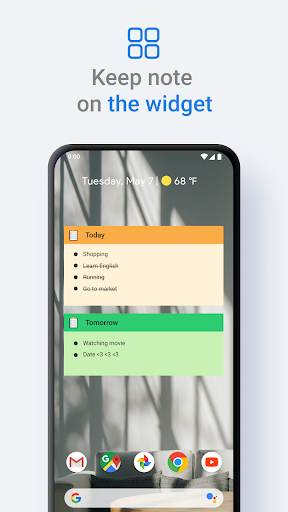
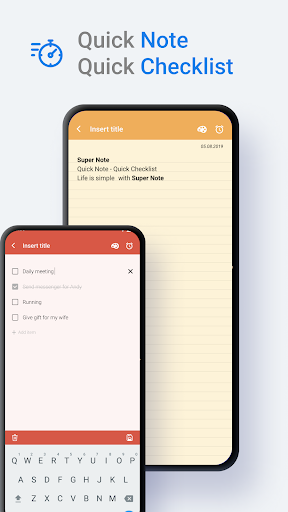
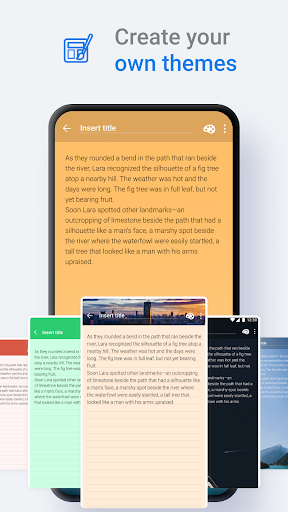
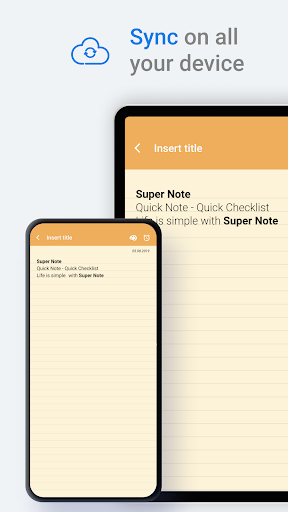
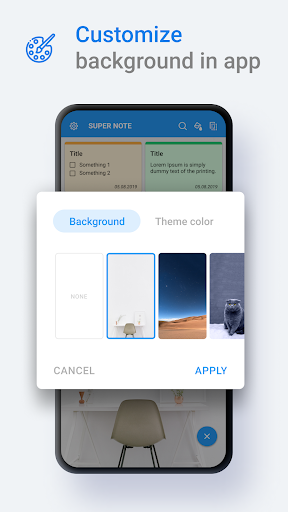
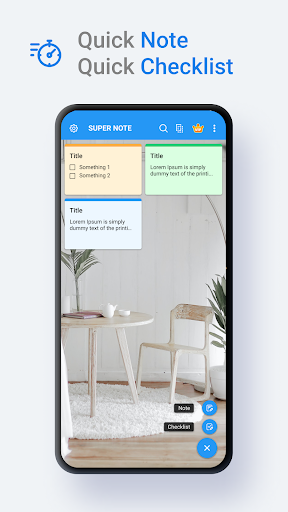
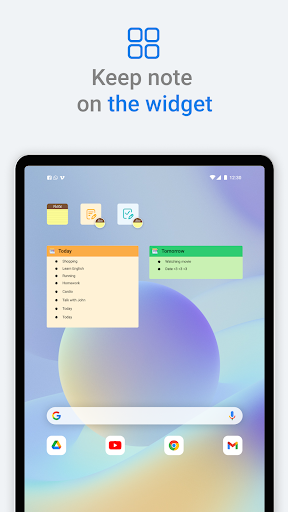
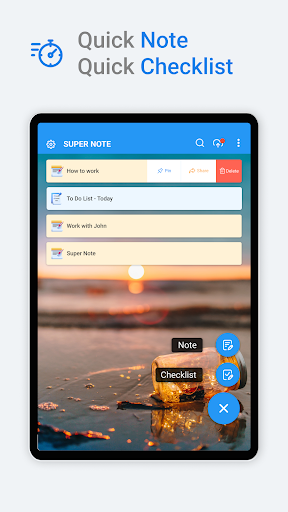
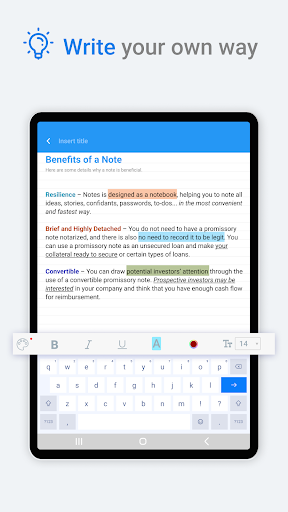
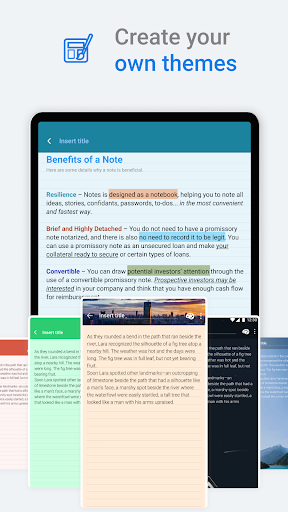
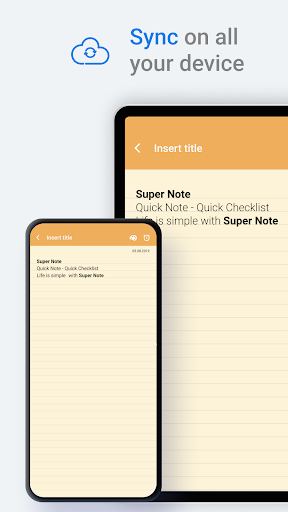
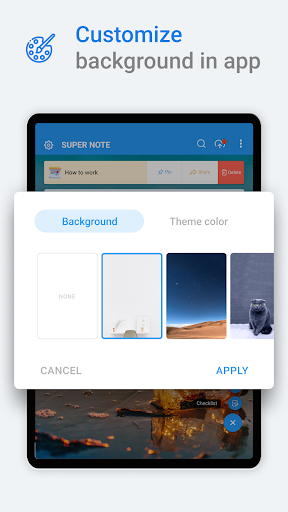
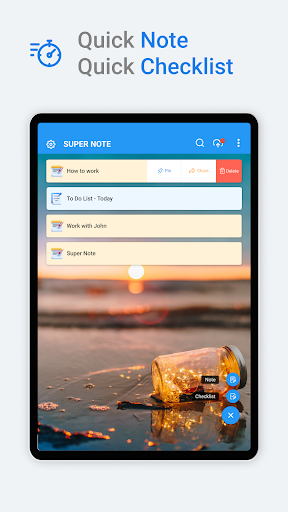
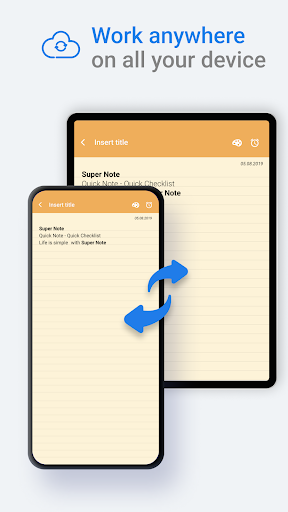
A simple, fast note-taking app (notes and checklists) with Google Drive sync, home-screen widgets, password lock, reminders, trash recovery, sharing (including PDF), shortcuts, and visual customization (themes/backgrounds).
Verdict
Verdict: A polished, lightweight notepad that covers everyday needs, with enough extras to rival bigger names—though power users may outgrow its formatting and reliability limits.
Who is it for
Best for:
- Users who want quick notes and to‑do lists with sync and widgets
- People who value simple organization, themes, and basic formatting
- Anyone needing optional note locking and PDF sharing
Not ideal for:
- Heavy note-takers who need rich formatting, version history, or collaboration
- Users who are sensitive to ads or want guaranteed offline autosave and robust reliability
Real-world User Experience
Users like it:
Easy, intuitive interface; fast startup for jotting ideas; flexible note types (plain notes and checklists); color/themes for quick visual organization; sync across devices; recovery from trash; PDF sharing; generally light, non-intrusive ads for many users.
Users complain about:
Occasional bugs (e.g., bold not working on some devices, long notes briefly going blank), limited advanced formatting and no obvious undo, concerns about auto-save reliability, and interstitial ads that appear after finishing a note for some.
Is it Worth Paying For?
The free version is fully usable but ad-supported. If the IAP/VIP tier offers ad removal and extra themes/features as suggested, it’s a reasonable upgrade for regular users who value customization and a cleaner experience; otherwise, most can stay on free.
How it Compares to Alternatives
Compared with Google Keep, FlyNote offers similar speed, widgets, and checklists plus note locking and PDF export, but lacks Keep’s cross-platform integrations and collaboration. Versus Microsoft OneNote, it’s far lighter and faster but can’t match OneNote’s rich formatting, notebooks/sections, or advanced search. Against ColorNote/Simple Note apps, FlyNote competes well on usability and theming while adding sync, reminders, and PDF sharing, though reliability quirks and limited editing controls may trail the most stable minimalist options.
Summary
Notes – Notebook, Notepad (FlyNote) is a well-rounded, user-friendly notepad that excels at quick capture and simple organization. It pairs fast note and checklist creation with Google Drive sync, widgets, reminders, password locking, trash recovery, and share-to-PDF, wrapped in a customizable interface. Reviews praise its speed, simplicity, and visual options, while calling out periodic bugs (formatting inconsistencies, occasional blank screens on long notes), a missing or unclear undo/autosave experience, and ads that can interrupt some flows. For everyday lists, ideas, and basic task tracking across devices, it’s an easy recommendation. If you need robust formatting, collaboration, or enterprise-grade reliability, alternatives like Google Keep or OneNote may fit better; otherwise, FlyNote delivers strong value—especially free, with a likely worthwhile upgrade if you want fewer ads and more themes.
Ratings
Trending APP












Alternative to this app









