
Copyright 2026 © swekartor. All Rights Reserved.


App Feature
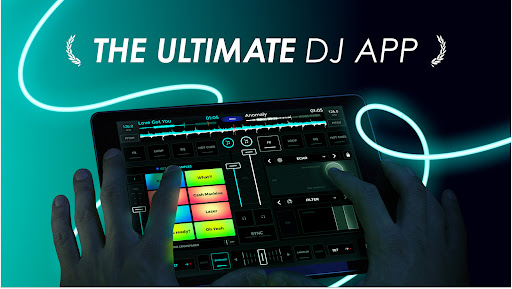
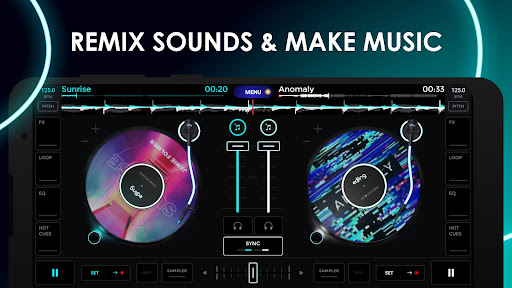
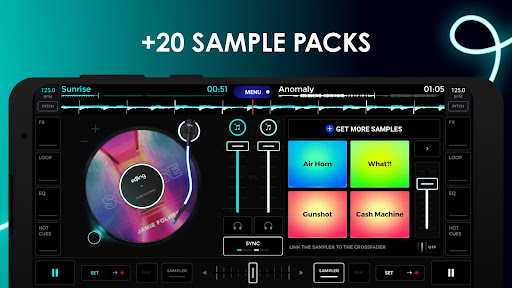
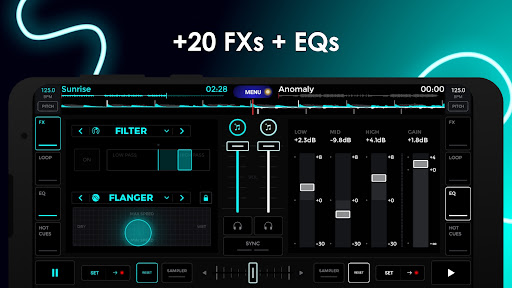
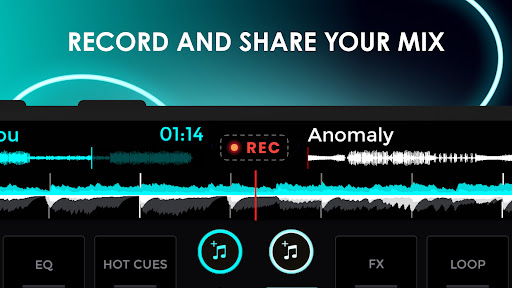
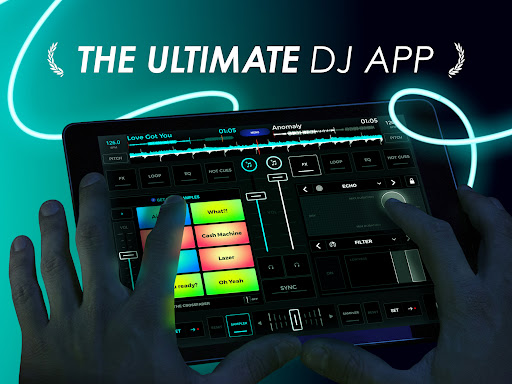
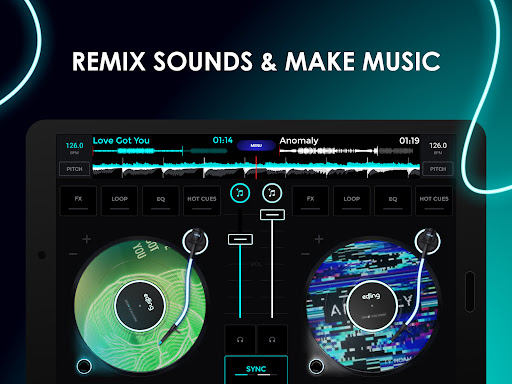
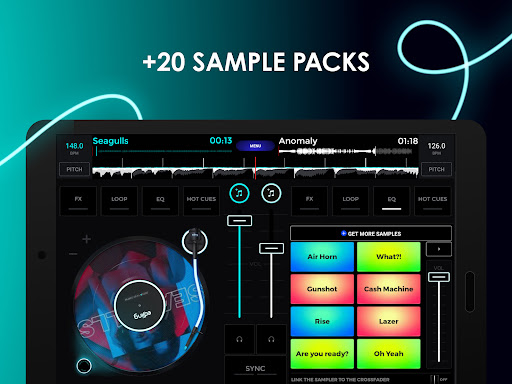
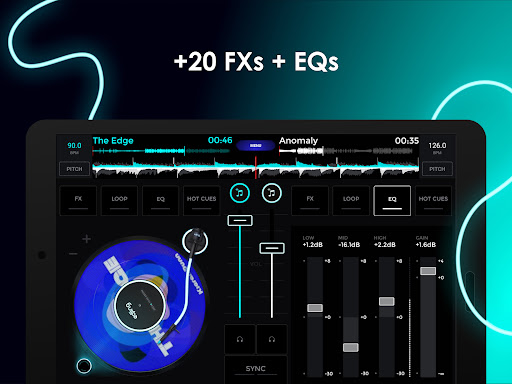
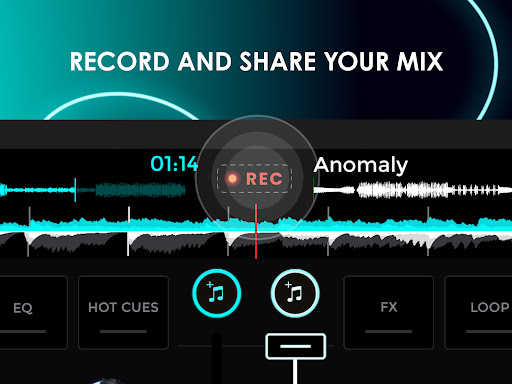
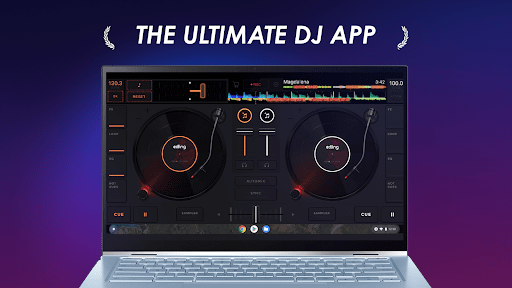
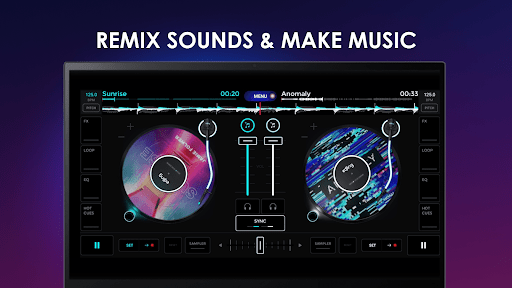
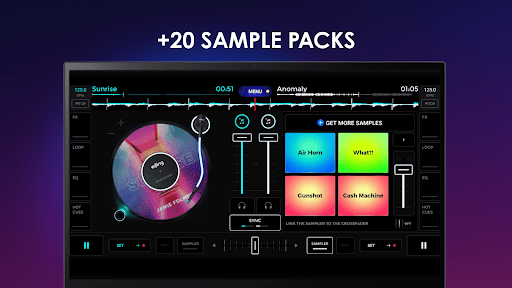
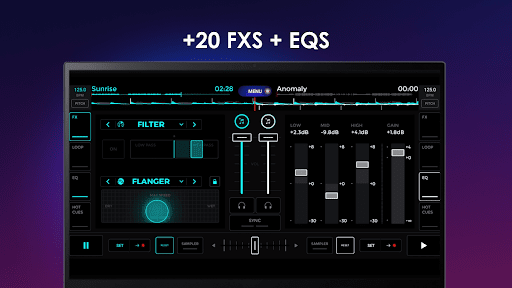
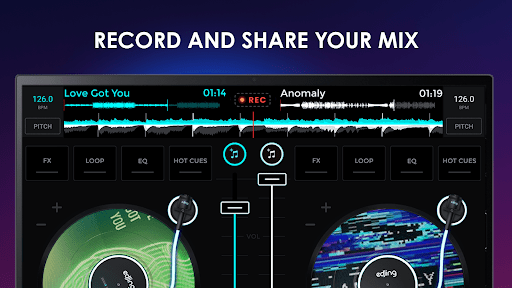
A mobile DJ studio that lets you mix, scratch, and record using local files and streaming sources (TIDAL, SoundCloud). It offers auto-BPM detection and sync, EQ and gain, pro effects and filters, loops, cue points, a sampler with genre packs, vocal/drum/instrument separation, HD WAV recording, and hardware integration (e.g., Pioneer DDJ‑200).
Verdict
Verdict: A polished, feature-rich DJ app great for learning and on-the-go mixing, but the free tier’s ads and occasional BPM quirks may frustrate power users.
Who is it for
Best for:
- Beginners and hobbyists who want an intuitive, touch-friendly DJ setup
- Mobile DJs and musicians needing quick mixes, stems, and on-device recording
- DDJ‑200 owners or users who value TIDAL/SoundCloud integration
Not ideal for:
- Pros demanding desktop-grade precision, libraries, and routing flexibility
- Users who want a fully free, ad-light experience without subscriptions
- Those needing advanced library management or multi-Bluetooth output
Real-world User Experience
Users like it:
Responsive controls, realistic turntable feel, easy learning curve, strong effects and sampler, reliable recording, seamless mixing with crossfader and sync, and smooth hardware pairing (DDJ‑200). Many report long-term satisfaction and use it for actual gigs or track sketching.
Users complain about:
Ad-heavy free version and paywalls/subscription prompts; occasional BPM misdetection or sound quality quirks; sporadic stability issues on some devices; premium restoration across new phones can be problematic; limited Bluetooth routing (can’t easily preview on headphones while playing to a speaker); missing integrations like Google Play Music.
Is it Worth Paying For?
Yes for serious hobbyists and mobile DJs: the subscription unlocks the full effects suite, sampler packs, advanced features, and removes disruptive ads—materially improving workflow and reliability. Casual users can experiment free, but the ad load and locked tools may hinder meaningful practice; a short subscription (or monthly) is a solid value during active use.
How it Compares to Alternatives
Against djay, edjing Mix feels similarly polished on touch, with competitive stems and effects; djay may edge ahead on library UX and Apple ecosystem depth, while edjing shines with approachable UI and genre sampler packs. Compared to Cross DJ, edjing offers broader content integrations and a friendlier learning curve, though Cross DJ often earns praise for beat detection stability. Desktop suites (Serato/rekordbox/VirtualDJ) still win on precision, routing, and library tools, but edjing provides the best blend of portability and capability on Android with DDJ‑200 compatibility.
Summary
edjing Mix delivers an accessible yet powerful mobile DJ environment that covers the essentials—auto-sync, cues, loops, EQ, effects—and stretches into pro-adjacent territory with stems separation, a capable sampler, WAV recording, streaming integrations, and DDJ‑200 hardware support. Users laud its responsive feel, realistic mixing workflow, and quick results for practice, fun, or casual gigs. The trade-offs are a heavy ad footprint in the free tier, subscription gating for advanced tools, and occasional BPM/stability quirks and Bluetooth limitations. If you’re learning to DJ or need a portable rig to sketch and record mixes, the premium experience is worth it; pros needing deep routing and library management may still prefer desktop, but edjing Mix is one of the strongest mobile options—especially on Android.
Ratings
Trending APP









Alternative to this app









