
Copyright 2026 © swekartor. All Rights Reserved.



App Feature
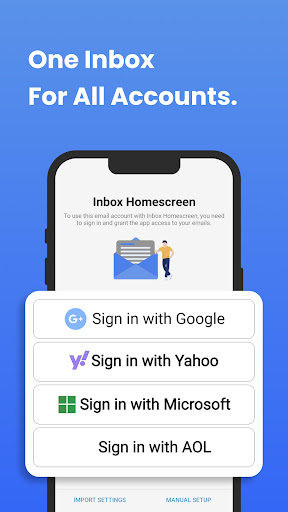
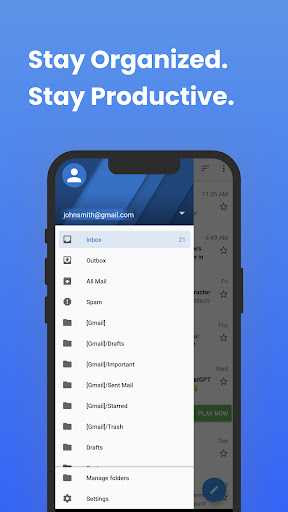
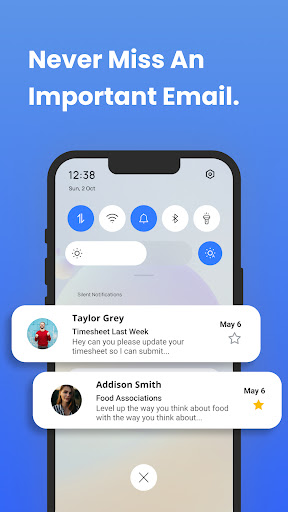
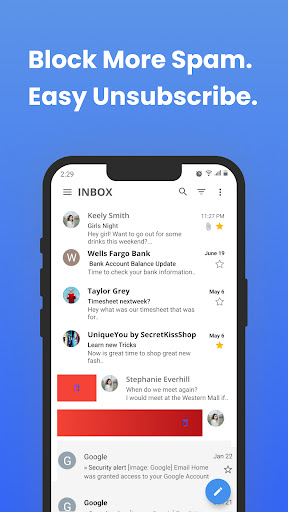
Inbox Homescreen is an email-focused Android launcher that consolidates multiple email accounts (Gmail, Outlook, Yahoo, etc.) into a unified inbox, adds smart management tools (filters, prioritization, scheduled send), and offers homescreen customization (themes, layouts). It also replaces your default homescreen search with Yahoo and surfaces quick-access utilities.
Verdict
Verdict: A convenient email-first launcher that boosts inbox efficiency, but trade-offs in search defaults, ads, and phone/launcher quirks may deter power users.
Who is it for
Best for:
- Users who want all email accounts unified on the homescreen with bulk actions.
- Anyone seeking a simple, battery-friendly launcher with quick email access.
- People who value basic customization (themes/layouts) over deep tweaking.
Not ideal for:
- Users who want to keep their current search provider or avoid ad-supported apps.
- Those needing full-featured phone/contacts integration or iCloud/Apple Mail reliability.
- Accessibility-focused users requiring robust text scaling and dark-mode controls.
Real-world User Experience
Users like it:
Unified inbox works reliably and helps capture emails missed by other apps; bulk delete speeds up cleanup; simple UI feels easier to navigate; organizes apps neatly; perceived as lighter on battery; initial skepticism often turns to satisfaction after a few days.
Users complain about:
Text appears small and interface is very white with limited in-app scaling/dark options; icons can be rearranged unexpectedly when switching launchers; difficulty locating phone/contacts shortcuts; Apple Mail/iCloud setup can be unreliable; search engine switches to Yahoo by default; presence of ads.
Is it Worth Paying For?
Free with ads and no IAP. There’s no paid upgrade to remove ads; value is good if you accept the ad-supported model and the search-default change.
How it Compares to Alternatives
Compared to Gmail, Outlook, and Yahoo Mail, Inbox Homescreen differentiates by acting as a launcher that centers email on the homescreen with unified inbox and bulk actions. However, dedicated email apps typically offer deeper account-specific features, tighter calendar/contact integrations, and better accessibility options. Versus general launchers (e.g., Niagara, Microsoft Launcher), this app is more email-centric but less flexible for broader customization and may handle phone/contacts integration less cleanly. The mandatory switch to Yahoo search is a notable trade-off not common in most alternatives.
Summary
Inbox Homescreen blends a launcher with an email hub, giving fast access to multiple accounts, useful inbox tools (filters, prioritization, scheduling), and light customization. Users report meaningful productivity gains—especially with unified inbox and bulk deletion—along with smooth navigation and decent performance. The downsides are practical: small, bright UI with limited accessibility controls, potential confusion around icons and phone/contacts shortcuts, spotty Apple Mail support, ads, and an automatic switch to Yahoo search. If your priority is streamlined email triage from the homescreen and you’re comfortable with the search change and ad model, it’s a strong, free option; if you need richer accessibility, deep phone integration, or control over search defaults, consider sticking with a dedicated email client or a more flexible launcher.
Ratings
Trending APP












Alternative to this app









