
Copyright 2026 © swekartor. All Rights Reserved.



App Feature
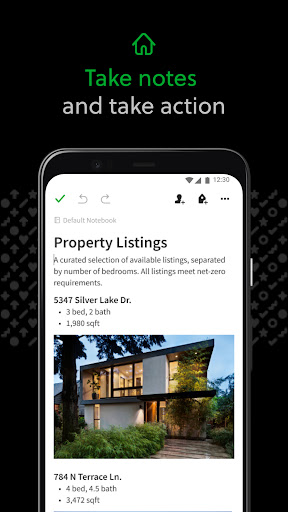
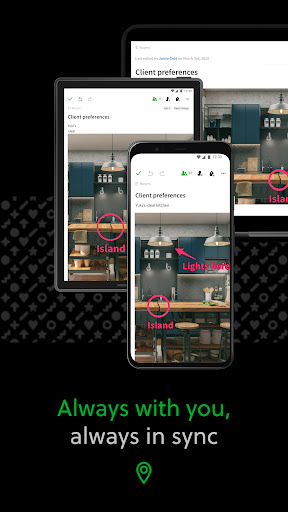
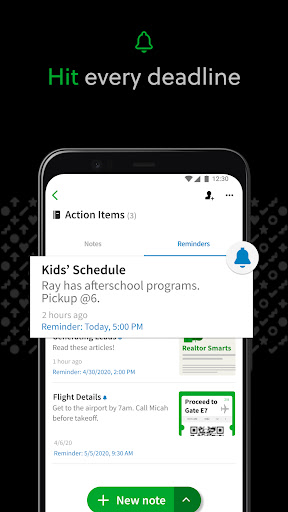
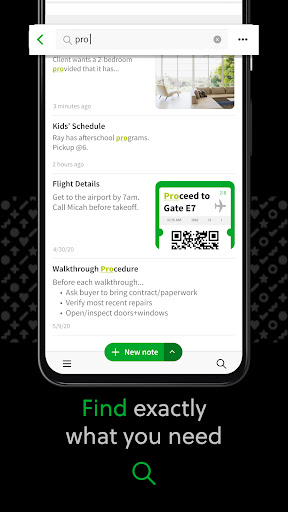
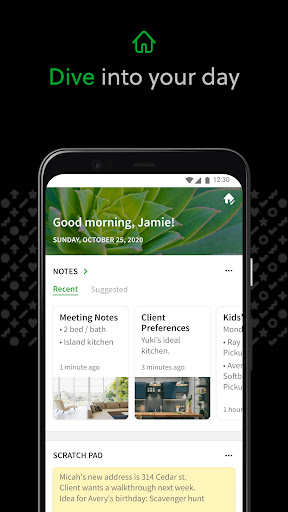
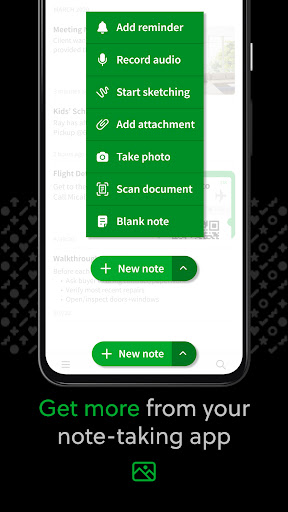
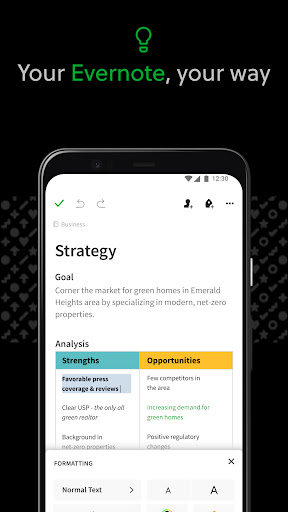
Evernote - Note Organizer centralizes notes, tasks, and schedules into searchable notebooks that sync across devices. It supports rich content (text, images, PDFs, scans, audio, web clippings), Google Calendar integration, tasks with due dates/reminders, a customizable Home dashboard, powerful search (including text in images/handwriting), and sharing/collaboration via notebooks and Spaces.
Verdict
Verdict: A powerful cross‑platform notebook for capturing everything, best for organization and archiving rather than heavy document editing.
Who is it for
Best for:
- Users who want a unified, searchable archive of mixed media notes, scans, and web clippings
- People working across multiple devices/OS who need seamless sync and quick recall
- Teams or students who benefit from shared notebooks, tasks, and calendar-linked notes
Not ideal for:
- Power users needing advanced word‑processor features or polished long‑form layout
- Those who require flawless, fast mobile performance and perfect search parity with legacy versions
Real-world User Experience
Users like it:
Clean, calming UI that makes quick or lengthy note‑taking easy; reliable cross‑device sync; flexible organization with notebooks/tags and powerful search that can find text in images; strong capture tools (web clipper, document scanning); Home dashboard improvements and parity with desktop sorting; useful for writers and as a personal ‘file cabinet.’
Users complain about:
Android app performance can feel slow; search results sometimes miss notes versus legacy behavior; missing quality-of-life features like mass export; not a full Microsoft Word replacement; some users find it less ideal for strict GTD compared with specialized apps.
Is it Worth Paying For?
The free version is capable for basic capture and cross‑device access, while paid plans (IAP) add more capacity and advanced features suited to heavy scanners, large archives, and collaboration. If you rely on scanning, large attachments, and sharing, the upgrade can be worthwhile; casual note‑takers may be fine on free.
How it Compares to Alternatives
Compared with Google Keep, Evernote offers deeper structure, richer attachments, scanning, and advanced search but is heavier and less instant. Versus Microsoft OneNote, Evernote focuses more on capture/search and less on canvas‑style notebooks; OneNote is great for free‑form class notes. Against Notion, Evernote is faster for quick capture and OCR while Notion excels in databases and wiki‑style workspaces but can be slower offline. Evernote stands out for web clipping, document scanning, and cross‑platform reliability.
Summary
Evernote - Note Organizer remains a top choice for capturing and organizing everything—from text notes and task lists to scans, PDFs, and web pages—into a searchable, synced workspace. Users praise its clean UI, robust capture tools, and powerful search, with recent updates improving parity across platforms. Downsides include occasional Android slowness, search quirks compared with legacy versions, and limited document‑authoring features. For individuals and teams who value frictionless capture, archival organization, and access anywhere, it delivers strong value on the free tier and justifies a paid upgrade for heavy use and collaboration.
Ratings
Trending APP












Alternative to this app









