
Copyright 2026 © swekartor. All Rights Reserved.




App Feature
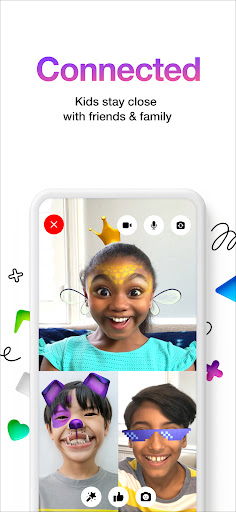
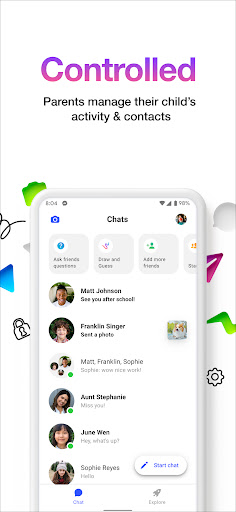
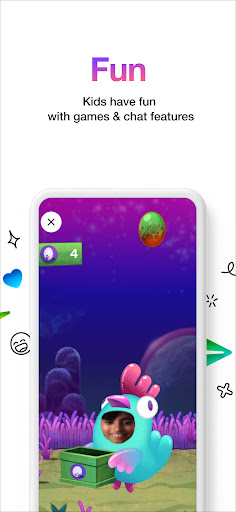
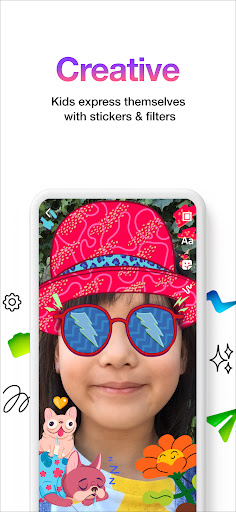
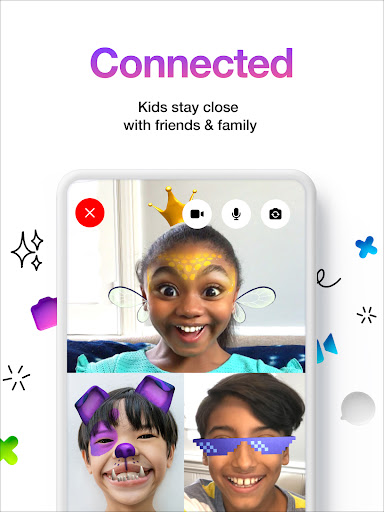
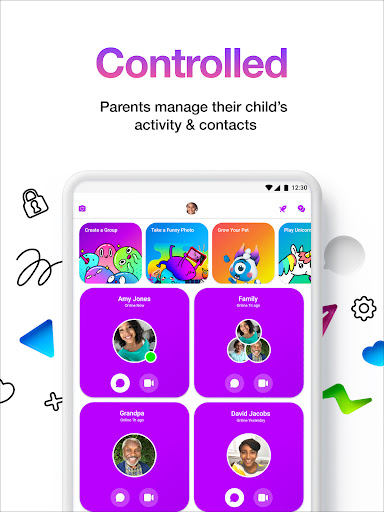
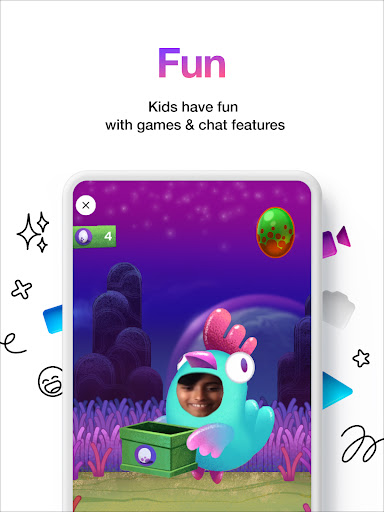
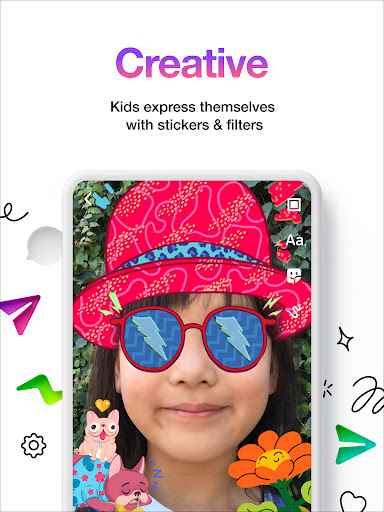
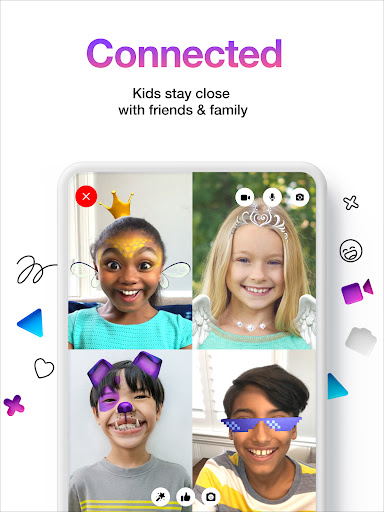
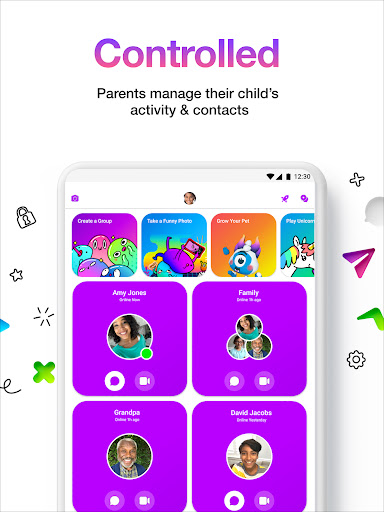
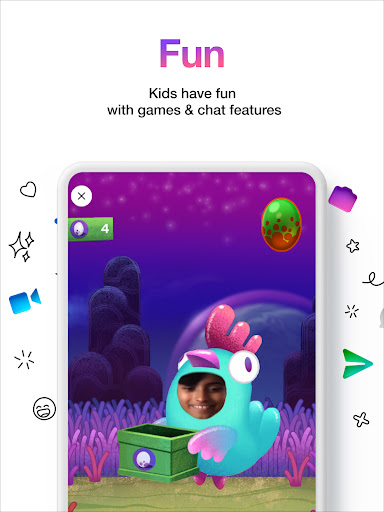
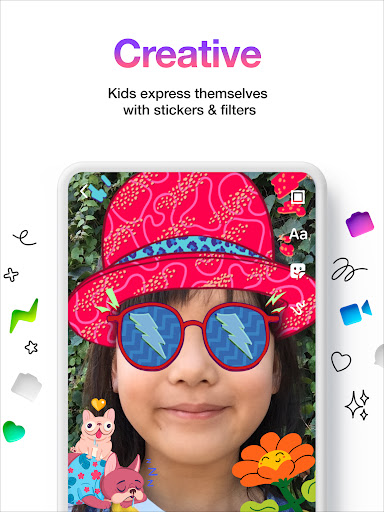
Messenger Kids is a free, kid-focused messaging and video calling app with robust parental controls. Parents manage contacts, limits, and safety from a Parent Dashboard, while kids enjoy stickers, GIFs, drawing tools, fun filters, and group or one-on-one chats—all without ads or in‑app purchases and no phone number required.
Verdict
Verdict: A strong, safety-first messenger for children, best when parents want supervision and kids want playful features, but occasional glitches and missing options may frustrate power users.
Who is it for
Best for:
- Parents who want granular control over kids’ contacts, features, and screen time
- Kids who like playful filters, stickers, games, and easy video calls with family/friends
- Families needing a no‑ads, no‑IAP messaging option without a phone number
Not ideal for:
- Teens or adults seeking privacy, customization, or advanced chat features
- Users needing rock‑solid performance on video calls and instant message delivery
- Anyone wanting open networks or importing profile photos from the device gallery
Real-world User Experience
Users like it:
Easy communication with friends and family; fun filters and effects; simple setup without a phone number; strong parental oversight (contact approval, content controls, notifications when blocking/reporting); group video calls and playful mini‑games; multiple child accounts with easy switching.
Users complain about:
Intermittent glitches and lag (freezing on video calls, slow or delayed message sending, occasional profile/contact visibility issues); inconsistent notifications and slower rollout of updates for some; limited customization (no gallery upload for profile pics, desire for custom ringtones, chat backgrounds); feature gaps like true audio‑only calls, screen sharing, and richer drawing tools; some videos fail to load.
Is it Worth Paying For?
The app is free with no ads and no in‑app purchases, making it an excellent value for families. There’s nothing to buy, so the main tradeoff is occasional instability and limited customization.
How it Compares to Alternatives
Compared to standard Messenger, WhatsApp, Discord, or Telegram (generally intended for 13+), Messenger Kids prioritizes parental control and a closed contact ecosystem. Versus iMessage with Screen Time or Google Family Link plus SMS, it offers richer kid‑centric features (filters, games) and built‑in supervision without requiring a phone number. Video platforms like Zoom/Meet work for calls but lack persistent kid‑safe messaging and parent-managed contact lists. Messenger Kids wins on safety and playfulness, while alternatives often beat it on performance, customization, and broader interoperability.
Summary
Messenger Kids – The Messaging is a parent‑supervised, kid‑friendly communication app that blends safety and fun. Parents control contacts, usage limits, and safety settings from a dedicated dashboard while kids enjoy stickers, GIFs, drawing tools, filters, and group video calls—without ads, IAPs, or a phone number. Real‑world feedback praises its ease for families and robust oversight but notes periodic call freezing, message delays, notification quirks, and limited customization (no gallery profile photo, no custom ringtones, no screen sharing). If you need a secure, playful environment for younger children to stay in touch under parental guidance, it’s one of the best free options; if you prioritize advanced features, flawless performance, or teen‑level privacy and flexibility, alternatives may fit better.
Ratings
Trending APP












Alternative to this app









