
Copyright 2026 © swekartor. All Rights Reserved.



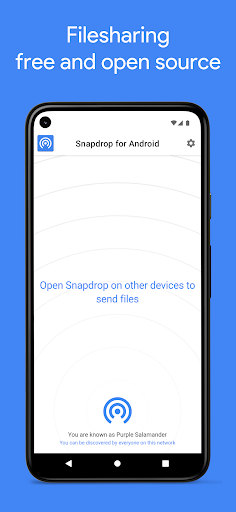
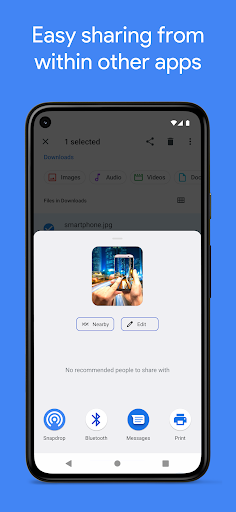
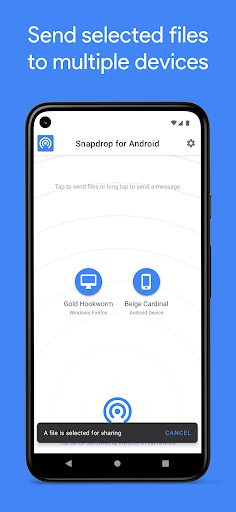
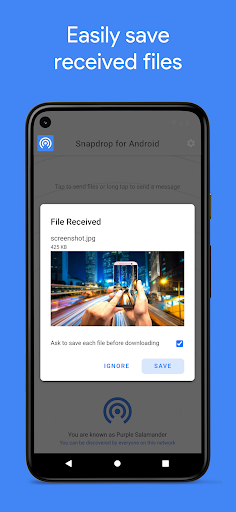
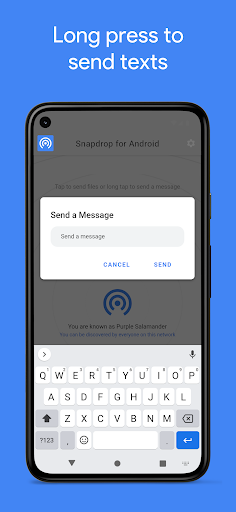
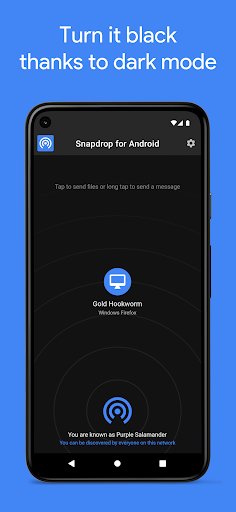
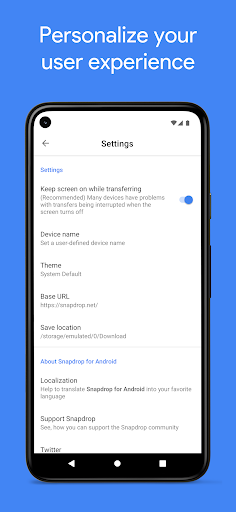
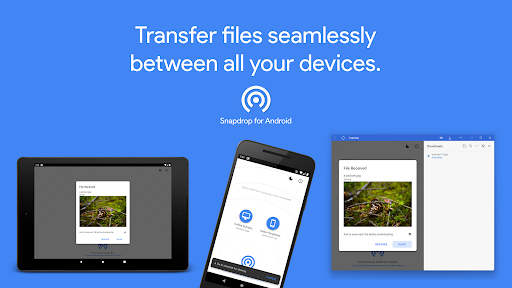
App Feature
PairDrop (formerly Snapdrop for Android) is a free, open-source client that lets you transfer files locally over Wi‑Fi between Android, iOS, Windows, macOS, and Linux using PairDrop/Snapdrop’s peer‑to‑peer, browser-based protocol. It integrates with the Android share sheet for one-tap sending, works without cables or accounts, and emphasizes privacy with direct, encrypted device-to-device transfers.
Verdict
Verdict: A fast, privacy-friendly local file transfer app that shines for cross‑platform sharing, but may feel rougher than native options on some desktops.
Who is it for
Best for:
- People who frequently move files between Android and PCs/iOS on the same Wi‑Fi
- Privacy‑minded users who want direct, peer‑to‑peer transfers with no ads or accounts
- Teams/classrooms that need quick, lightweight, cross‑platform sharing without setup
Not ideal for:
- Users wanting cloud backup, remote (over‑internet) transfers, or automatic sync
- Those who prefer deep OS‑level integration like AirDrop or Nearby Share
- Environments with unreliable Wi‑Fi/LAN where peer‑to‑peer connections struggle
Real-world User Experience
Users like it:
Simple, fast local transfers that work across platforms; easy share‑sheet integration on Android; open‑source, no ads, no accounts.
Users complain about:
On Windows, downloaded files can be flagged as from an untrusted source, requiring extra confirmation—adding minor friction.
Is it Worth Paying For?
It’s free with no ads or in‑app purchases, delivering strong value for quick, private LAN transfers. There’s nothing to buy, and the free experience is complete.
How it Compares to Alternatives
Compared to AirDrop, Nearby Share, or Quick Share, PairDrop is less tightly integrated but works across all major platforms. Versus SHAREit/Send Anywhere, it’s simpler, ad‑free, and local‑first (no accounts), though it lacks cloud relays and extras. KDE Connect offers broader device integration (notifications/controls) but requires more setup. The web version of Snapdrop/PairDrop works without the app, but the Android app streamlines sharing via the system share sheet.
Summary
PairDrop for Android focuses on fast, private, and hassle‑free local file sharing across Android, iOS, Windows, macOS, and Linux. Its open‑source nature, lack of ads, and Android share‑sheet integration make everyday transfers quick and dependable on the same network. While it doesn’t replace native, OS‑integrated solutions for seamlessness, and Windows may add an extra trust prompt on downloads, it excels as a lightweight, cross‑platform utility for secure, peer‑to‑peer transfers—especially if you regularly move photos, videos, or documents between phones and computers.
Ratings
Trending APP












Alternative to this app









