
Copyright 2026 © swekartor. All Rights Reserved.



App Feature
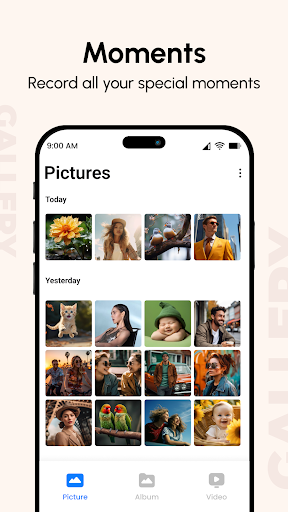
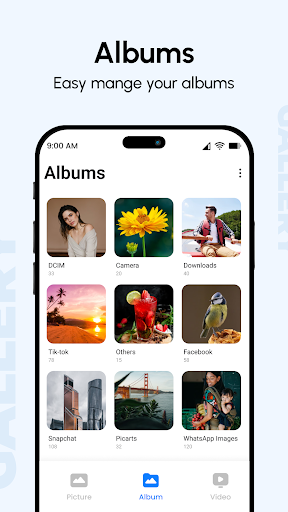
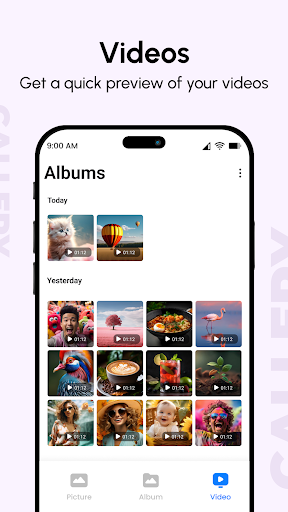
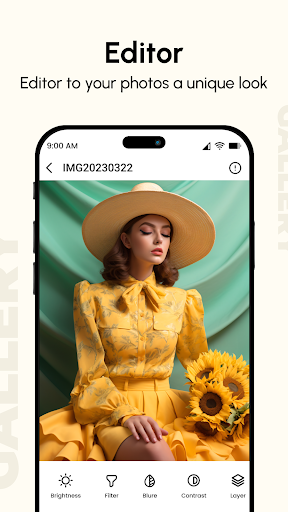
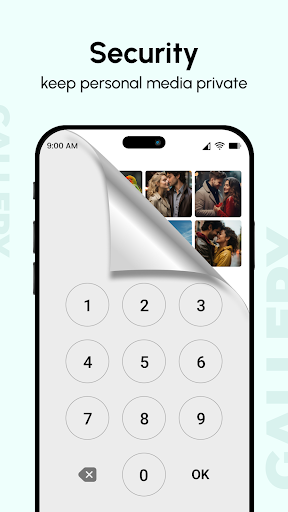
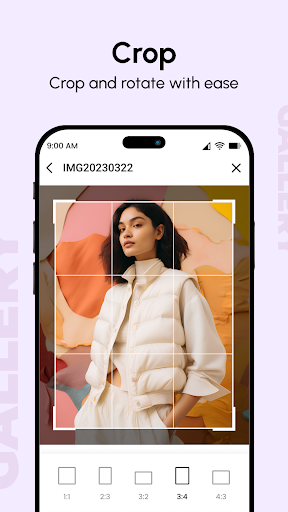
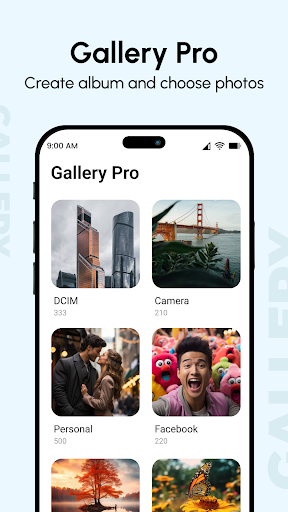
Gallery is a free photo and video manager that organizes media by date, location and folders, offers quick editing (crop, exposure, color), supports slideshows and GIFs, and adds privacy tools to hide/lock albums with a PIN. It also touts backup/sync options and an after-call shortcut for quick access.
Verdict
Verdict: A capable, privacy-friendly gallery replacement with light editing, but ads and mixed reliability claims may deter power users.
Who is it for
Best for:
- Users who want a simple, fast photo viewer with basic edits
- People who value hiding/locking private photos and albums
- Anyone seeking an alternative to Google Photos’ cloud-centric approach
Not ideal for:
- Power users needing advanced editing, AI search, or seamless cross-device sync
- Anyone who dislikes ads or is wary of aggressive “recovery/backup” promises
Real-world User Experience
Users like it:
Reviewers praise its simplicity, intuitive navigation, quick loading, album management, and rich-looking color rendering. Many switched from Google Photos and appreciate local control, easy sharing, and the ability to organize large libraries.
Users complain about:
Common complaints include intrusive ads, friction with password prompts, and skepticism around recovery/backup claims (some say it only found photos already on the phone). A few users note onboarding nags and confusing prompts.
Is it Worth Paying For?
The app is free with ads and offers in-app purchases (likely for ad removal or premium features). If you plan to use it daily and the ads bother you, paying to remove them can be worthwhile; otherwise the free version is adequate for basic viewing and organizing.
How it Compares to Alternatives
Compared to Google Photos, Gallery favors local organization and privacy over cloud-first features and advanced search/AI. Versus Samsung Gallery on Galaxy devices, it’s a competent substitute but may feel less integrated. Against minimalist options like Simple Gallery, it adds extras (slideshow, after-call access, hide/lock) but includes ads unless you upgrade.
Summary
Gallery delivers a straightforward, fast photo manager with essential editing and robust privacy controls (hide/lock), making it a practical replacement for cloud-centric gallery apps. Its organization tools, slideshow, and broad file support cover everyday needs, while local-first management appeals to users who prefer privacy and simplicity. However, ads, occasional prompts, and questionable recovery/backup expectations may frustrate some. If you want a clean, offline-friendly gallery with lockable albums and can tolerate or remove ads, this is a solid pick.
Ratings
Trending APP












Alternative to this app









