
Copyright 2026 © swekartor. All Rights Reserved.



App Feature
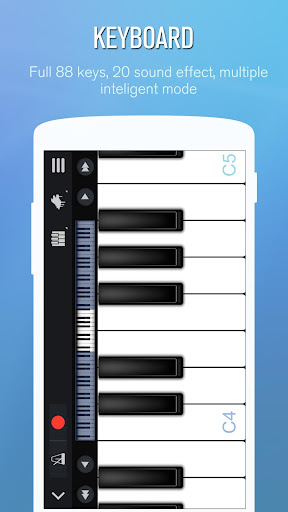
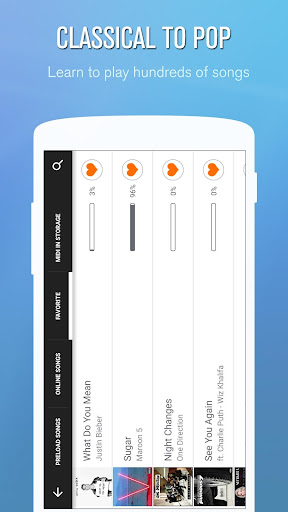
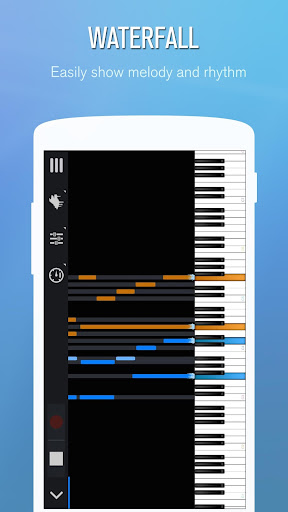
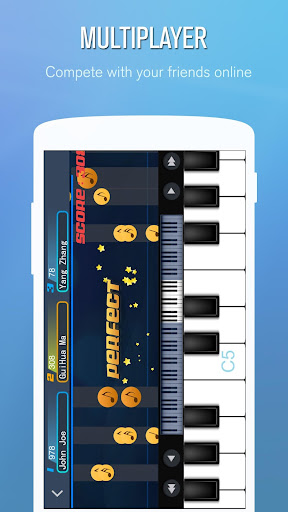
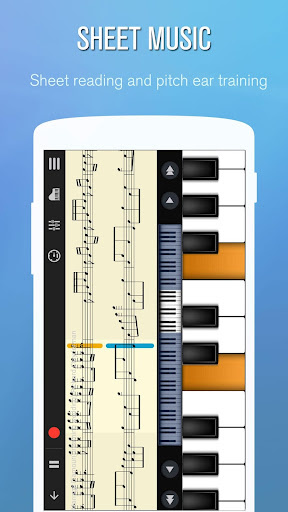
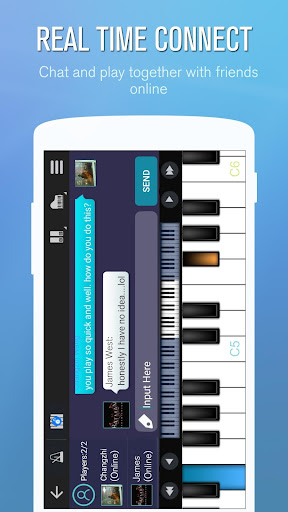
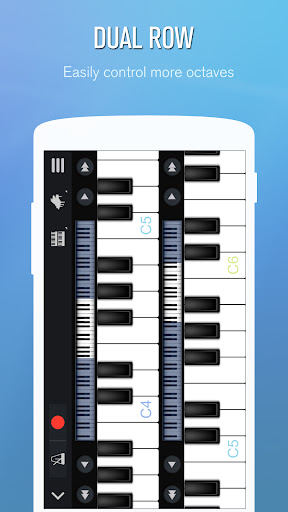
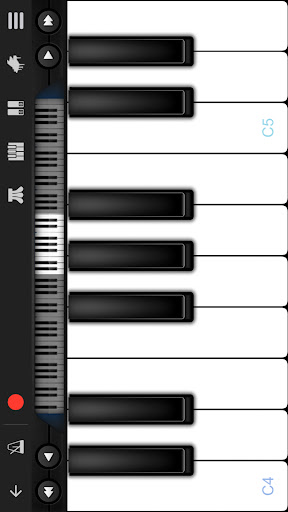
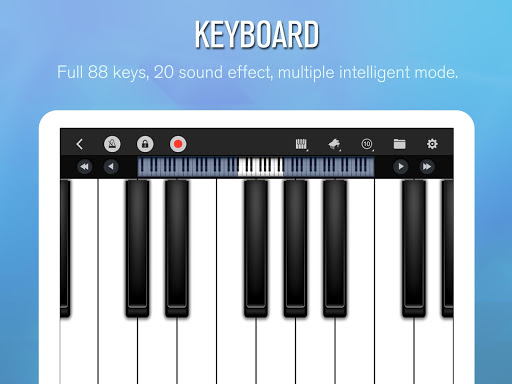
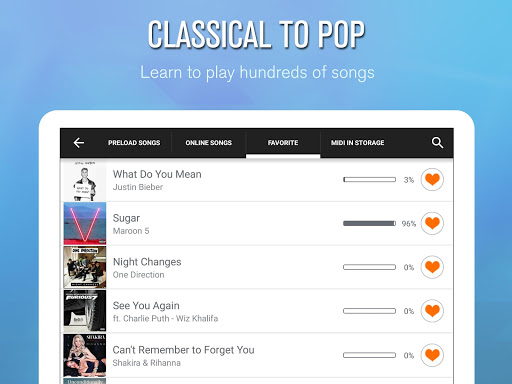
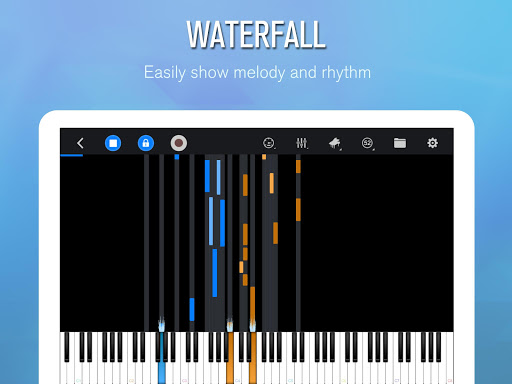
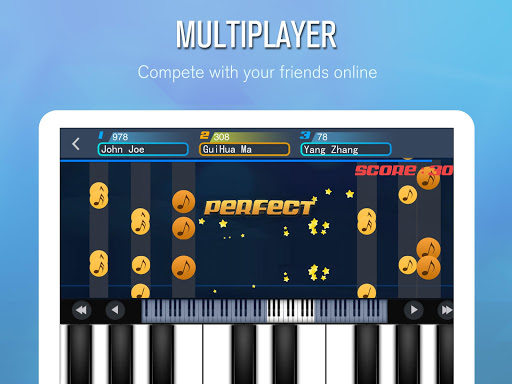
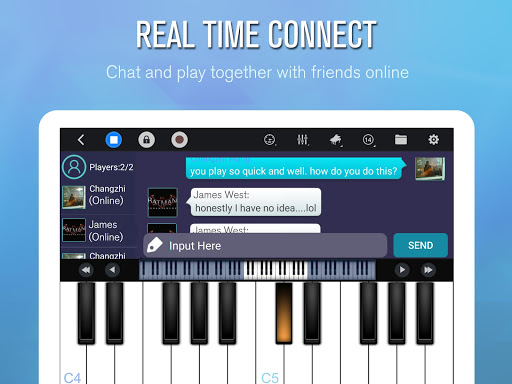
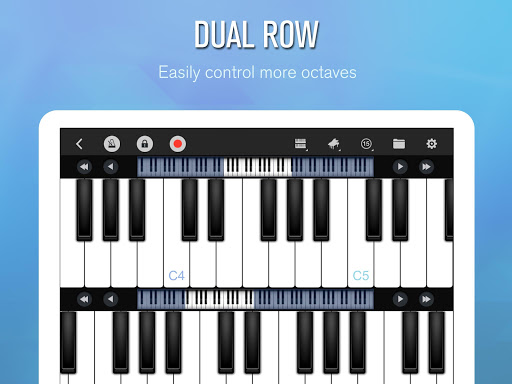
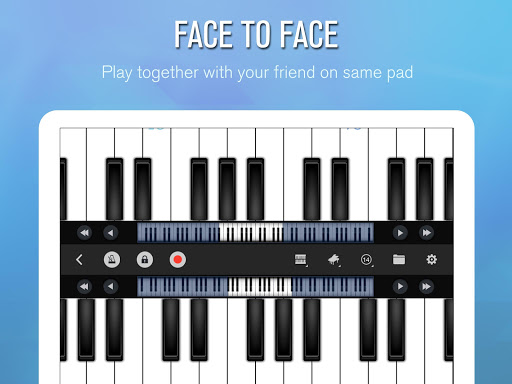
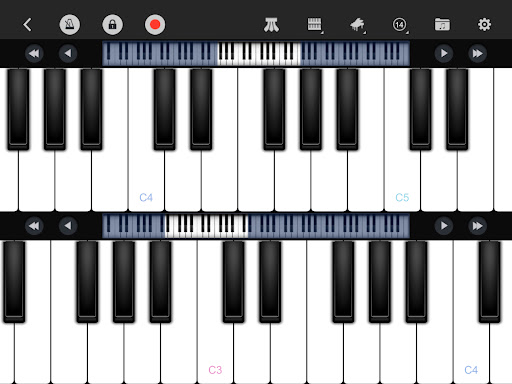
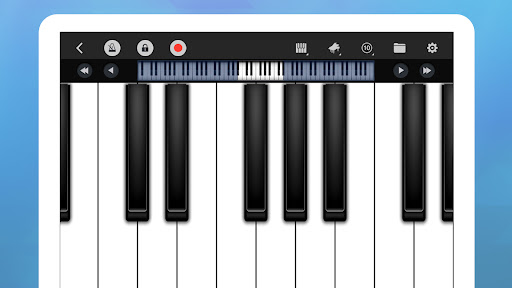
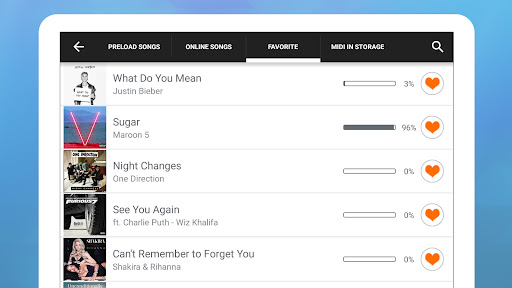
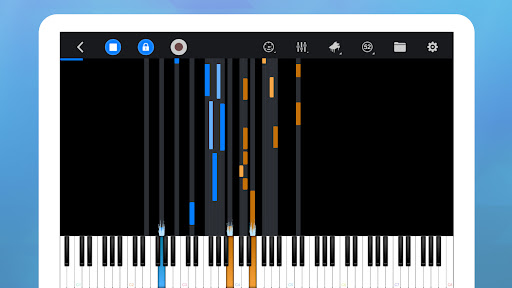
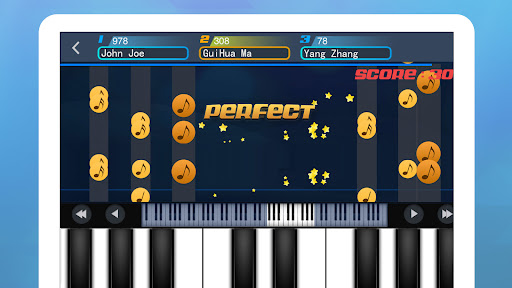
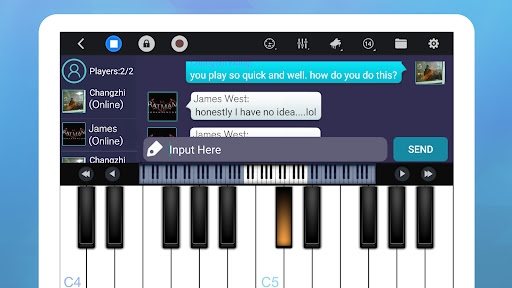
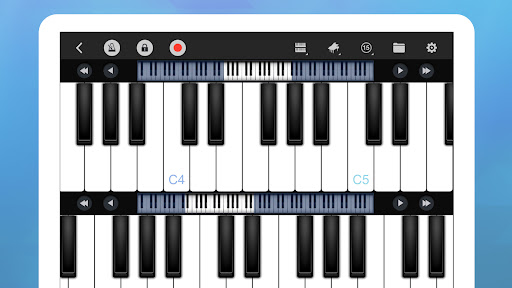
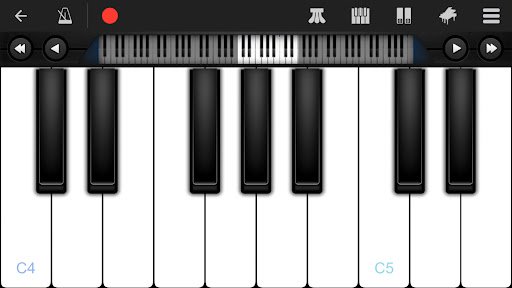
Perfect Piano is a full-featured piano keyboard simulator for Android with realistic timbre, multitouch polyphony, multiple layouts (single/double row, dual players, chord mode), a large song-learning library with guided play modes, recording (MIDI/ACC), metronome, timbre plug-ins, USB MIDI keyboard support, MusicXML/MIDI notation, and real-time multiplayer with chat and challenges.
Verdict
Verdict: A capable, free piano simulator that balances learning, play, and community, but ad interruptions and small-screen limitations may frustrate some users.
Who is it for
Best for:
- Beginners and hobbyists wanting a realistic, portable piano with guided songs
- Musicians who need a quick reference keyboard, metronome, and simple recording
- Players interested in multiplayer jams, challenges, and varied instrument sounds
Not ideal for:
- Serious learners seeking structured, curriculum-based lessons and progress tracking
- Users who are sensitive to ads or want a fully ad-free free tier
- Players on very small screens who struggle with complex fingerings
Real-world User Experience
Users like it:
Reliable, realistic piano sound with accurate pitch and true polyphony; flexible layouts (chords mode, two-player), adjustable key width, and low latency; fast start with no forced sign-in; robust free features including song library and recording; varied instrument plug-ins; helpful for vocalists and composers to find pitches; long-term stability reported by many.
Users complain about:
Ads appear when leaving the keyboard and can feel intrusive; keys can be too small for complex passages on phones; desired features like easier versions of hard songs, hands/single-hand modes, simple looping, and exporting video to device storage; occasional confusion about VIP/ad behavior and ad availability for unlocking plug-ins; minor OS-specific annoyances (e.g., battery notification).
Is it Worth Paying For?
The free tier is generous and sufficient for casual practice, song learning, and recording. In-app purchases likely remove ads and/or unlock more content or instruments; consider paying if ads bother you or you want the full library and convenience. If you mainly need a quick, portable keyboard, staying free is great value.
How it Compares to Alternatives
Compared with lesson-first apps like Simply Piano or Yousician, Perfect Piano focuses more on a realistic keyboard experience, tools, and community than on structured pedagogy. Against game-like titles (e.g., Piano Tiles), it offers genuine playing, recording, and MIDI/MusicXML support. Versus other simulators (e.g., Real Piano, Walk Band), it stands out with multiplayer, chord mode, broad plug-ins, and USB MIDI support but has more ad friction than some paid competitors.
Summary
Perfect Piano earns its popularity by combining a convincing piano feel, flexible layouts, and a deep feature set—learning modes, recording, plug-ins, and even real-time multiplayer—into a free, approachable app. It shines as a portable practice and creativity tool for beginners and casual musicians, and it doubles as a handy pitch and composition aid. The trade-offs are ad interruptions outside the keyboard view, small-screen ergonomics for complex pieces, and a less structured learning path than paid lesson apps. If you value a realistic, capable piano on your phone with community features and can tolerate ads (or pay to minimize them), this is one of the strongest all-around choices on Android.
Ratings
Trending APP









Alternative to this app









