
Copyright 2026 © swekartor. All Rights Reserved.



App Feature
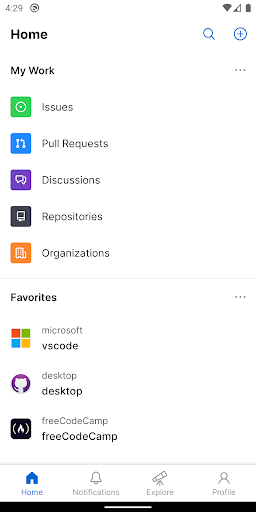
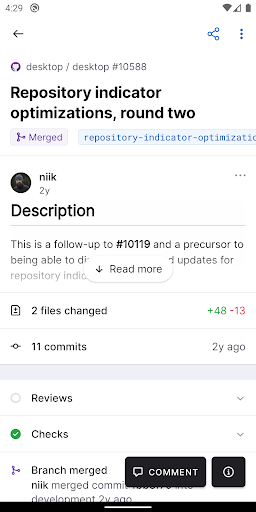
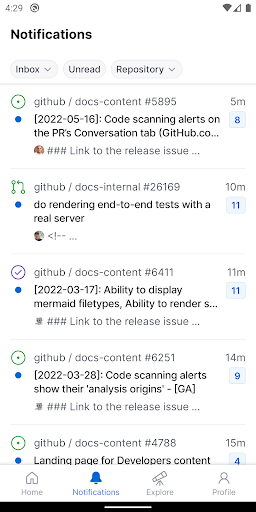
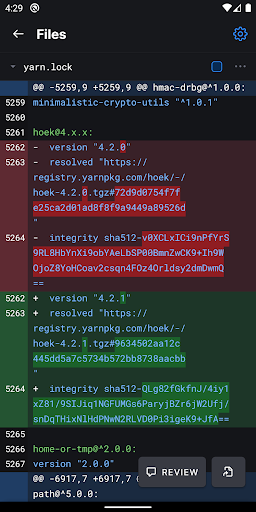
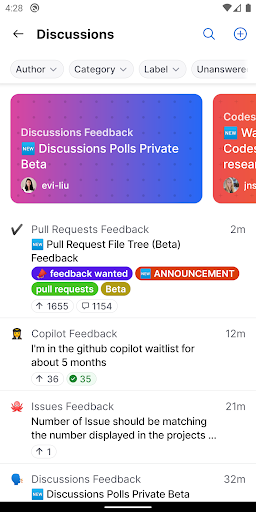
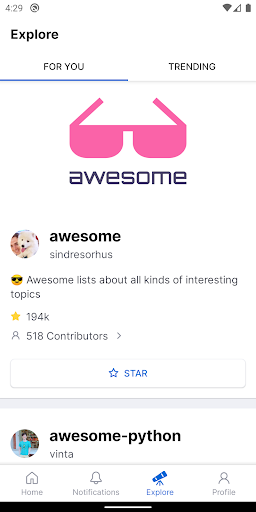
GitHub for Android focuses on triaging notifications, browsing repositories and code, discussing issues and pull requests, and performing light project management (labels, assignees, projects) with the ability to review and merge PRs on the go.
Verdict
Verdict: An excellent companion app for triage and code reviews, but not a full desktop replacement for advanced Git workflows.
Who is it for
Best for:
- Developers and maintainers who need to review/merge PRs and reply to issues on the go
- Team leads triaging notifications and organizing issues with labels, assignees, and projects
- Open-source contributors who want quick mobile access to discussions and code browsing
Not ideal for:
- Power users needing advanced Git operations (branching, blame/history, complex diffs) and repo settings
- Anyone expecting full IDE-like editing or project administration from a phone
- Users on older/low-end devices where performance and usability may suffer
Real-world User Experience
Users like it:
Clean, minimal UI that makes notifications, issues, and PR reviews fast; strong for keeping work moving with quick comments and merges; dependable daily companion for many workflows; good integration with GitHub’s ecosystem and responsive improvements over time.
Users complain about:
Occasional need to switch to the browser due to missing features (file search by name, branch switching, blame/history, creating branches/PRs, trending); sporadic slowness and intrusive notifications for some; earlier login friction (Google sign-in); not a full-featured desktop replacement.
Is it Worth Paying For?
The app is free with no ads; in-app purchases are optional and not required for core functionality. For most users, the free version provides excellent value.
How it Compares to Alternatives
Compared to third‑party GitHub clients, the official app offers tighter integration, smoother notifications, and reliable PR review/merge flows, though some niche features (advanced search/history tools) may be better in specialized clients. Versus GitLab/Bitbucket mobile apps, GitHub’s client feels more polished for discussions and triage, but—like competitors—still defers heavy Git tasks to desktop. The mobile web works in a pinch, but the app’s navigation, notifications, and native interactions are faster and more pleasant.
Summary
GitHub for Android is a polished, purpose-built companion for staying on top of issues, discussions, and pull requests from your phone. With a strong rating and millions of installs, it nails the essentials: triage notifications, browse code, comment, and even merge PRs with a clean, native experience. It isn’t meant to replace a desktop environment—advanced Git operations, deep repo administration, and sophisticated code browsing are limited—so power users may still jump to a browser or desktop. Still, for day-to-day collaboration and keeping projects moving while away from your desk, it’s one of the best mobile tools available, free and ad-free, with optional IAP that isn’t necessary for core use.
Ratings
Trending APP












Alternative to this app









