
Copyright 2026 © swekartor. All Rights Reserved.



App Feature
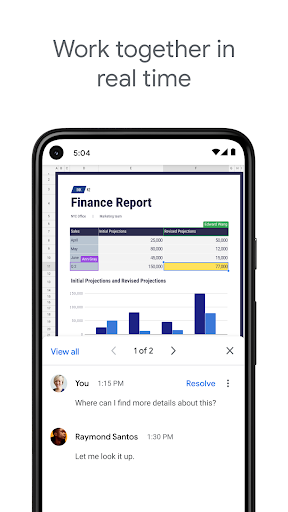
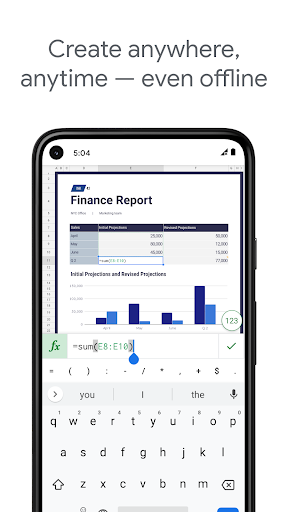
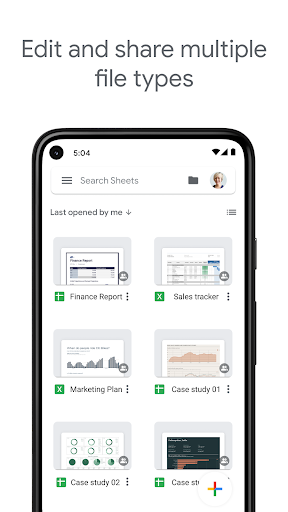
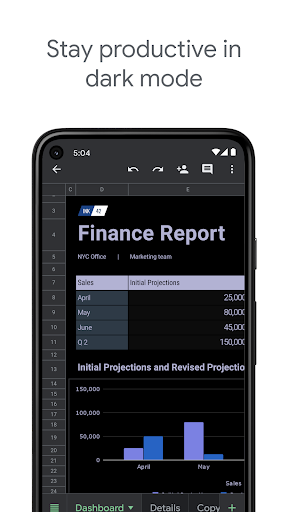
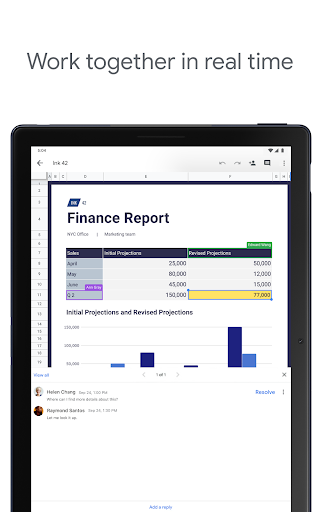
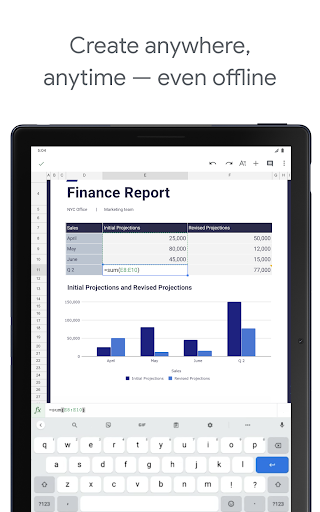
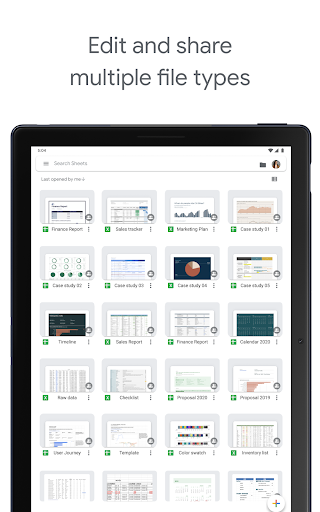
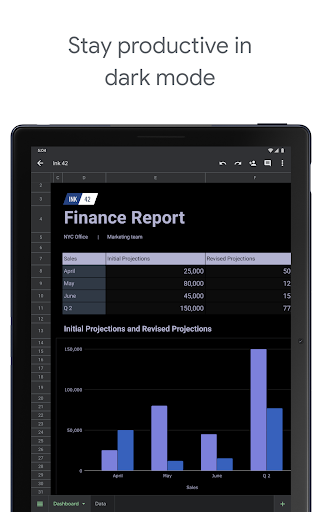
Google Sheets is a free, cloud-first spreadsheet app for Android that lets you create, edit, and collaborate in real time, with automatic saving, offline access, smart suggestions, Excel compatibility, comments, charts, formulas, sorting/filtering, conditional formatting, and data validation.
Verdict
Verdict: A top-tier mobile spreadsheet for real-time collaboration and reliability, though some desktop-level features are still better on the web or in Excel.
Who is it for
Best for:
- Teams needing real-time collaboration, version history, and auto-save
- Students, freelancers, and professionals managing data on the go
- Users working across devices who value seamless cloud sync and Excel import/export
Not ideal for:
- Power users requiring advanced chart editing and full desktop feature parity
- Users on older or low-spec Android devices with compatibility/performance limits
- Workflows that rely on Excel-specific macros or complex desktop-only features
Real-world User Experience
Users like it:
Fast, stable, and more capable than many mobile spreadsheet apps; excellent real-time collaboration with visible live edits, automatic saving, offline work, and reliable Excel compatibility. Users praise conditional formatting, data validation, charts, and helpful UI touches like time-entry widgets. Many prefer it over Excel mobile due to better performance and broader web-app feature carryover.
Users complain about:
Occasional 'view-only' or loading issues on mobile that sometimes require clearing cache or reinstallation; some features (notably chart editing and certain advanced options) are limited on Android compared to the web; navigation can be slow with many sheets; zoom control complaints; sporadic device compatibility and update-related friction.
Is it Worth Paying For?
Free with no ads or IAP. Google Workspace subscriptions add enterprise-grade features (admin controls, enhanced collaboration, integrations, and AI insights). For most individuals, the free version is more than sufficient; organizations may find strong value in Workspace.
How it Compares to Alternatives
Versus Microsoft Excel mobile: Sheets offers smoother cloud sync, always-on auto-save, and superior real-time collaboration; Excel remains stronger for some advanced/legacy desktop features and macro-heavy workflows. Versus Zoho Sheet/WPS: Sheets benefits from broader ecosystem integration (Drive, Workspace, AI), stronger collaboration maturity, and massive adoption. Apple Numbers is polished but iOS-only.
Summary
Google Sheets on Android delivers a reliable, collaboration-first spreadsheet experience with automatic saving, offline access, smart formatting, and solid Excel compatibility. It shines for teams and individuals who need to co-edit and access data anywhere, and it often outperforms Excel’s mobile app for everyday tasks. However, some advanced features—especially chart editing and certain desktop-level options—remain easier on the web or in Excel, and a subset of users report occasional view-only/loading glitches and navigation pain with many tabs. For most users, the free version is excellent; organizations that want governance, integrations, and advanced collaboration should consider Google Workspace.
Ratings
Trending APP












Alternative to this app









