
Copyright 2026 © swekartor. All Rights Reserved.


App Feature
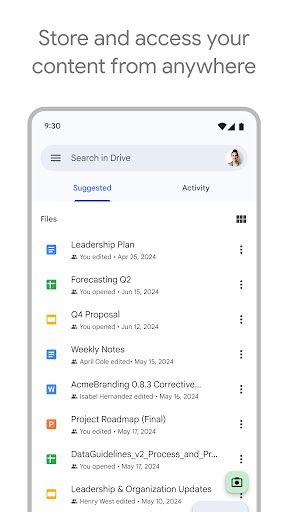
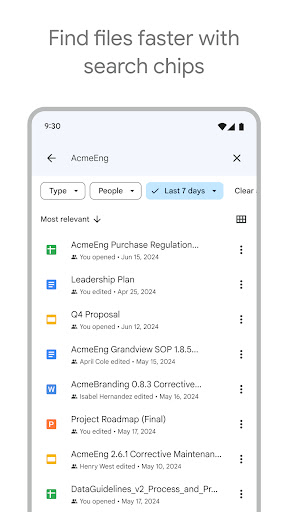
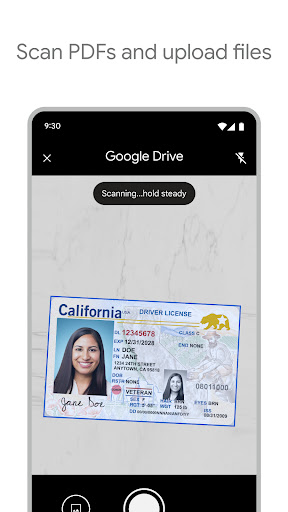
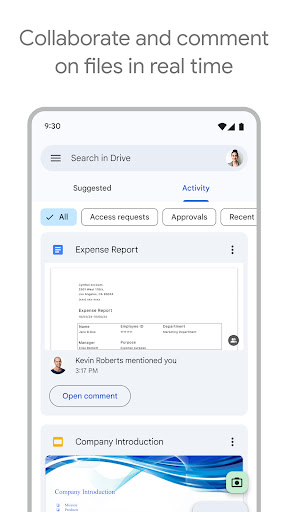
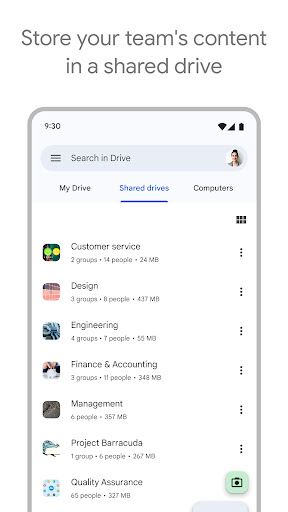
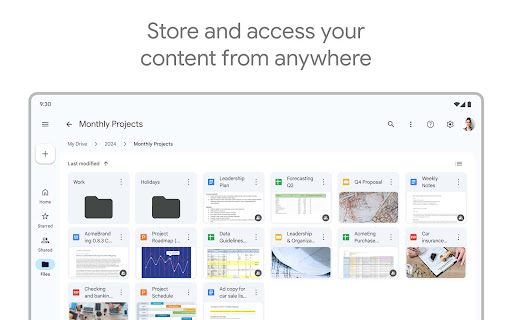
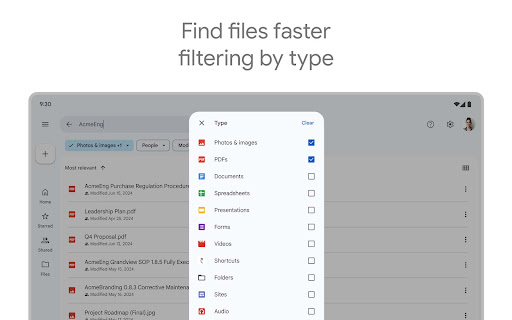
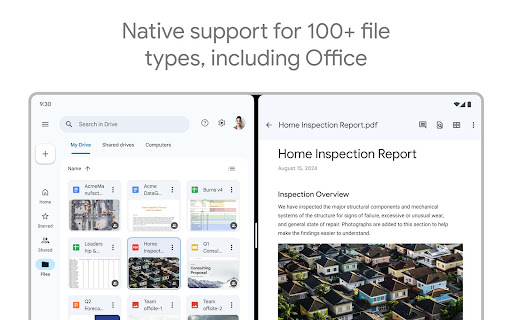
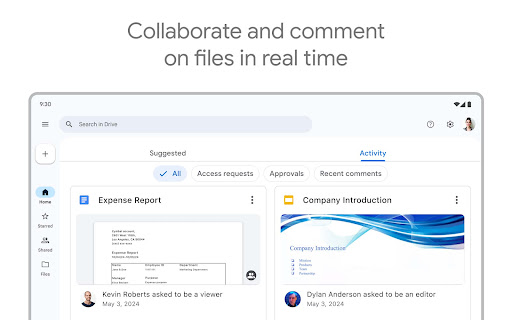
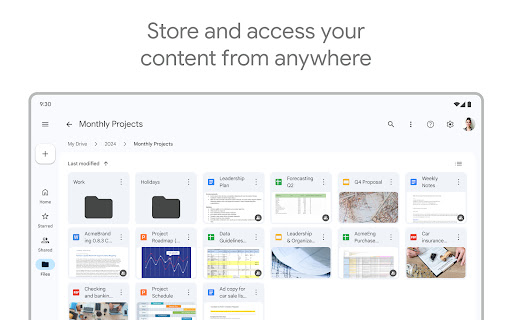
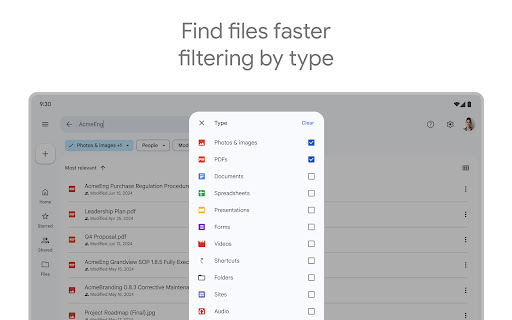
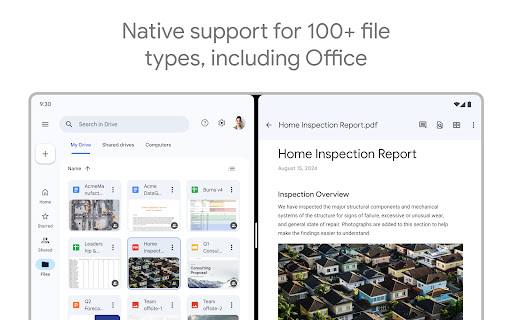
Google Drive is a cross‑device cloud storage and collaboration service that lets you store, organize, search, share, and work on 100+ file types (Docs, Sheets, PDFs, images, video) with offline access, granular permissions, scanning, and tight integration with Google Workspace.
Verdict
Verdict: A reliable, ubiquitous cloud drive with excellent collaboration, though occasional app glitches and limited free storage can frustrate heavy users.
Who is it for
Best for:
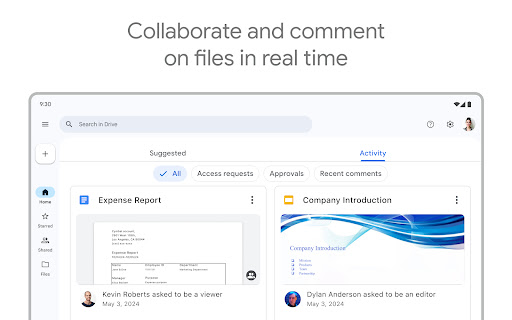
- Students, professionals, and teams needing real‑time document collaboration and easy sharing
- Users embedded in the Google ecosystem (Gmail, Docs, Android) needing seamless sync across devices
- Organizations on Google Workspace seeking admin controls, shared drives, and AI assistance
Not ideal for:
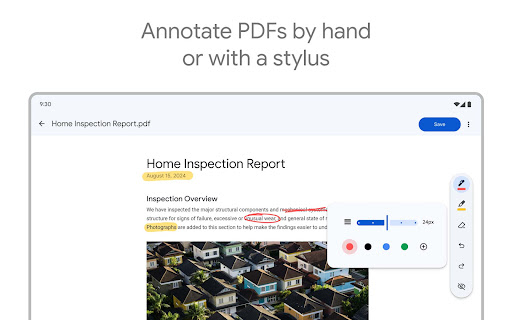
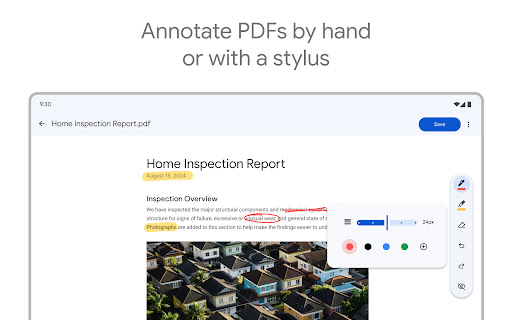
- Power PDF editors needing native in‑app text editing/annotation without format changes
- Users who require large free quotas or separate storage from Gmail/Photos
- Those wanting advanced media playback controls or fine UI customization
Real-world User Experience
Users like it:
Smooth cross‑device syncing, dependable backups, simple sharing and permissions, clean interface, strong integration with Docs/Sheets, useful offline access, and overall reliability for personal, school, and work use.
Users complain about:
Intermittent app issues after updates (stuck uploads, crashes, sharing panel hanging) that sometimes require reinstalling; desire for native PDF text editing; occasional delays in sync visibility; UI/UX nitpicks (video letterboxing), and storage confusion due to shared quota with Photos/Gmail.
Is it Worth Paying For?
The 15GB free tier (shared across Drive/Gmail/Photos) is great for most light users. If you store lots of media or collaborate heavily, Google One is reasonably priced (e.g., 100GB from ~$1.99/month in the US) and integrates seamlessly. Workspace subscribers gain admin controls, shared drives, and AI features—good value for teams needing governance and productivity extras.
How it Compares to Alternatives
Versus Dropbox: Drive wins on built‑in office suite and free quota; Dropbox often edges out on third‑party app integrations and power‑user sync polish. Versus OneDrive: OneDrive fits best in Microsoft 365 workflows; Drive leads for Google Docs collaboration and Android integration. Versus Box: Box excels in enterprise compliance and content governance; Drive offers broader consumer adoption and simpler everyday collaboration. For Android and Google ecosystem users, Drive is typically the most convenient default.
Summary
Google Drive pairs massive reach with dependable file syncing, easy sharing, and best‑in‑class collaboration through Google’s editors, plus offline support and robust search. Reviews highlight strong reliability and convenience, with occasional Android app hiccups (uploads, crashes, sharing dialogs) that updates or reinstalls often resolve. The shared 15GB free quota is a generous start but can fill quickly if Gmail and Photos are active; paid Google One plans are affordable and unlock stress‑free storage. For individuals, students, and teams—especially those already using Google Workspace—Drive remains a top choice for everyday cloud storage and collaboration.
Ratings
Trending APP












Alternative to this app









