
Copyright 2026 © swekartor. All Rights Reserved.


App Feature
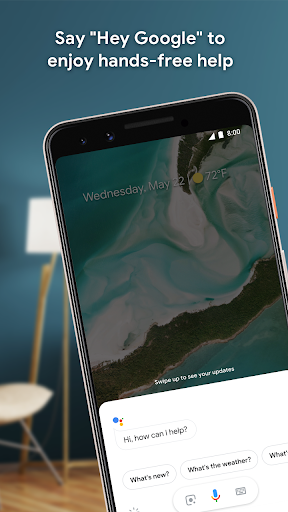
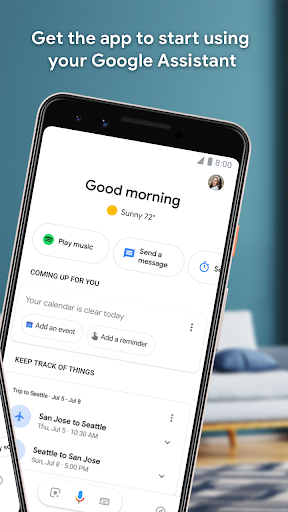
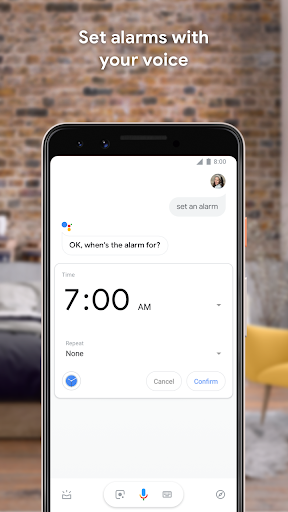
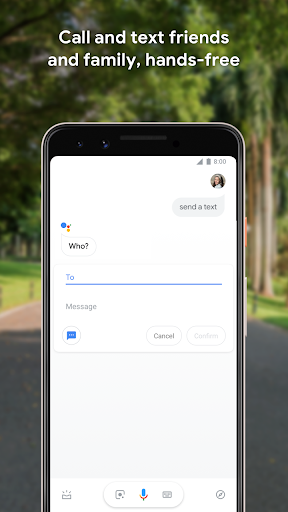
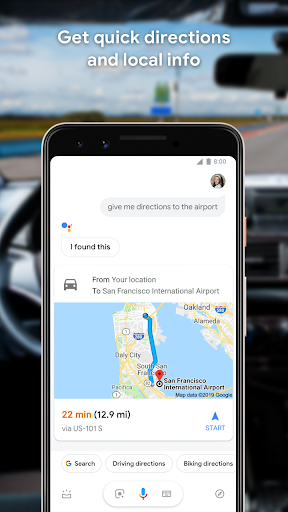
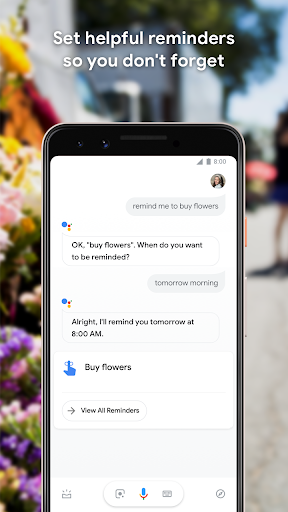
Google Assistant is a free, hands‑free voice assistant that helps you control your phone and smart home, place calls and texts, manage reminders and routines, search the web, and get directions—now with an optional opt‑in to Gemini for expanded AI responses.
Verdict
Verdict: A powerful everyday voice assistant with deep Android integration and smart‑home control, but reliability hiccups and Gemini transition bumps can frustrate power users.
Who is it for
Best for:
- Android users who want hands‑free control for calls, texts, navigation, and quick tasks
- Smart‑home owners using Google Home/compatible devices who rely on routines
- Drivers or multitaskers needing voice‑first interactions and automation
Not ideal for:
- Users requiring flawless always‑listening activation or offline functionality
- Those who dislike changing features or the current Gemini opt‑in shift
- Privacy‑sensitive users who prefer minimal voice data usage and links to third‑party services
Real-world User Experience
Users like it:
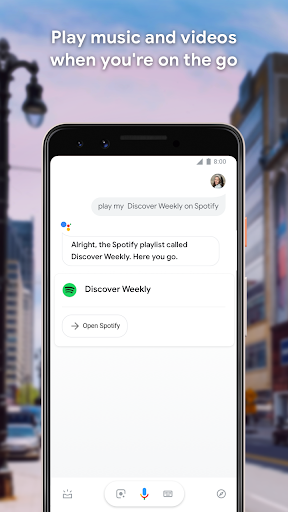
Fast hands‑free help for daily tasks, reliable answers, excellent routines (e.g., weather + commute + music), strong device and smart‑home control, and broad cross‑device support. Many report meaningful quality‑of‑life benefits and safe driving assistance once configured properly.
Users complain about:
Intermittent reliability: wake word not responding, activation tone inconsistencies, Voice Match/language availability glitches, and occasional need to clear cache/retrain. Some fear useful features being deprioritized amid Gemini rollout, with reports of lost settings/voices and degraded hands‑free behavior on certain devices.
Is it Worth Paying For?
There is no cost, ads, or in‑app purchases—full core functionality is free; value is excellent if your device is compatible and stable.
How it Compares to Alternatives
Compared to Amazon Alexa, Assistant is stronger on Android phone control and Google services; Alexa remains excellent for Echo‑centric smart homes. Versus Apple Siri, Assistant generally offers broader search depth and routines but lacks Siri’s tight iOS lock‑screen/CarPlay privileges. Against Samsung Bixby, Assistant is more capable and widely supported. Gemini (optional) can enhance generative answers but may lack parity with classic Assistant actions during rollout, so traditional Assistant remains the more dependable choice for voice commands and routines today.
Summary
Google Assistant remains a cornerstone voice helper on Android: it launches apps, places calls, sends texts, manages reminders, and orchestrates smart‑home routines with minimal friction. The app’s huge adoption, strong integration with Google services, and thoughtful routines make it genuinely useful day‑to‑day and while driving. However, user reports highlight inconsistent wake word activation, occasional language/Voice Match issues, and some disruption during the Gemini transition (lost tones, voice options, or commands). If you want reliable hands‑free help and smart‑home control, Assistant delivers impressive value—just be prepared to troubleshoot (e.g., clear cache/data, retrain voice, re‑enable ‘Hey Google’) and consider holding off on Gemini if you need rock‑solid classic actions. As a free utility with no ads, it’s easy to recommend, especially for Android and Google Home users.
Ratings
Trending APP












Alternative to this app









