
Copyright 2026 © swekartor. All Rights Reserved.



App Feature
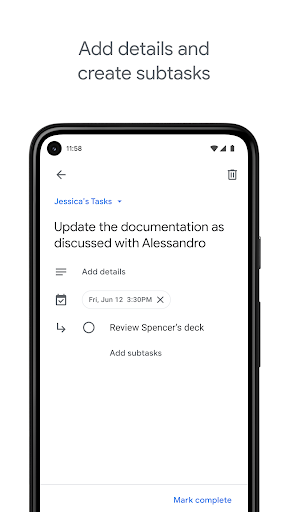
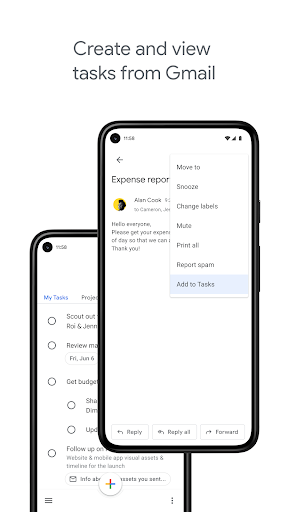
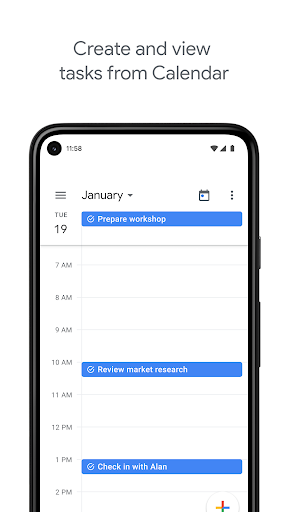
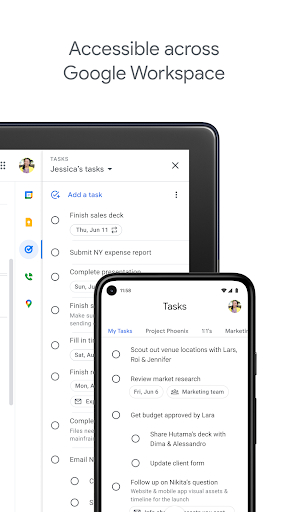
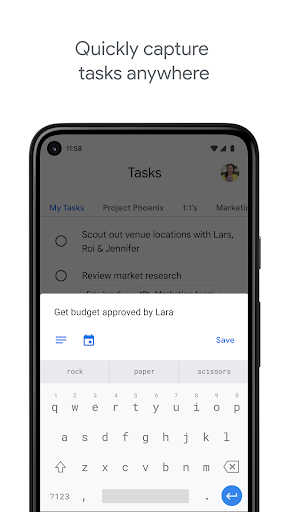
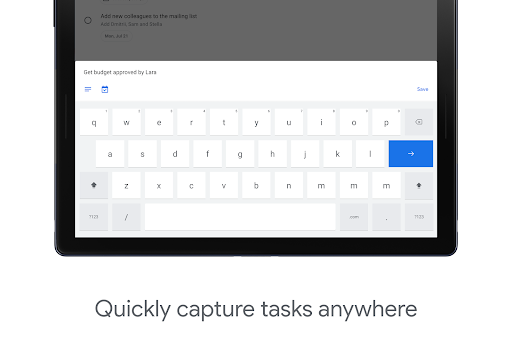
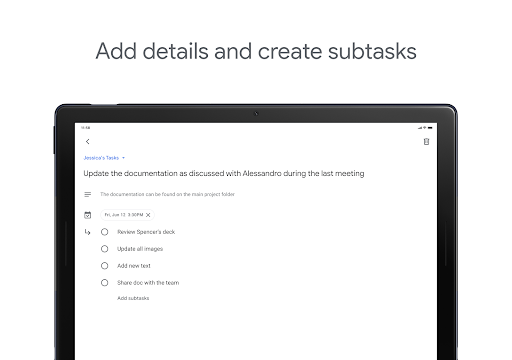
Google Tasks is a lightweight to‑do manager focused on capturing, organizing, and scheduling tasks and subtasks, with seamless Gmail and Google Calendar integration, cross‑device sync, and a clean, distraction‑free interface.
Verdict
Verdict: A fast, minimalist task app perfect for everyday to‑dos, but too simple for power users who need advanced project features.
Who is it for
Best for:
- People already using Gmail and Google Calendar who want effortless integration
- Users who prefer a clean, no‑frills task list with subtasks and reminders
- Anyone needing reliable, cross‑device sync and a handy mobile widget
Not ideal for:
- Power users needing tags, attachments, rich customization, or Kanban views
- Teams requiring robust collaboration, roles, and shared project workflows
- Users who want deep notification controls, custom sounds, or themes
Real-world User Experience
Users like it:
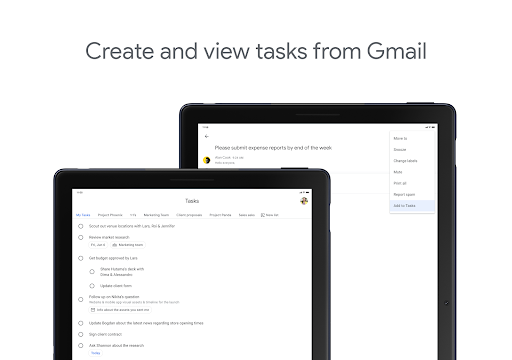
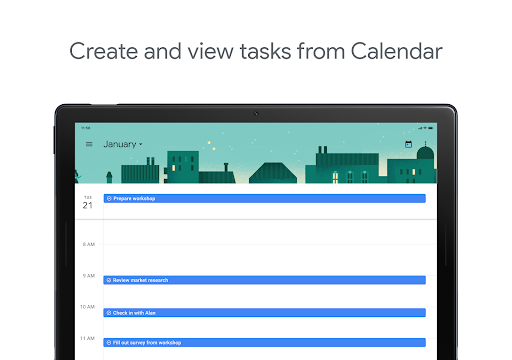
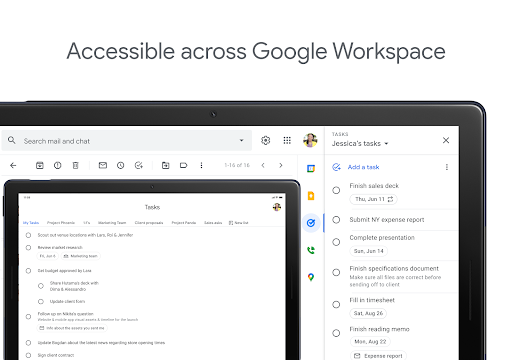
Simplicity and speed; easy list management with subtasks and stars; smooth drag‑and‑drop reordering; dependable sync across devices; strong Gmail/Calendar integration (including creating tasks from emails and seeing tasks on the calendar); satisfying check‑off and ability to view completed items; helpful widget; no ads and free.
Users complain about:
Limited customization (colors, fonts, per‑list colors); notification/reminder behavior can feel inconsistent or inflexible; missing rich content like images/attachments; desire for better mobile search and custom ringtones; minor workflow friction when assigning categories from email or moving items; historically sparse features compared to full‑featured competitors.
Is it Worth Paying For?
There are no ads or in‑app purchases—it's completely free. Given the reliability and Google integration, it offers excellent value at no cost.
How it Compares to Alternatives
Compared to Microsoft To Do, Todoist, Any.do, or TickTick, Google Tasks is simpler and more tightly integrated with Gmail/Calendar but lacks advanced capabilities (labels, filters, attachments, board views, collaboration, habit/pomodoro). Power users may prefer Todoist or TickTick for rich features and team workflows; casual users and Google Workspace users will appreciate Tasks’ minimalism and native integration.
Summary
Google Tasks delivers a clean, fast way to capture and organize to‑dos, with subtasks, reminders, and tight Gmail/Calendar integration that keeps action items in your daily flow. It syncs reliably, surfaces tasks created from emails, and stays out of your way—ideal for shopping lists, errands, and daily priorities. However, it trades depth for simplicity: customization is sparse, notifications feel basic, and advanced project or collaboration features are missing. If you live in the Google ecosystem and want a free, minimalist task list that just works, it’s an excellent choice; if you need power‑user tools, look to more feature‑rich alternatives.
Ratings
Trending APP












Alternative to this app









