
Copyright 2026 © swekartor. All Rights Reserved.


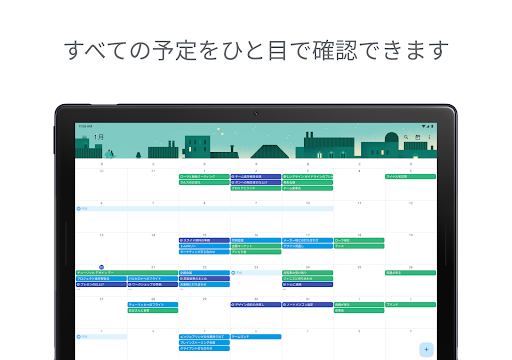
App Feature
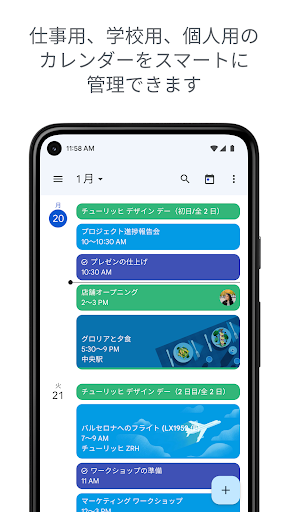
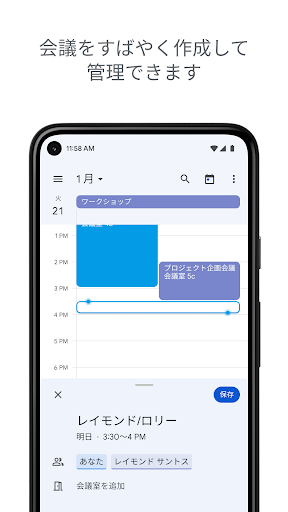
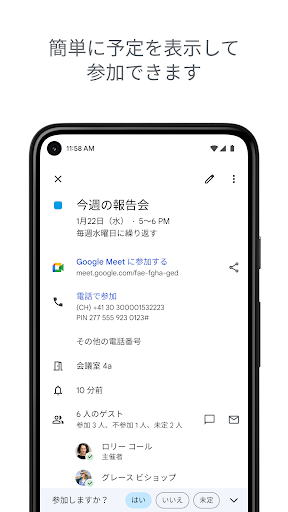
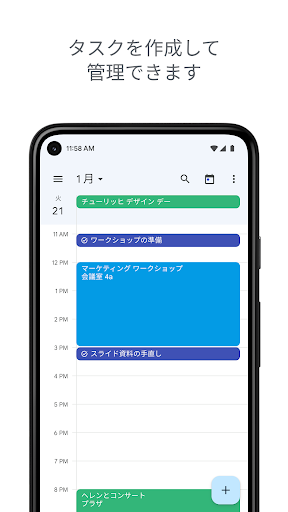
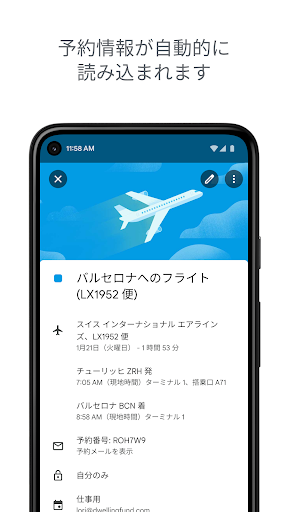
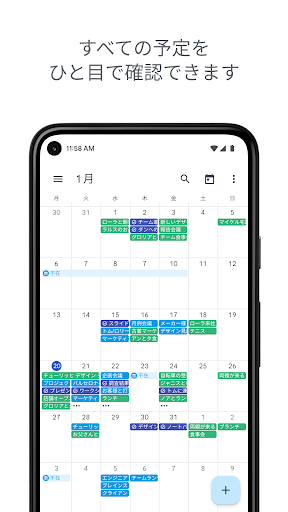
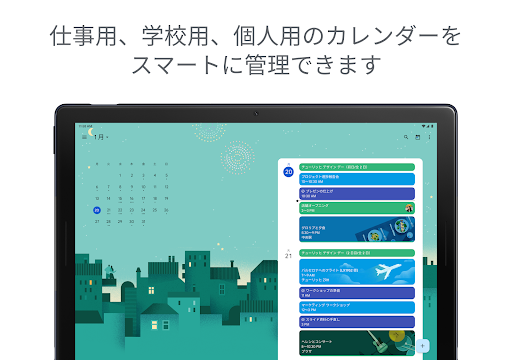
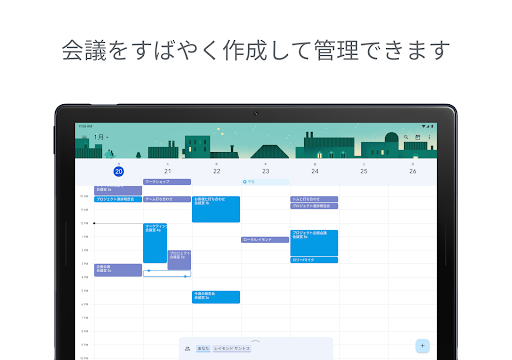
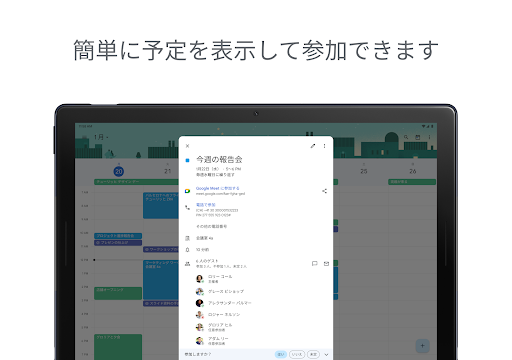
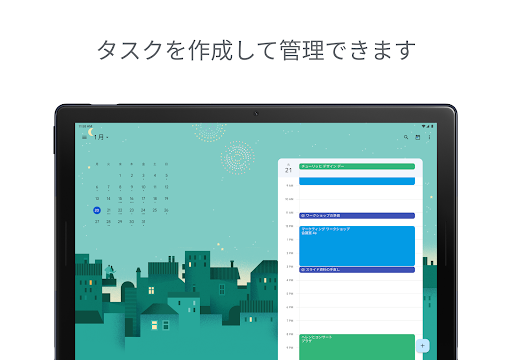
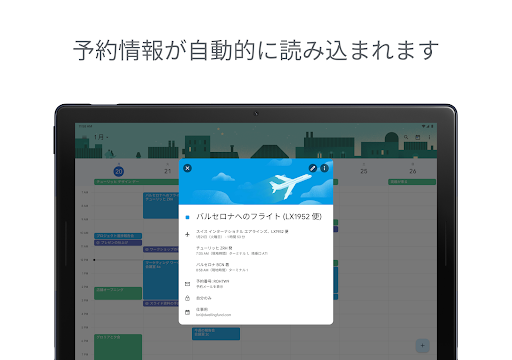
Google Calendar is a free, cross-device planner that organizes events, tasks, and shared schedules with tight Gmail/Workspace integration. It auto-imports reservations from Gmail, supports multiple calendars (including Exchange), offers month/week/day views, color-coding, widgets, Wear OS tiles/complications, and collaboration features like shared calendars, Meet links, working locations, and attached meeting docs.
Verdict
Verdict: A dependable, collaboration-friendly calendar that excels in Google ecosystem integration, but power users may miss deeper customization and advanced recurrence controls.
Who is it for
Best for:
- People embedded in Google Workspace/Gmail who want seamless sync across phone, tablet, Wear OS, and web
- Families/teams needing shared calendars, invites, and Meet integration
- Users who prefer simple task management alongside events
Not ideal for:
- Users needing extensive custom colors, printing, or advanced recurrence patterns
- Those who rely on granular notification behaviors or draggable/gesture-heavy editing on mobile
Real-world User Experience
Users like it:
Daily reliability, easy event entry and editing, cross-device sync, and shared calendars are praised. Many appreciate color-coding for quick visual scanning, helpful reminders, Workspace perks (availability checking, layered calendars, Meet links), and the convenience of tasks within the calendar. Users report it keeps them organized, reduces missed appointments, and plays nicely with partners’ or coworkers’ schedules.
Users complain about:
Some encounter glitches when adding tasks (tasks switching to events, Save not responding), account switching oddities, and occasional regressions after updates (temporarily losing custom colors, notification sounds/pop-ups not firing). A few miss default-view persistence, drag-to-resize/move events like on desktop, richer color choices, printing options, and more advanced recurrence (beyond monthly granularity). Locale/week-number settings and accessibility interactions can also cause confusion.
Is it Worth Paying For?
The app is free with no ads or in-app purchases; all core features are included, and Workspace-specific enhancements come with a separate Google Workspace subscription. For most users, it’s excellent value at no cost.
How it Compares to Alternatives
Compared to Microsoft Outlook Calendar, Google Calendar integrates more naturally with Gmail/Drive/Meet, while Outlook may better serve Exchange/Office 365-heavy environments and has strong email-calendar cohesion. Versus Business Calendar 2 or aCalendar, Google Calendar is simpler and more polished for collaboration but offers fewer advanced recurrence options, print layouts, and deep visual customization. Samsung Calendar integrates tightly with Samsung devices and can work well offline, but lacks Google’s web and Workspace depth. Overall, Google Calendar is the best pick for Google ecosystem users and shared scheduling, while power-customizers may prefer specialized third-party calendars.
Summary
Google Calendar is a polished, widely adopted organizer that thrives on seamless Gmail and Google Workspace integration, effortless sharing, and dependable cross-device sync. It covers essentials—multiple views, tasks beside events, color-coding, widgets, and Wear OS support—while making teamwork easy with layered calendars, availability checks, and Meet links. Users commend its reliability and visual clarity, though some report intermittent glitches after updates and wish for more robust customization, advanced recurrence options, printing, and desktop-like drag editing on mobile. With no ads or IAP and enterprise-ready features when paired with Workspace, it’s a top-tier choice for most users—especially those living in the Google ecosystem—while customization-heavy power users may look to alternatives for finer control.
Ratings
Trending APP












Alternative to this app









