
Copyright 2026 © swekartor. All Rights Reserved.



App Feature
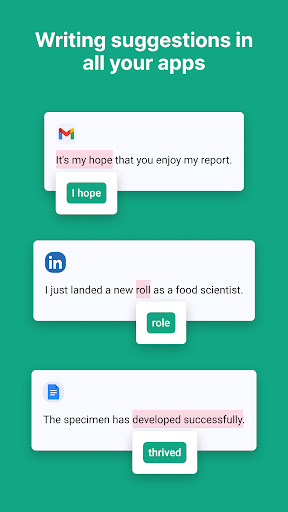
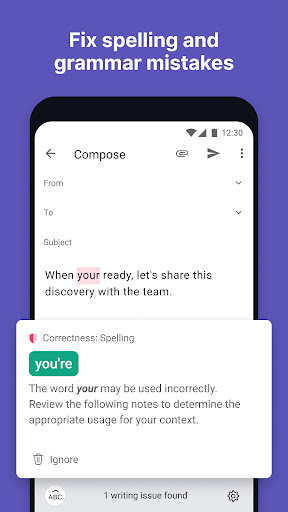
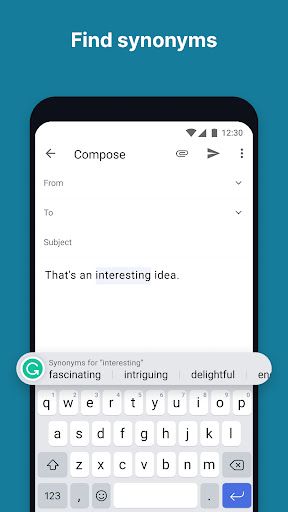
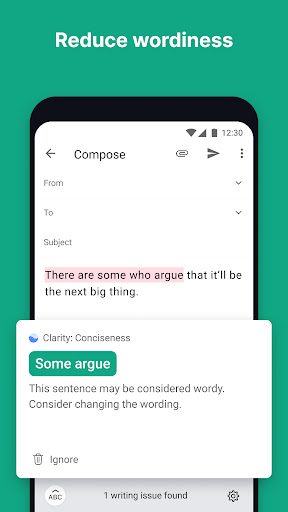
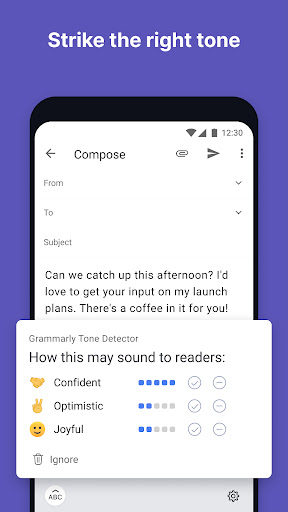
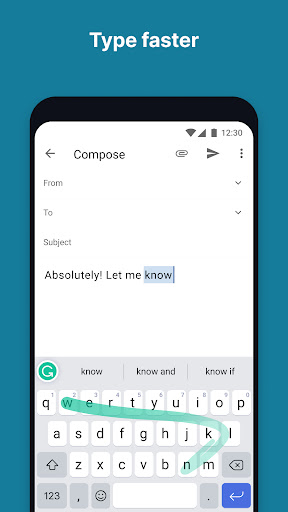
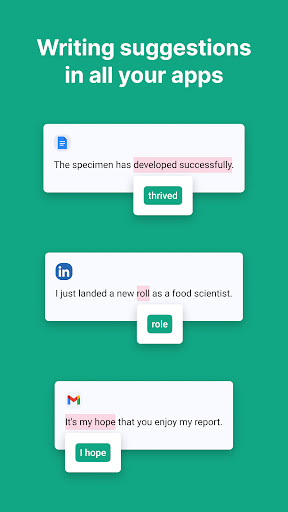
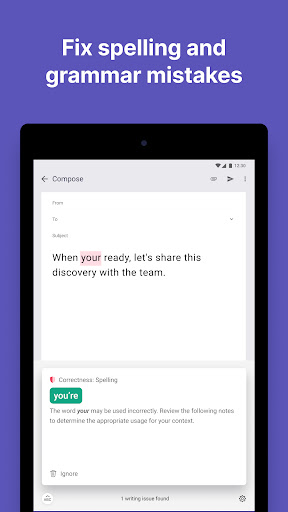
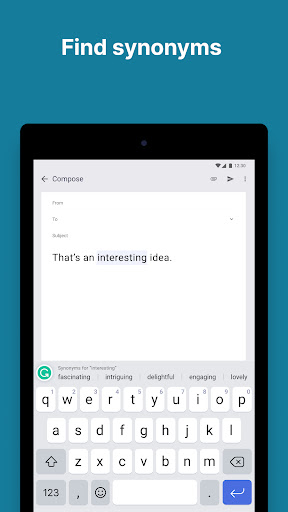
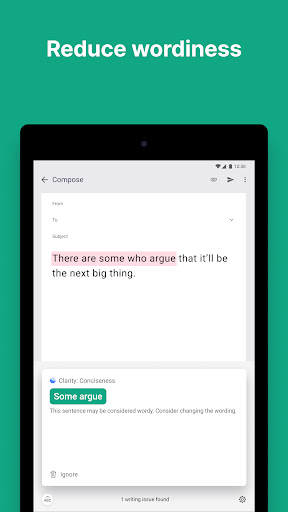
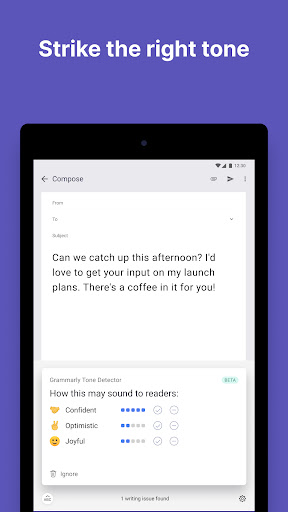
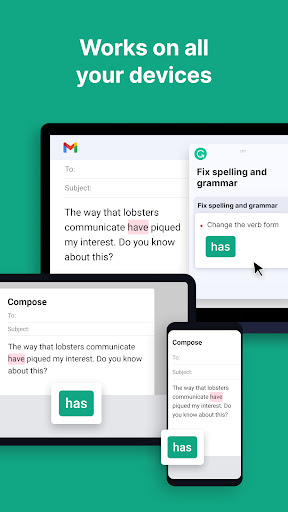
Grammarly - Grammar Keyboard is an AI-powered writing assistant for Android that checks grammar, spelling, punctuation, tone, and fluency as you type across apps. It works alongside any keyboard (Gboard, SwiftKey, etc.), offers swipe typing, synonyms and word-choice suggestions, and a generative AI rewrite tool. Premium adds clarity, tone, vocabulary, formality, and fluency improvements.
Verdict
Verdict: A powerful on-device writing coach that shines for everyday polishing, but the mobile keyboard experience can feel inconsistent and buggy for some.
Who is it for
Best for:
- Students, professionals, and creators who want real-time grammar and clarity help across apps
- Writers who value AI rewrites, tone adjustments, and richer vocabulary suggestions
- Desktop Grammarly users seeking a consistent assistant on mobile
Not ideal for:
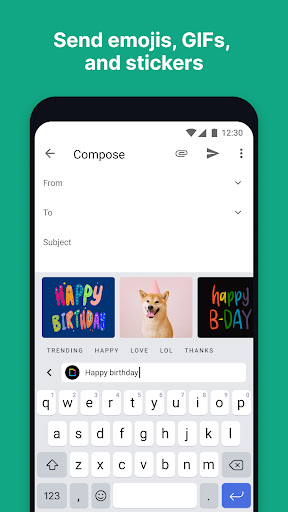
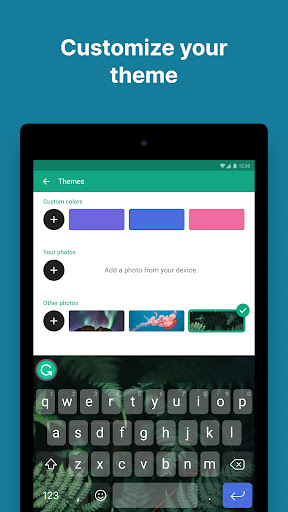
- Users who need a flawless, highly customizable keyboard with advanced layout options and GIF/sticker features
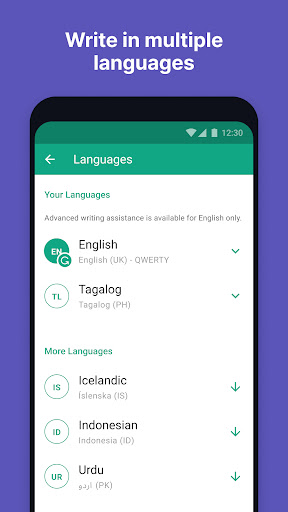
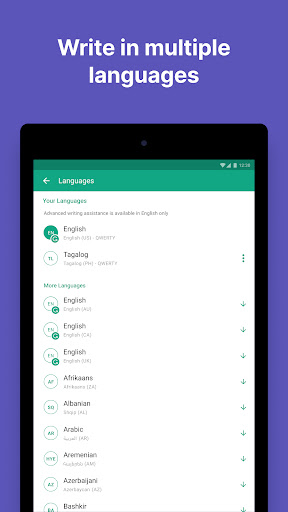
- Writers who frequently work offline or require multi-language support beyond English
- Those averse to occasional false positives or keyboard glitches
Real-world User Experience
Users like it:
Consistently praised for catching typos, punctuation, and subtle grammar mistakes; boosts confidence and professionalism. Users appreciate clear explanations, useful tone/clarity guidance, helpful synonyms, and seamless use across many apps. Long-time users report improved writing over time and value flexible on/off control.
Users complain about:
Some experience incorrect or intrusive autocorrections (e.g., commas before 'too,' capitalization inside quotes), crashes, and lag on the keyboard. Reports of dialect inconsistencies (e.g., American English flagged), disappearing synonym suggestions, and swipe typing that needs refinement. Mobile lacks some desktop features (e.g., goals), limited free AI prompts, and relatively few keyboard customization options.
Is it Worth Paying For?
Yes for frequent writers: Premium’s clarity, tone, vocabulary, and rewrite features meaningfully elevate writing quality and save editing time. The free version is solid for basic grammar and spelling, but heavy users who want advanced guidance, consistent tone, and richer word choice will likely find the subscription worthwhile.
How it Compares to Alternatives
Compared to Gboard or SwiftKey, Grammarly’s strength is advanced grammar, tone, and rewrite guidance rather than predictive typing, themes, or media features. Versus LanguageTool and Ginger, Grammarly generally provides more polished suggestions and better tone/clarity feedback on mobile, though LanguageTool may feel lighter and less intrusive, and Gboard/SwiftKey keyboards remain more stable and customizable for everyday typing.
Summary
With a 4.4 rating and 50M+ installs, Grammarly - Grammar Keyboard brings Grammarly’s well-known proofreading to Android, layering AI-driven grammar, spelling, punctuation, tone, and rewrite tools over any keyboard you prefer. It’s particularly strong for real-time clarity and tone improvements and offers helpful synonyms and explanations that teach as you go. However, user feedback highlights occasional autocorrection inaccuracies, crashes, and a less refined mobile keyboard experience, plus fewer customization options than top keyboards. The free tier handles core checks well, while Premium adds substantial value for regular writers who want deeper clarity, tone, and vocabulary support. If your priority is better writing everywhere you type, Grammarly stands out; if you need a feature-rich, ultra-stable keyboard first and foremost, pairing Grammarly’s assistant with a dedicated keyboard like Gboard or SwiftKey may be the better route.
Ratings
Trending APP












Alternative to this app









