
Copyright 2026 © swekartor. All Rights Reserved.



App Feature
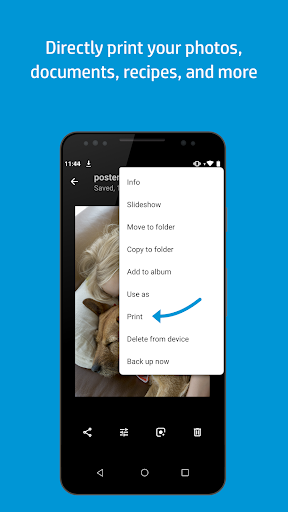
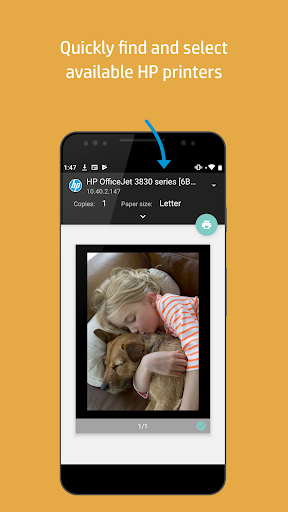
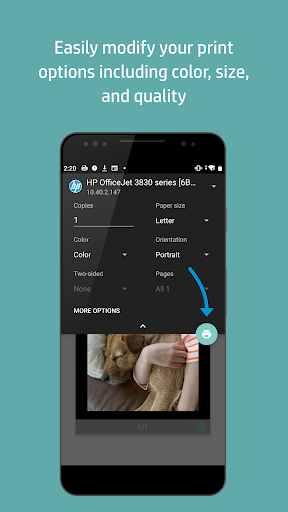
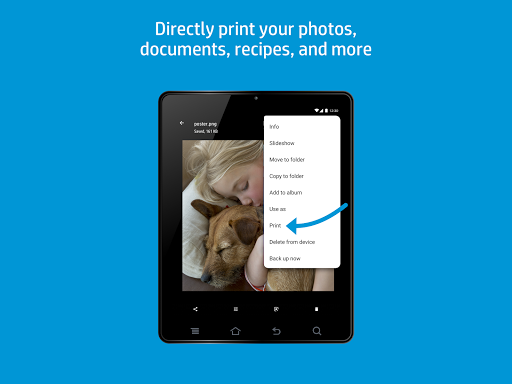
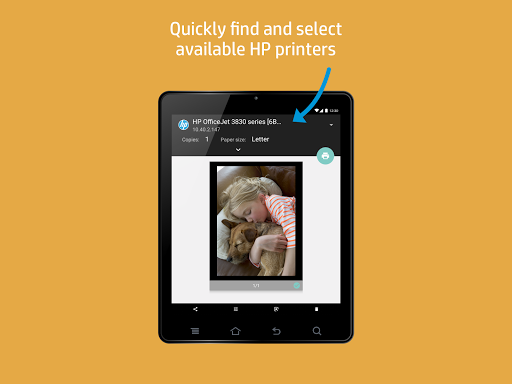
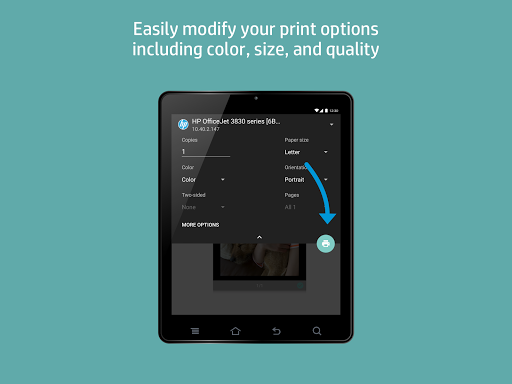
A free Android print driver that integrates with the system print menu to discover and print to compatible HP printers over Wi‑Fi, Wi‑Fi Direct, or USB OTG, offering options like copies, page range, paper size, and color/BW without needing a PC.
Verdict
Verdict: A reliable, no-frills Android print driver for HP printers, though occasional connectivity hiccups can slow things down.
Who is it for
Best for:
- Android users with HP printers who want system-level, tap-to-print convenience
- Homes/offices needing straightforward photo, document, and email printing
- Users who print on the go via Wi‑Fi Direct or local networks
Not ideal for:
- Non-HP printer owners (consider vendor-agnostic services like Mopria)
- Power users requiring advanced layout controls or margin fine-tuning
- Anyone expecting cloud/remote print routing without local connectivity
Real-world User Experience
Users like it:
Simple setup, prints from most apps seamlessly; broad file-type support; clear error messaging (paper/ink); dependable over years for many; works across phones, tablets, and Chromebooks; useful extras like scan/fax in HP ecosystem; convenient with Wi‑Fi Direct and Instant Ink integration.
Users complain about:
Intermittent connectivity: printer shows "blocked" or "not available," sometimes requiring unplugging or reopening the print dialog; slow or finicky to connect after device updates; occasional duplicate prints or odd output (e.g., double-vision) reported by a few; printer discovery can be inconsistent.
Is it Worth Paying For?
The plugin is free with no ads or in-app purchases, so there’s nothing to pay for. It’s a strong value add if you own an HP printer; Instant Ink is separate and optional.
How it Compares to Alternatives
Compared to Mopria Print Service (multi-brand), HP’s plugin is better tuned for HP models and device status feedback but limited to HP hardware. Versus OEM apps (e.g., Canon/Epson), it offers tighter Android print-menu integration and fewer bells-and-whistles UIs. Google Cloud Print is discontinued; this serves as the modern, local-network replacement for HP users.
Summary
HP Print Service Plugin brings native, tap-to-print functionality to Android for HP printers, covering Wi‑Fi, Wi‑Fi Direct, and USB OTG with sensible options like page range, copies, and color/BW. User feedback highlights easy setup, reliable everyday use, and clear status messaging, with some reporting occasional connection hiccups that require retries or power cycling. If you own an HP printer and want a set-it-and-forget-it mobile print path integrated into Android’s share/print menus, this free plugin is a practical, lightweight solution—especially for homes and small offices—though those with non-HP devices or advanced layout needs should look to broader print services or vendor apps.
Ratings
Trending APP












Alternative to this app









