
Copyright 2026 © swekartor. All Rights Reserved.


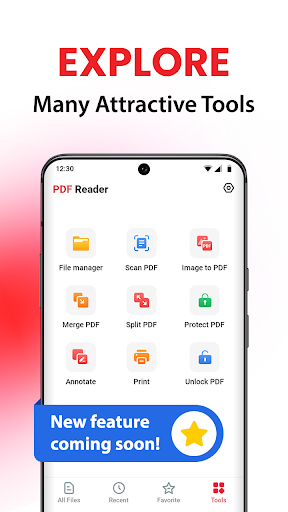
App Feature
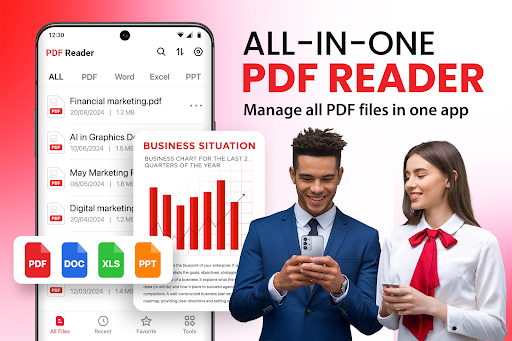
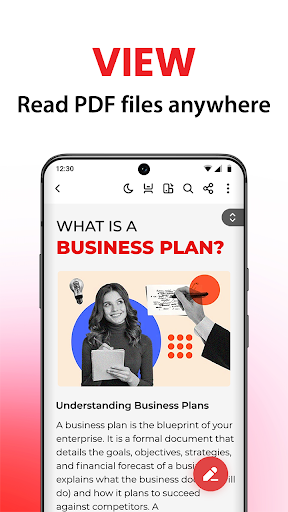
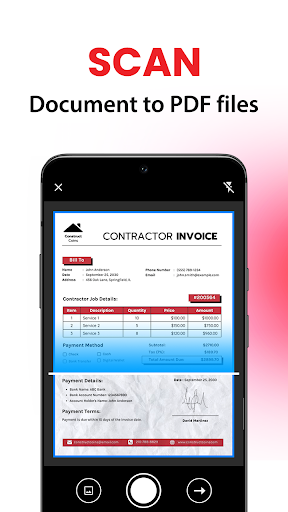
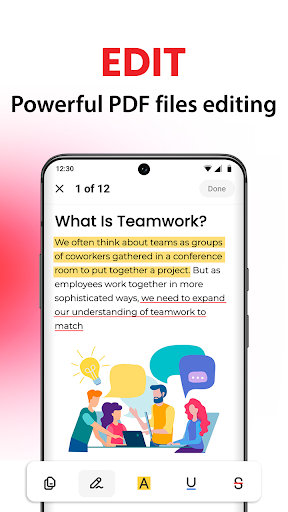
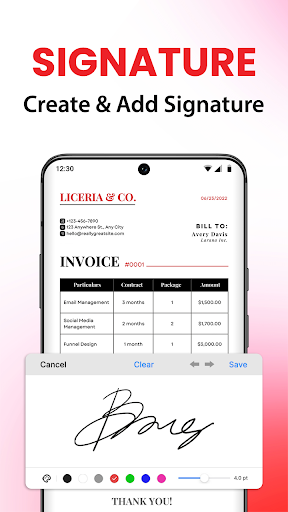
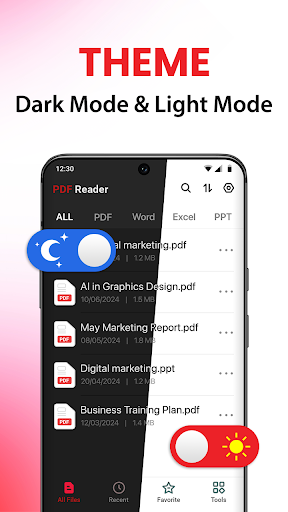
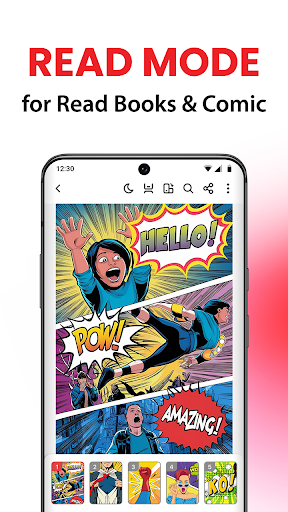
PDF Reader - PDF Converter is an all‑in‑one mobile toolkit to view, annotate, edit, scan, and convert documents. It supports reading with zoom and scrolling modes, adding highlights and comments, e‑signing/markup, converting between formats (images, Word/Excel/PowerPoint ↔ PDF), merging images into a single PDF, and organizing/sharing files from a clean, user‑friendly interface.
Verdict
Verdict: A versatile, easy-to-use PDF toolkit for everyday reading and conversions, though power users may miss some advanced pro features.
Who is it for
Best for:
- Students and professionals who need quick PDF reading, annotation, and basic editing
- Users converting photos or Office files to polished PDFs on the go
- Anyone wanting an organized, offline-friendly PDF manager with sharing options
Not ideal for:
- Users needing enterprise-grade features (advanced OCR, form automation, cloud collaboration)
- Those who prefer ad-free apps without optional in-app purchases
- Heavy editors who require granular layout editing or batch workflows
Real-world User Experience
Users like it:
Reviews consistently praise the app for being easy to use, professional-looking, and highly useful for education and work. Users highlight smooth reading, reliable conversions (PDF ↔ image/text/doc), and the convenience of having a capable PDF toolkit on hand.
Users complain about:
Few explicit complaints are visible in the sampled reviews; potential pain points may include ads, some features behind IAP, and occasional learning curve for less tech-savvy users when exploring the many tools.
Is it Worth Paying For?
The core app is free with ads and offers optional IAP. For occasional reading, simple annotations, and basic conversions, the free tier should suffice. If you frequently convert between multiple formats, need ad-free use, or want premium editing tools, a paid upgrade can be worthwhile compared to juggling multiple separate apps.
How it Compares to Alternatives
Compared to Adobe Acrobat Reader, Xodo, or Foxit, this app emphasizes an all-in-one flow—especially quick photo-to-PDF and multi-format conversions—while keeping the interface simple. Acrobat offers deeper ecosystem features (cloud, advanced forms) and Xodo/Foxit often excel at collaborative annotations and robust form handling. PDF Reader - PDF Converter stands out for its easy conversions and approachable UI but may trail top competitors on advanced enterprise features and cloud-centric workflows.
Summary
PDF Reader - PDF Converter delivers a practical, approachable set of tools for reading, annotating, editing, scanning, and converting documents on Android. With strong photo-to-PDF and Office-to-PDF support, smooth reading modes, helpful annotations, and straightforward file management, it fits everyday school and office tasks well. The free tier provides good value, and optional IAP can unlock more convenience and remove ads. If you need deep enterprise features or extensive cloud collaboration, alternatives like Adobe Acrobat or Xodo may be better; otherwise, this app is a capable, user-friendly choice for most mobile PDF workflows.
Ratings
Trending APP












Alternative to this app









