
Copyright 2026 © swekartor. All Rights Reserved.


App Feature
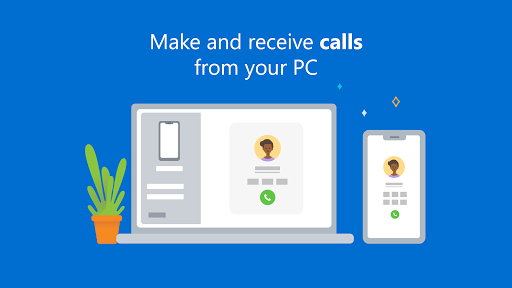
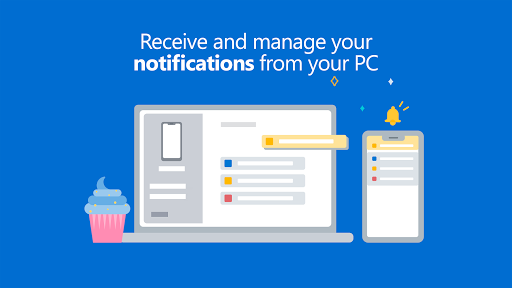
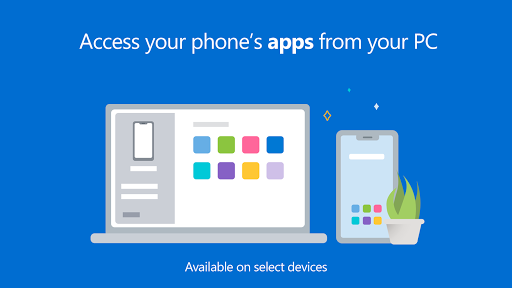
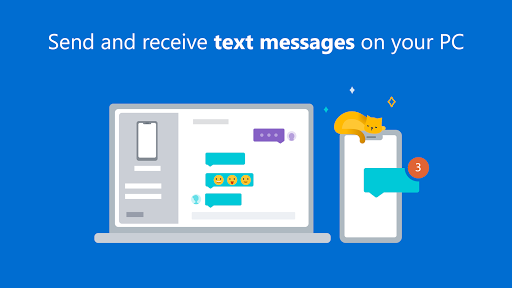
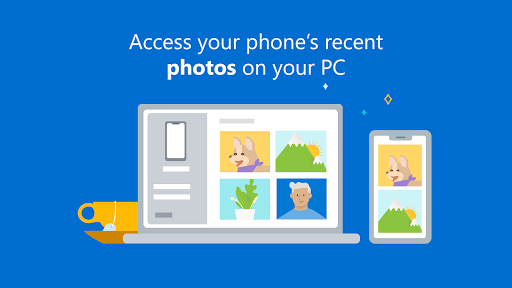
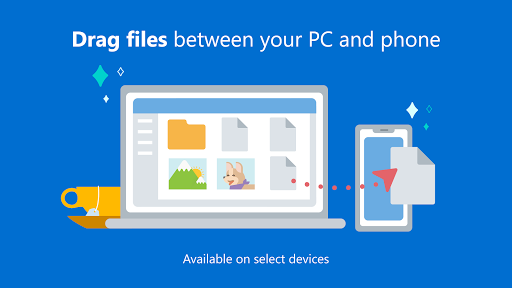
Link to Windows lets you connect an Android phone to a Windows PC to view and reply to texts, place and receive calls, mirror/selectively open phone apps (on supported devices), manage notifications, access photos instantly, and move content via drag-and-drop and shared clipboard.
Verdict
Verdict: A powerful, free Android–Windows bridge with standout integration on select devices, but with occasional connectivity quirks and OEM-dependent features.
Who is it for
Best for:
- Windows users who want seamless texting, calling, notifications, and photo access from PC
- Owners of Samsung, HONOR, and Microsoft Duo devices seeking advanced features (apps, screen, drag-and-drop)
- Productivity-focused users who prefer keyboard/mouse to handle phone tasks
Not ideal for:
- Users on unsupported Android models who expect full screen mirroring and multi-app streaming
- Anyone needing rock-solid reliability in mixed Bluetooth/Wi‑Fi environments or complex headset routing
- Users on non-Windows platforms or without permissions to modify drivers/network settings
Real-world User Experience
Users like it:
Smooth day-to-day use for messages, calls, notifications, and photo access; easy file transfer and clipboard sync when it works; strong productivity boost using PC keyboard/mouse; very good integration and performance on Galaxy/flagship devices; responsive improvements and bug fixes from Microsoft.
Users complain about:
Intermittent disconnects and delayed notifications; setup can feel heavy with codes/permissions; Bluetooth/audio routing quirks with headsets; feature gaps on non-Samsung/HONOR devices (screen mirroring, multi-app); occasional clipboard sync issues; difficulty switching/removing devices historically.
Is it Worth Paying For?
It’s completely free with no ads or IAP, so there’s nothing to pay—excellent value if your device supports the advanced features.
How it Compares to Alternatives
Compared to AirDroid/Pushbullet, Link to Windows is tighter with Windows, especially for SMS, calls, notifications, and photo access, and costs nothing; however, third‑party tools may offer broader cross‑platform support and fewer OEM restrictions. Versus Samsung Flow/Intel Unison, it’s the native Microsoft path with deeper Windows hooks but advanced features depend on device brand; KDE Connect is great and open-source but less polished on Windows for calls/notifications. Overall, best choice for Windows users on supported Androids; alternatives may suit mixed OS setups or unsupported phones.
Summary
Link to Windows bridges your Android phone and Windows PC so you can text, call, manage notifications, access photos, and even open/stream mobile apps from your desktop. It’s free, privacy-conscious, and especially strong on Samsung/HONOR/Microsoft Duo devices where clipboard sync, drag‑and‑drop, and phone screen/apps shine. Real-world reports praise its convenience and time savings but note occasional reliability hiccups (Bluetooth/audio routing, delayed notifications, random disconnects) and a setup process that can feel heavy. If you live in Windows and have a compatible Android, it’s an easy recommendation; if you rely on features like full screen mirroring on unsupported phones or need bulletproof connectivity across complex headset setups, you may want to test it alongside alternatives.
Ratings
Trending APP












Alternative to this app









