
Copyright 2026 © swekartor. All Rights Reserved.





App Feature
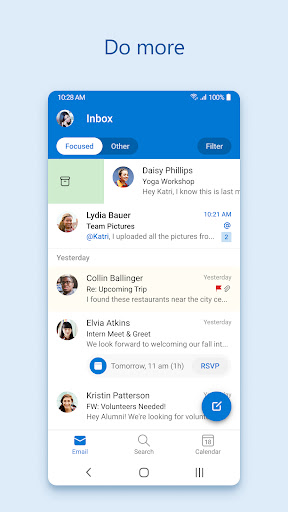
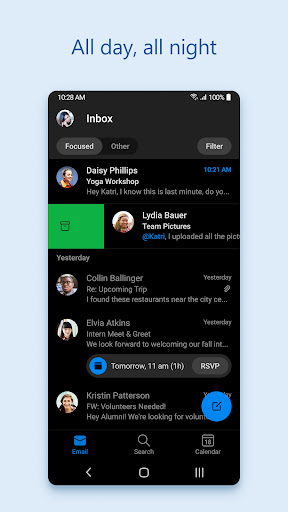
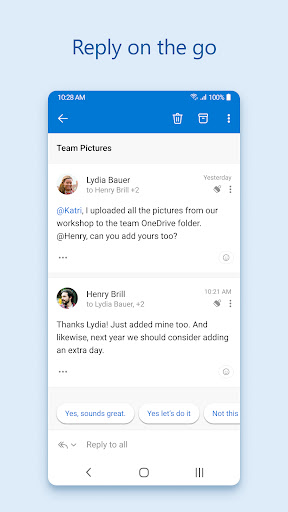
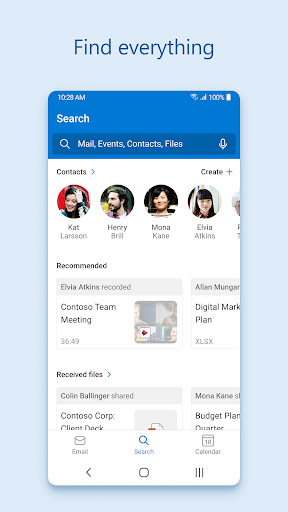
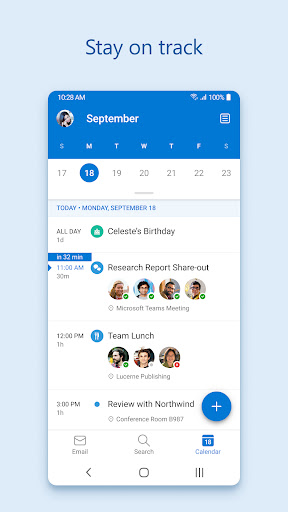
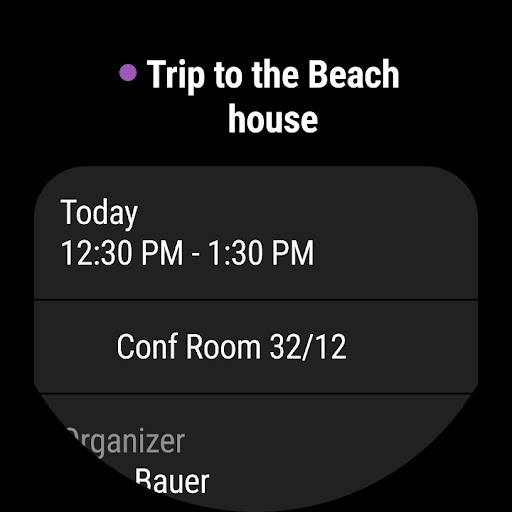
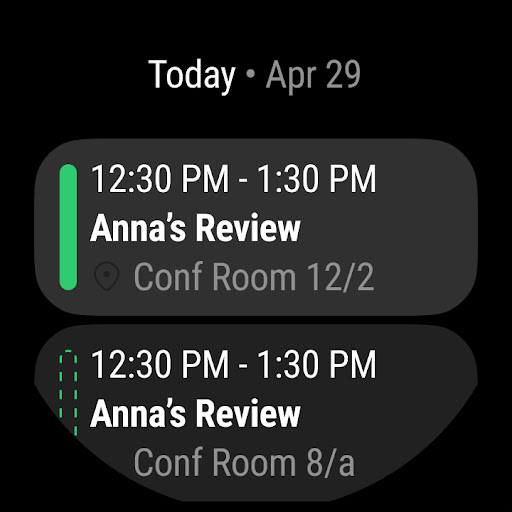
Microsoft Outlook is a free, all‑in‑one email and calendar app that unifies multiple accounts (Outlook/Exchange, Microsoft 365, Gmail, Yahoo, iCloud, IMAP) with Focused/Other inbox, powerful search, folders/filters, swipe actions, pinned/flagged messages, calendar side‑by‑side views, integrated files (OneDrive/Office), and enterprise‑grade security plus meeting integrations (Teams/Zoom/Skype).
Verdict
Verdict: A polished, reliable multi‑account email and calendar hub—excellent for Microsoft 365 users, with ads and occasional sync quirks as the main trade‑offs.
Who is it for
Best for:
- Professionals and students in the Microsoft 365/Teams ecosystem needing unified email + calendar.
- Users managing multiple accounts who want strong organization, search, and file integration.
- Anyone seeking fast, cross‑device notifications and enterprise‑grade security.
Not ideal for:
- Users who dislike ads embedded in the inbox and don’t plan to subscribe.
- Power users needing desktop‑level mail rules/automations or very granular customization.
- Those fully invested in Google’s ecosystem who prefer Gmail‑first features.
Real-world User Experience
Users like it:
Smooth, fast, and reliable across devices; quick, timely notifications; intuitive interface and easy setup; excellent multi‑account handling; robust organization with folders/filters, Focused inbox, and powerful search; strong calendar integration and meeting support; solid Office/OneDrive integration; overall stability that has improved over time.
Users complain about:
Ads at the top of the inbox feel intrusive; occasional sync issues for some users; periodic UI/behavior changes that remove or move familiar controls (e.g., next/previous message arrows); limited mobile rules/automation and folder deletion management; uses notable device storage/memory for some.
Is it Worth Paying For?
The core app is free and fully usable. A Microsoft 365 subscription (IAP) removes ads and unlocks premium benefits (larger mailbox, advanced security, deeper Office integration). If you’re in the Microsoft ecosystem or want an ad‑free experience, the subscription is worthwhile; otherwise the free tier offers strong value.
How it Compares to Alternatives
Compared to Gmail, Outlook shines for Microsoft 365/Office, OneDrive, and Teams integration plus unified inbox/calendar; Gmail remains best for Google services and labels/filters depth. Versus Spark/BlueMail, Outlook is more enterprise‑ready with stronger security/compliance and native calendar, though Spark may offer nimbler smart features and collaboration, and BlueMail more UI customization. Against OEM mail apps, Outlook generally delivers better multi‑service support and reliability.
Summary
Microsoft Outlook brings email, calendar, contacts, files, and meetings into a single, secure app that handles multiple accounts with speed and polish. Focused inbox, folders/filters, powerful search, and swipe actions keep mail triage efficient, while side‑by‑side calendars and integrated Teams/Zoom make scheduling easy. Users consistently praise its reliability, cross‑device notifications, and tight Microsoft 365/Office integration. Downsides include inbox ads on the free plan, occasional sync hiccups for some, and fewer advanced mobile rules/automations than desktop Outlook. Overall, it’s a top‑tier choice—especially if you live in the Microsoft ecosystem or need a dependable, unified email and calendar experience.
Ratings
Trending APP












Alternative to this app









