
Copyright 2026 © swekartor. All Rights Reserved.


App Feature
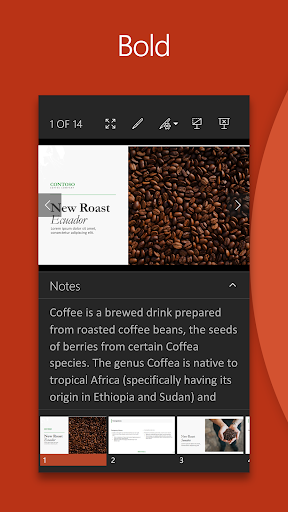
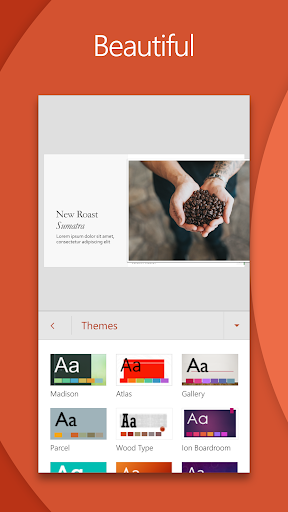
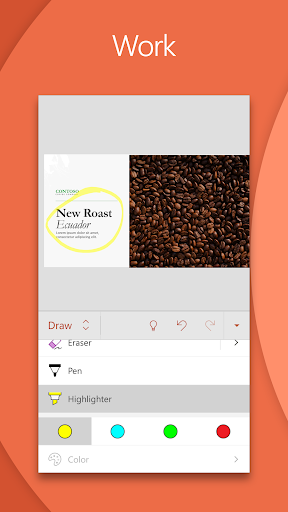
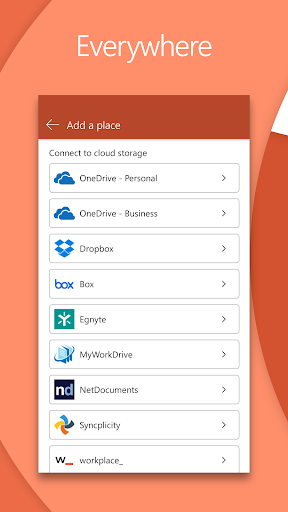
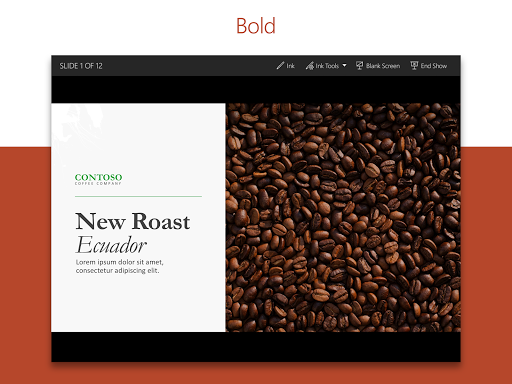
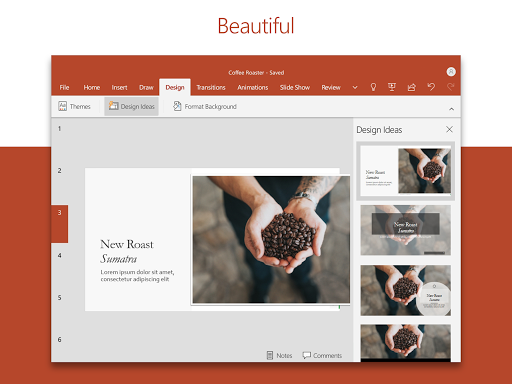
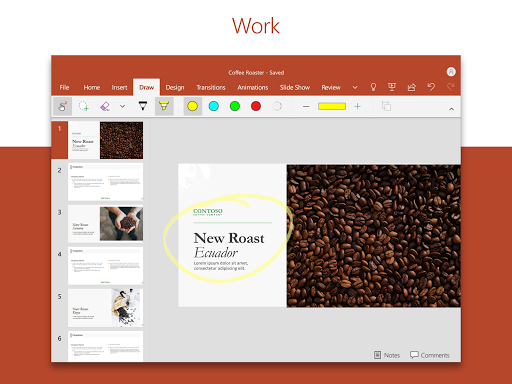
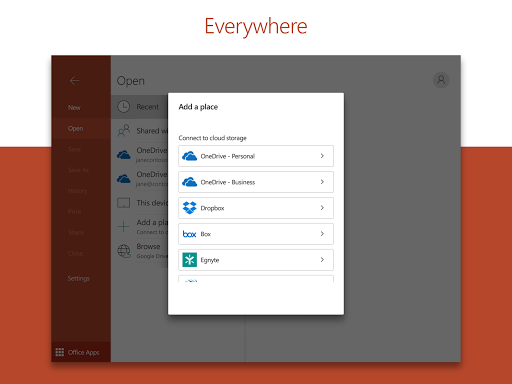
Microsoft PowerPoint is a mobile presentation maker for creating, editing, and presenting slides on the go. It offers templates, multimedia support (images, audio, video), presenter tools like Presenter Coach, real-time collaboration and comments, and seamless cloud sync across devices.
Verdict
Verdict: A powerful, familiar slide editor with excellent mobile collaboration and coaching, though heavy-duty desktop features are still best on a PC.
Who is it for
Best for:
- Students and professionals who need to review or tweak decks anywhere
- Teams collaborating on presentations with comments and permissions
- Presenters who want AI feedback via Presenter Coach
Not ideal for:
- Users needing every desktop feature, advanced formatting, or add-ins
- Those with older/low-RAM devices sensitive to lag or large files
- Workflows requiring perfect compatibility outside the Microsoft ecosystem
Real-world User Experience
Users like it:
Familiar interface, easy slide creation and editing on phones and tablets, robust templates and design options, smooth cross-device sync (Windows, Android, iPad), reliable structure retention when moving between PC and mobile, and Presenter Coach helping with pacing and filler words.
Users complain about:
Occasional lag or freezes on large edits; rare file corruption or unexpected deletions reported on mobile; some desktop features missing or limited (advanced formatting, broader format options, legacy WordArt); compatibility hiccups on non‑Windows systems; defaults like font size can feel restrictive.
Is it Worth Paying For?
Core app is free with no ads; a Microsoft 365 subscription unlocks the full experience across devices. If you regularly build professional decks, collaborate often, or rely on advanced features and cloud workflows, the subscription offers strong value. Casual users who mainly view or make light edits can stay on the free tier.
How it Compares to Alternatives
Compared to Google Slides, PowerPoint offers richer design tools, tighter Office integration, and stronger offline editing, while Slides excels at lightweight, browser‑first collaboration. Versus Apple Keynote, PowerPoint is more universal and enterprise‑friendly, though Keynote can feel slicker for animations on Apple devices. Canva is faster for templated, graphic‑driven decks but lacks PowerPoint’s depth, presenter tools, and enterprise features.
Summary
PowerPoint for mobile delivers the familiar Microsoft slides experience with strong templates, multimedia, and real-time collaboration wrapped in a clean interface. Presenter Coach adds practical AI guidance for confident delivery, and cloud sync keeps work consistent across phone, tablet, and desktop. While some advanced desktop options are pared back on mobile and a few users report lag or rare file issues, the app remains a top choice for creating and presenting professional decks anywhere. The free version suits light use; frequent presenters and teams benefit most from Microsoft 365’s unlocked features.
Ratings
Trending APP












Alternative to this app









