
Copyright 2026 © swekartor. All Rights Reserved.



App Feature
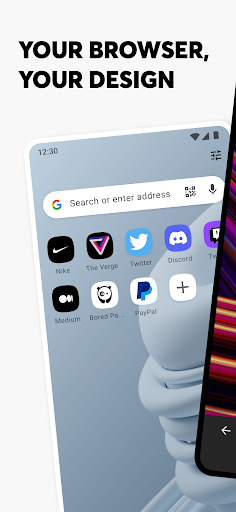
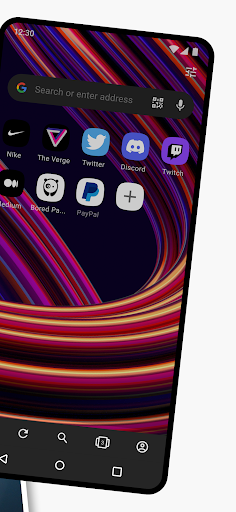
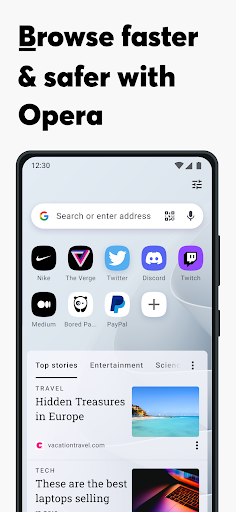
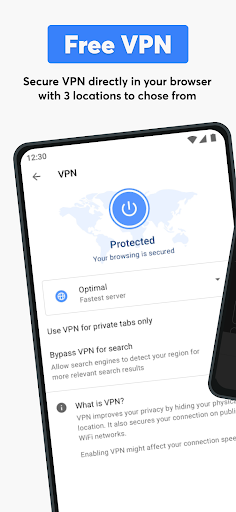
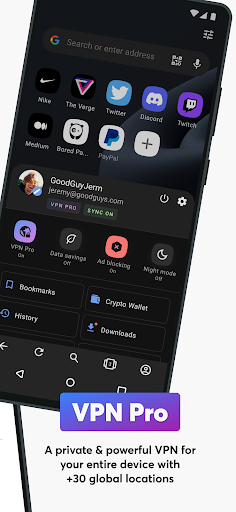
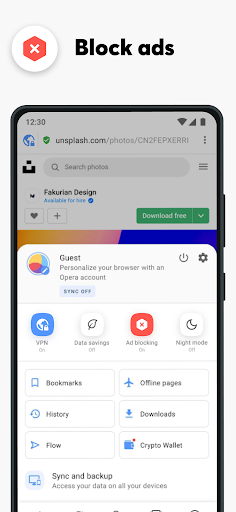
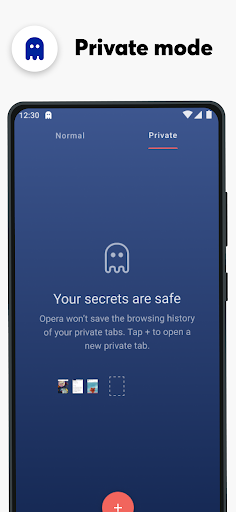
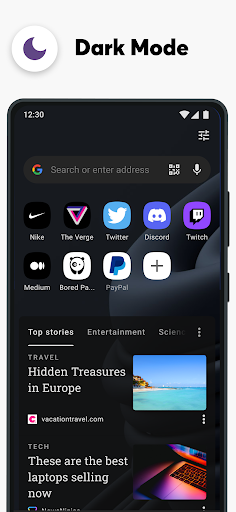
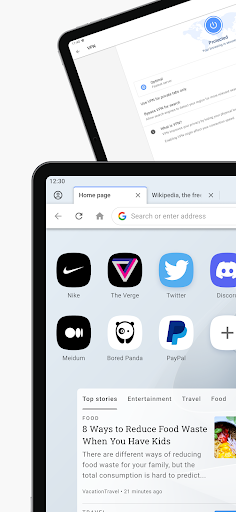
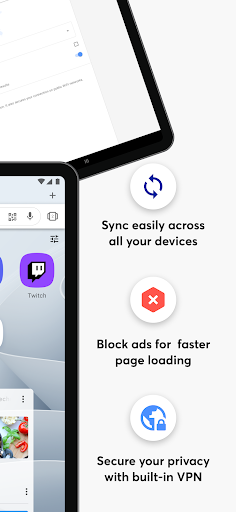
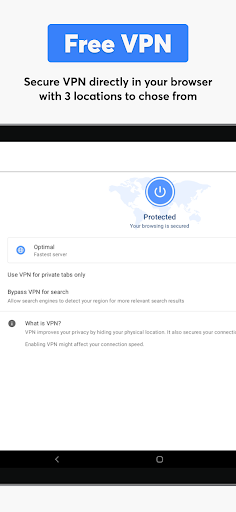
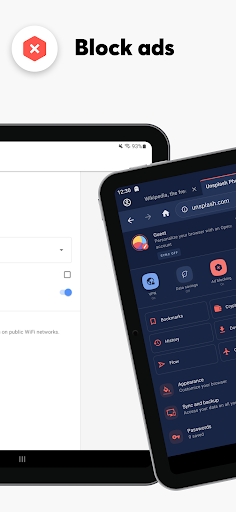
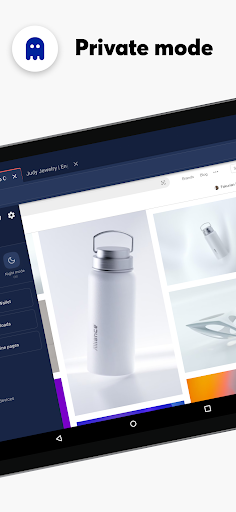
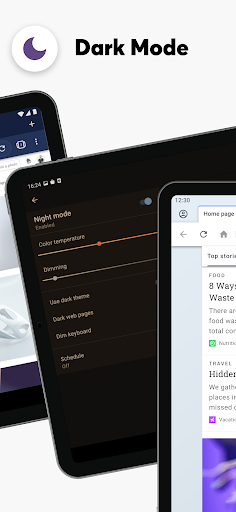
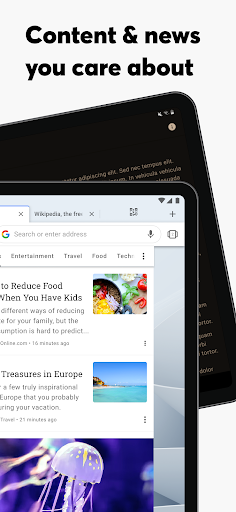
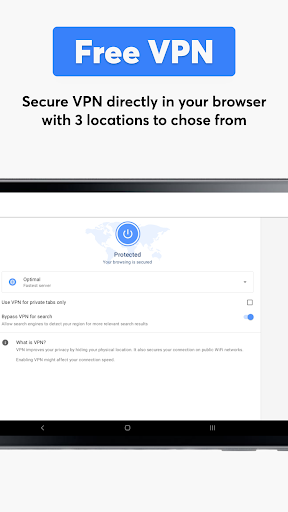
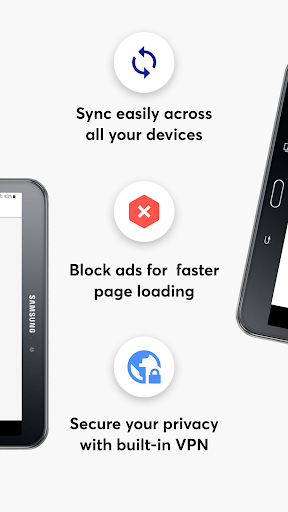
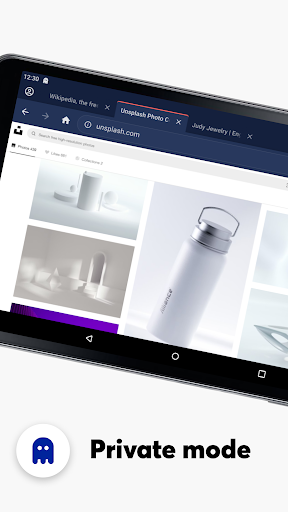
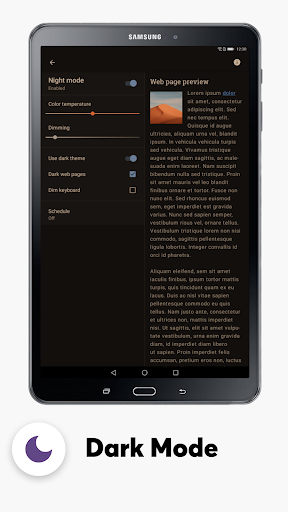
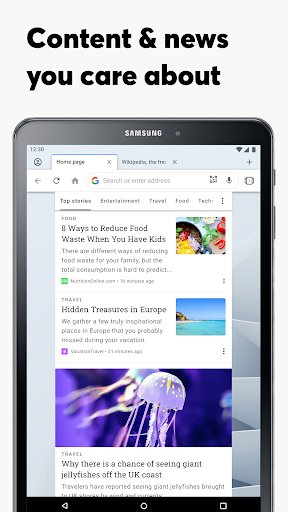
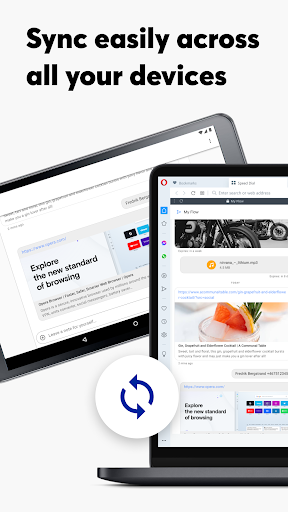
Opera browser with AI is a fast, privacy-focused mobile browser that bundles free VPN, uBlock Origin–powered ad/tracker blocking, an AI assistant (Aria), data saver/compression, text reflow/word wrap, rich customization (themes, dark mode, layouts), device sync and Flow for cross-device handoff, and convenient media/background playback.
Verdict
Verdict: A feature-packed, privacy-minded mobile browser that outpaces Chrome for everyday use, though power users may miss full extension support and finer privacy controls.
Who is it for
Best for:
- Users who want built-in VPN, ad blocking, and speedy browsing without extra apps
- People who switch between phone and PC and value Flow/sync
- Readers who need text reflow and a clean, customizable UI
Not ideal for:
- Privacy maximalists who require granular controls like built-in WebRTC leak protection and open extensions
- Users tied to Chrome’s ecosystem/Extensions or Firefox’s add-on flexibility
- Those sensitive to any VPN-related lag on slower devices/networks
Real-world User Experience
Users like it:
Consistently praised for speed, smoothness, and fewer pop-ups than Chrome; effective ad/tracker blocking and a genuinely useful free VPN; Aria AI is responsive; text wrapping/word wrap makes long-form reading comfortable; Flow and sync across devices work reliably; modern, lightweight design with a helpful sidebar and quick media/background playback.
Users complain about:
Occasional VPN/ad-blocker-induced lag; some UI/feature regressions (e.g., back-history via long-press navigation, smaller copy-URL button); tab group swipe bug jumping to the rightmost tab; missing or requested features like page translation and richer reader mode controls, full-page single-sheet PDF saving parity with desktop, extension support, and WebRTC leak protection.
Is it Worth Paying For?
Core features are free and generous (VPN, ad/tracker blocking, customization), making it excellent value without paying. VPN Pro (IAP) may be worth it if you want broader, device-wide coverage across up to six devices and potentially more consistent performance; casual users can stick to the free tier.
How it Compares to Alternatives
Versus Chrome, users report faster, cleaner browsing with fewer nuisances and better built-ins (ad block, VPN, text reflow). Compared to Firefox, Opera feels quicker out of the box but lacks Firefox’s robust extension ecosystem. Against Brave, Opera matches or exceeds convenience and customization but Brave offers stronger default privacy controls (e.g., WebRTC leak protections). DuckDuckGo Browser is simpler and privacy-first, but Opera provides more features and cross-device tools. Overall, Opera strikes the best balance of speed, features, and usability for most users.
Summary
Opera browser with AI delivers a polished, speedy, and thoughtfully integrated browsing experience that goes beyond page loading. With free uBlock Origin–powered ad/tracker blocking, a no-fuss VPN, Aria AI, data saving, and deep customization, it reduces clutter and friction while boosting privacy and convenience. Cross-device Flow and sync make handoffs seamless, and text reflow significantly improves mobile reading. While a few power-user requests persist—like fuller reader mode controls, WebRTC leak protection, extension support, and fixes for minor navigation/tab bugs—the package is compelling, especially at the free price point. If you’re frustrated with Chrome’s bloat or want more features than DuckDuckGo, Opera stands out as a fast, capable daily driver; privacy purists or extension-heavy users may still prefer Brave or Firefox.
Ratings
Trending APP












Alternative to this app









