
Copyright 2026 © swekartor. All Rights Reserved.



App Feature
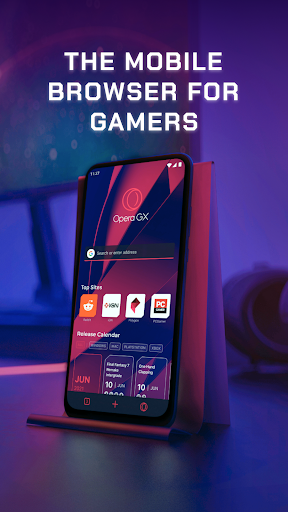
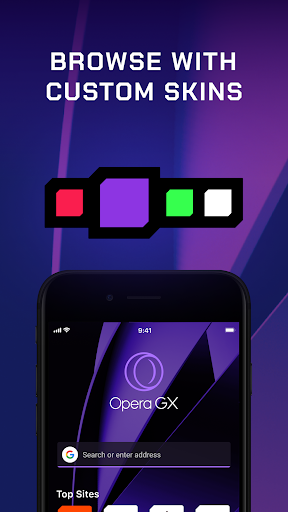
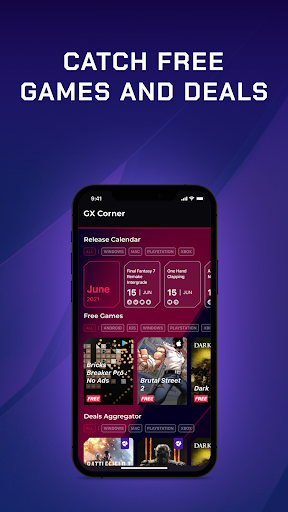
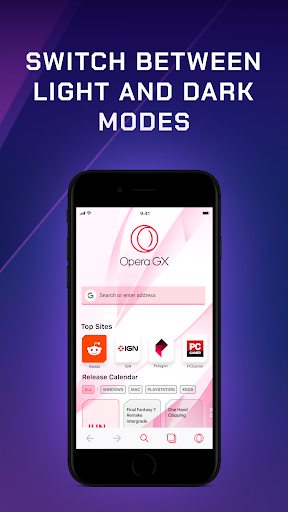
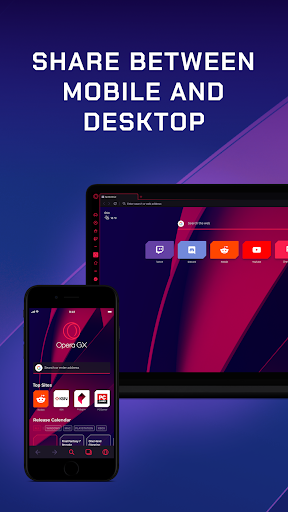
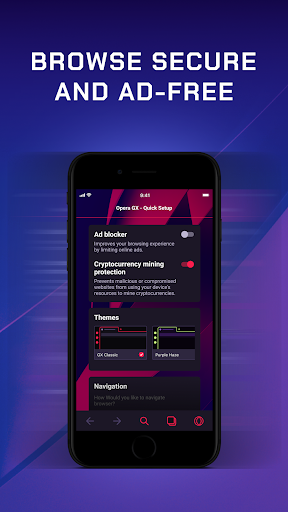
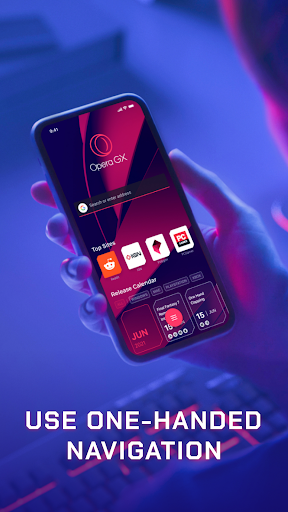
Opera GX is a free, gaming‑themed mobile browser focused on speed, customization, and cross‑device convenience. It offers a customizable interface (themes, wallpapers, sound effects), GX Corner with gaming news and deals, My Flow for encrypted phone/desktop link and file sharing, a Fast Action Button (FAB) for one‑handed navigation, and built‑in privacy tools like ad, cookie‑dialog, and cryptojacking blockers. For gamers, it adds performance‑minded controls via the GX Control Panel and built‑in Twitch access for quick streaming and notifications.
Verdict
Verdict: A stylish, fast, gamer‑centric browser that excels at customization and cross‑device features, but lacks a mobile VPN and has a few UX quirks.
Who is it for
Best for:
- Gamers who want news, deals, and Twitch integration within the browser
- Users who value customization, one‑handed navigation (FAB), and device sync (My Flow)
- Privacy‑minded users who appreciate built‑in ad/cookie blockers and cryptojacking protection
Not ideal for:
- Anyone requiring a built‑in VPN on mobile
- Users who prefer traditional top‑bar navigation without floating controls
- People sensitive to occasional stability/visual glitches (e.g., dark screen flicker, fullscreen video orientation)
Real-world User Experience
Users like it:
Speedy performance; highly customizable themes and sounds; ergonomic one‑handed FAB; seamless My Flow sharing with desktop; GX Corner’s consolidated gaming news, releases, and deals; solid ad/cookie blocking and general sense of safety.
Users complain about:
No built‑in VPN on mobile; FAB can obstruct content and be hard to dismiss on short pages; fullscreen video sometimes stays in portrait; occasional UI/stability issues like dark‑screen flickering and light‑mode crashes; limited tab organization features (desire for tab folders/groups) and missing gesture navigation for some.
Is it Worth Paying For?
It’s free, ad‑supported, and offers strong value without in‑app purchases. There’s nothing to buy, and the included privacy tools, GX Corner, and My Flow make it an excellent no‑cost choice.
How it Compares to Alternatives
Compared to Chrome and Edge, Opera GX offers far richer personalization, gamer‑focused content (GX Corner), and easier cross‑device link/file sharing, but fewer deep ecosystem tie‑ins and extensions on mobile. Against Firefox, it’s snappier for many users and more stylized, though Firefox may appeal to open‑source purists and extension power‑users. Versus Brave and DuckDuckGo, GX’s ad/cookie blocking is competitive, with the added gamer hub and customization; however, Brave/DDG lean harder into privacy by default. Vivaldi fans may miss advanced tab grouping on mobile, while GX counters with the FAB and gaming integrations. For desktop users already on Opera GX, the mobile app’s Flow integration is a standout advantage.
Summary
Opera GX: Gaming Browser delivers a fast, visually striking mobile experience built around the gaming lifestyle. Its standout features—GX Corner’s curated news and deals, customizable skins and sounds, and My Flow for encrypted cross‑device sharing—make daily browsing feel tailored and cohesive, especially if you also use GX on desktop. The built‑in ad/cookie blockers and cryptojacking protection are practical wins, and the FAB enables comfortable one‑handed navigation. Trade‑offs include the absence of a mobile VPN, occasional visual/stability quirks (e.g., flicker, fullscreen video orientation), and some wanted power‑user features like tab groups and gesture navigation. If you want a polished, gamer‑forward browser that’s free and highly customizable, Opera GX is easy to recommend.
Ratings
Trending APP












Alternative to this app









