
Copyright 2026 © swekartor. All Rights Reserved.


App Feature
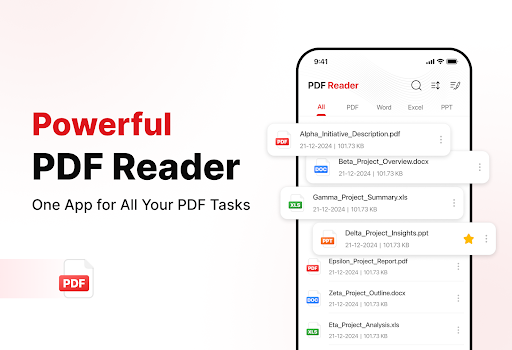
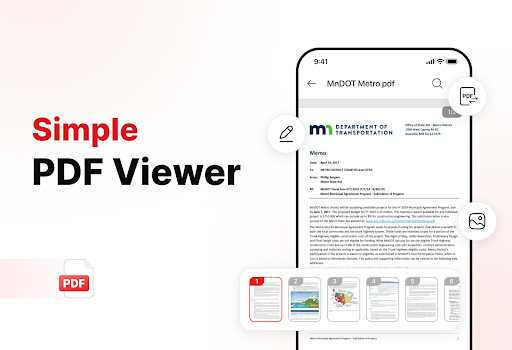
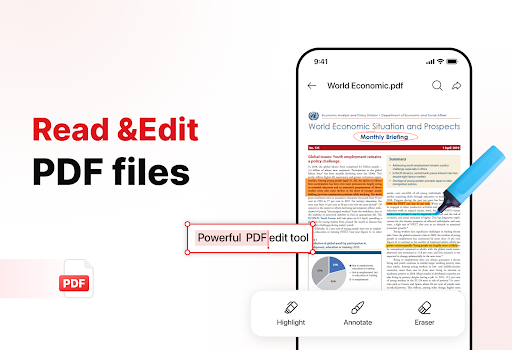
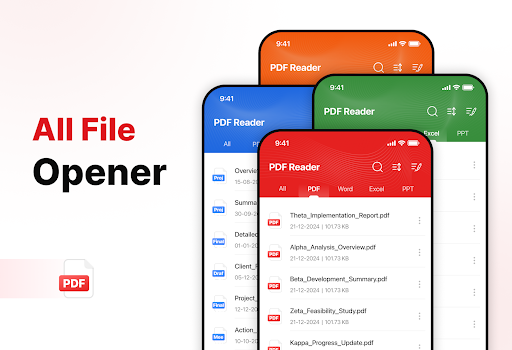
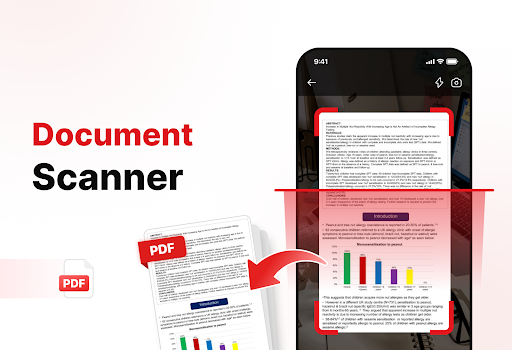
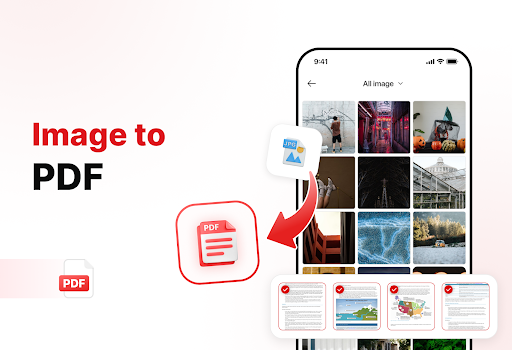
PDF Reader - Edit & View is a free, ad-supported document tool focused on fast PDF viewing, light editing/annotation, basic form filling, file organization, and simple conversions (scan/image to PDF) with search and OCR for extracting text.
Verdict
A capable all-in-one PDF viewer and light editor for everyday tasks, but power users may outgrow its advanced editing and pro-level features.
Who is it for
Best for:
- Students and professionals needing quick PDF viewing, annotations, and signatures
- Users who want simple scan-to-PDF and image-to-PDF conversions on mobile
- Anyone organizing and sharing PDFs with basic foldering and sorting
Not ideal for:
- Users requiring advanced PDF editing (layout changes, redaction, batch OCR)
- Teams needing cloud collaboration, comments sync, or enterprise integrations
- Those who prefer an ad-free experience without distractions
Real-world User Experience
Users like it:
Smooth opening of common PDFs, straightforward navigation with zoom and thumbnails, handy annotations and signatures, and helpful organization and conversion (scan/image to PDF) features.
Users complain about:
Ads can interrupt the flow, complex or very large files may lag, and tool depth is limited compared to premium editors (fewer pro editing and collaboration options).
Is it Worth Paying For?
The app is free with ads and no in-app purchases. There’s no paid tier to evaluate; value depends on tolerance for ads and whether its light-feature set covers your needs.
How it Compares to Alternatives
Compared to Adobe Acrobat Reader, Xodo, or Foxit PDF, this app is simpler and lighter, with quick viewing and basic edits but fewer pro tools (collaboration, advanced editing, cloud sync). Xodo and Foxit typically offer richer annotation and cloud connectivity, while Acrobat has the most ecosystem integrations—but often with paywalls. PDF Reader - Edit & View stands out for being free and easy to use, albeit with ads and fewer advanced capabilities.
Summary
PDF Reader - Edit & View delivers a practical toolkit for everyday PDF tasks: fast viewing, highlights and notes, signatures, simple form filling, and basic organization with scan/image-to-PDF conversion and OCR. Its clean, approachable design suits students and professionals who need to read, mark up, and share documents without heavy workflows. However, ads and limited pro features keep it from matching established powerhouses. If you want a free, no-fuss PDF utility for routine work, it’s a solid pick; if you need advanced editing, collaboration, or seamless cloud integration, consider Xodo, Foxit, or Adobe Acrobat instead.
Ratings
Trending APP












Alternative to this app









