
Copyright 2026 © swekartor. All Rights Reserved.


App Feature
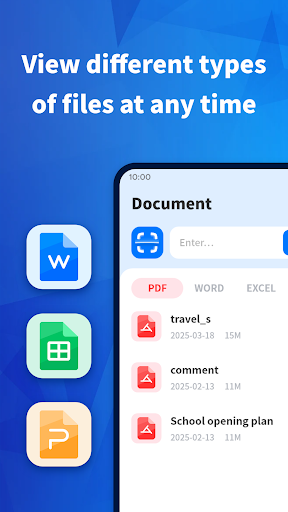
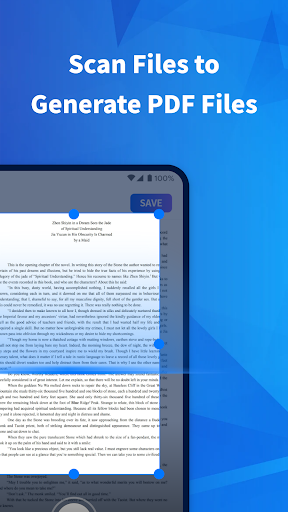
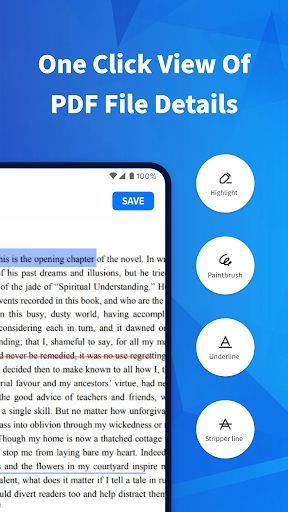
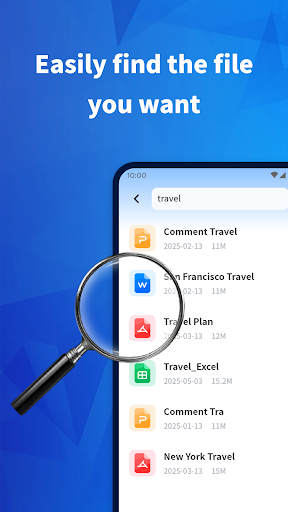
PDF Reader Point is a free, ad-supported document viewer focused on quick, clean reading and light editing. It opens PDFs and common Office files (Word, PowerPoint, Excel), supports annotations (highlight, underline, strikethrough, doodling), offers file management (rename, delete, share, bookmark, path view), and includes handy utilities like merge/split PDFs, password lock/unlock, and scan-to-PDF.
Verdict
Verdict: A straightforward, capable PDF and document reader for everyday use, best for quick viewing and basic edits rather than power-user workflows.
Who is it for
Best for:
- Users who want a clean, intuitive reader for PDFs and Office files
- Students and professionals needing quick annotations and simple PDF tools (merge/split, lock)
Not ideal for:
- Power users who require advanced features like robust form filling, deep OCR, or e-sign workflows
- Users who prefer an ad-free experience without distractions
Real-world User Experience
Users like it:
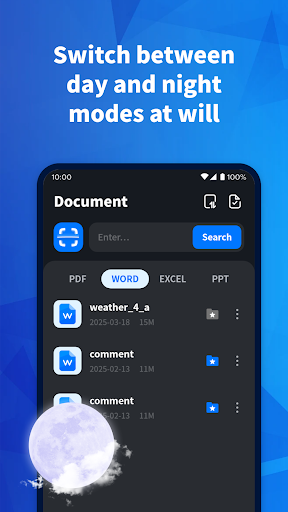
The interface feels simple and well organized; tools and files are easy to access, which speeds up daily tasks. Users appreciate quick opening, smooth navigation, and logical separation of different file formats for faster retrieval.
Users complain about:
Some UI elements (e.g., a persistent dropdown/floating bubble) can be irritating. Occasional comments suggest minor rough edges around certain actions or flows, though specifics are limited.
Is it Worth Paying For?
The app is free with ads and offers no in-app purchases. It’s easy to recommend trying—there’s no cost barrier. The only trade-off is potential ad distraction.
How it Compares to Alternatives
Compared with Adobe Acrobat Reader, Foxit PDF, or Xodo, PDF Reader Point prioritizes simplicity and everyday tasks over advanced features. It competes well for quick viewing, basic annotation, and handy utilities like merge/split and password locking, plus support for Office files. However, alternatives often provide richer collaboration, form handling, advanced OCR/e-signing, and more polished ad-free experiences (sometimes behind subscriptions).
Summary
PDF Reader Point delivers a clean, accessible document reader with practical tools for annotations, organizing files, and basic PDF manipulation, plus the convenience of opening Word, PowerPoint, and Excel files. Real-world users praise its layout and efficiency, noting that it helps them find and work with documents quickly. While some interface elements and ads may annoy, the overall experience suits anyone who needs a dependable, no-cost reader for everyday tasks. If your workflow demands advanced PDF features or an ad-free environment, competitors like Adobe Acrobat, Xodo, or Foxit may be a better fit; otherwise, this is a strong, lightweight choice for day-to-day document work.
Ratings
Trending APP












Alternative to this app









