
Copyright 2026 © swekartor. All Rights Reserved.



App Feature
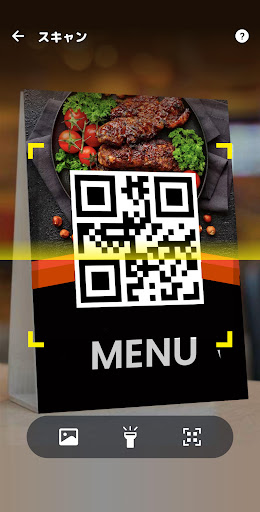
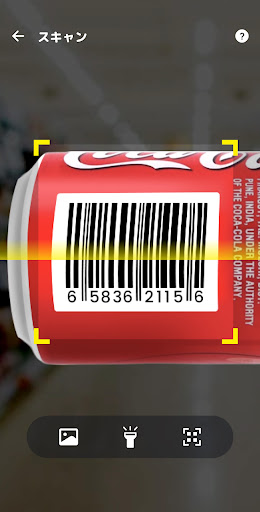
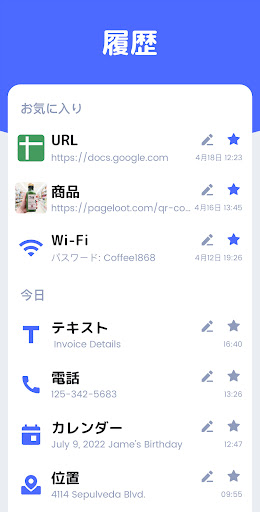
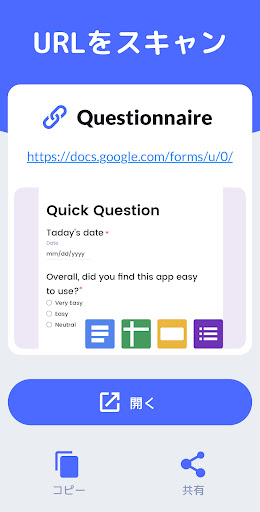
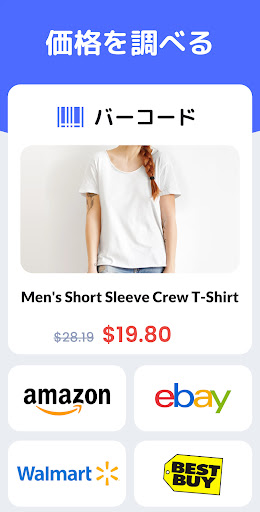
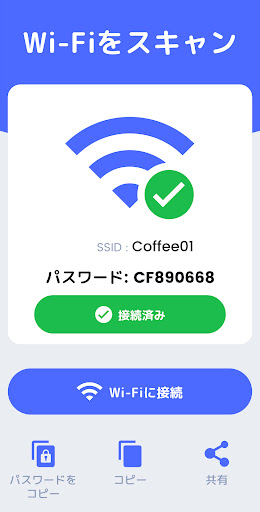
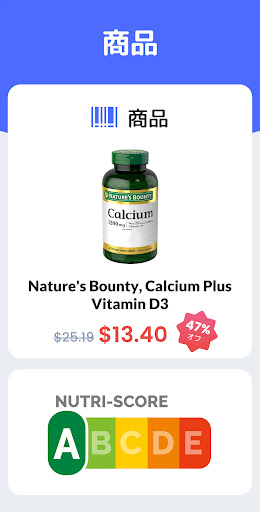
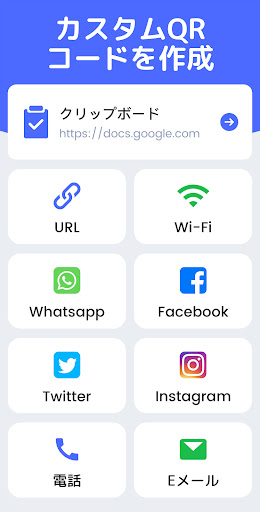
Lightweight QR and barcode utility that scans all major formats, supports batch scanning, scans from gallery, auto-zooms, uses flashlight, saves history, compares product prices, and includes a built-in QR code generator with templates for Wi‑Fi, URLs, contacts, and social profiles.
Verdict
Verdict: A fast, capable QR/barcode scanner with handy extras like price comparison and QR creation, best if you can tolerate ads.
Who is it for
Best for:
- Shoppers who want quick price checks and product lookups
- Users needing reliable scanning across many code types, including tiny labels
- Anyone who also wants to generate and share custom QR codes
Not ideal for:
- Users who dislike ads or want an ad-free experience by default
- Privacy purists who prefer fully offline/open-source tools
- Power users needing enterprise device management or advanced inventory features
Real-world User Experience
Users like it:
Consistently described as easy, fast, and accurate—even with very small QR codes. Appreciated for extra utilities like price comparisons and showing Wi‑Fi credentials from scanned codes.
Users complain about:
Ads can be annoying and may interrupt flow; otherwise few recurring complaints noted in the provided reviews.
Is it Worth Paying For?
Core scanning and generating features are free with ads. Given its strong performance, most users won’t need to pay; consider IAP only if you want to remove ads or unlock any premium templates/features.
How it Compares to Alternatives
Compared to built-in camera/Google Lens scanners, it offers broader format coverage, history, batch mode, and price comparison. Versus privacy-focused options (e.g., Kaspersky QR Scanner) or open-source ZXing-based apps, it’s feature-richer but ad-supported. It lands as a well-rounded, consumer-friendly choice with more utilities than basic scanners.
Summary
QR Code Scanner & Barcode Read is a polished, high-rated (4.6) Android scanner with over 10M installs that balances speed, accuracy, and breadth. It handles nearly all code types, adds conveniences like batch scanning, auto-zoom, gallery import, flashlight, and scan history, and goes beyond basics with a QR generator and product price comparisons. The developer emphasizes minimal permissions (camera only), which is reassuring for casual use. Ads are the main trade-off; if you’re sensitive to them, consider paying to remove or trying an ad-free alternative. For everyday scanning, shopping checks, and quick QR creation, it’s an easy recommendation.
Ratings
Trending APP












Alternative to this app









