
Copyright 2026 © swekartor. All Rights Reserved.




App Feature
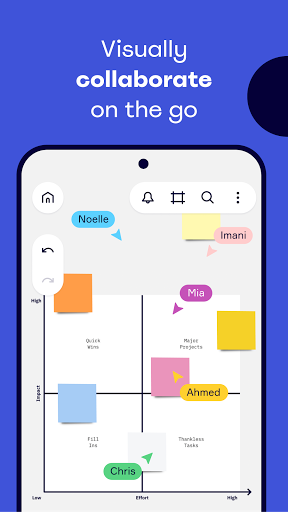
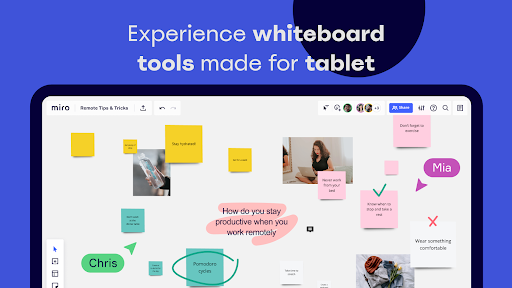
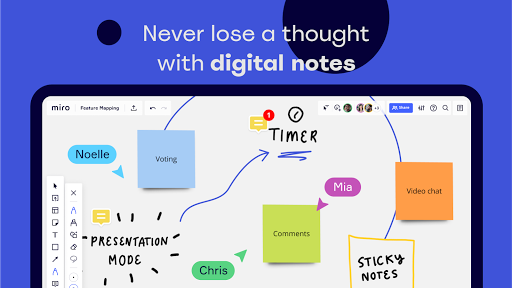
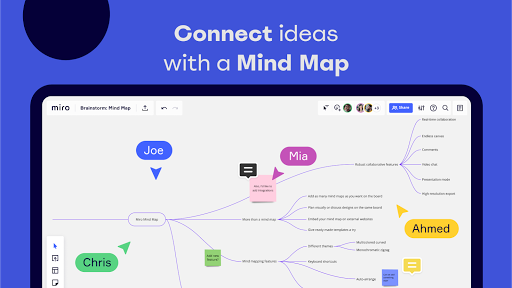
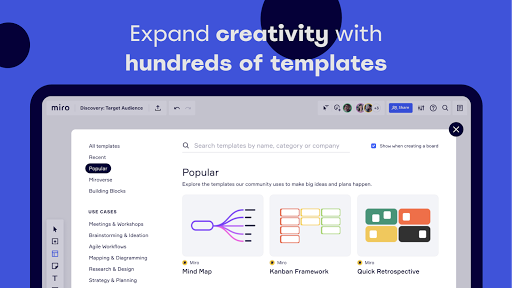
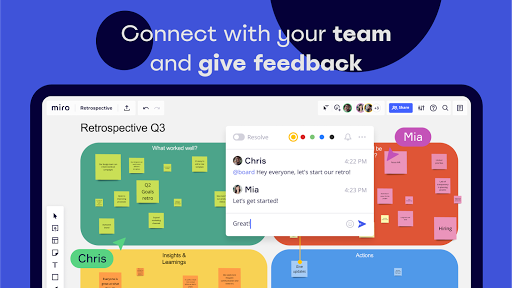
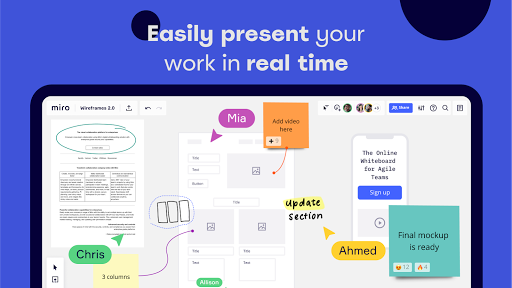
Miro is a collaborative visual workspace that lets teams brainstorm, plan, and execute ideas on an infinite canvas. It offers real-time co-editing, a rich template library, stylus-friendly sketching on tablets, document/PDF annotation, and integrations with tools like Jira, Slack, and Trello to keep work centralized.
Verdict
Verdict: A powerful, template-rich whiteboard for collaborative teams, especially strong on mobile and tablet.
Who is it for
Best for:
- Remote or hybrid teams running workshops, standups, and brainstorming
- Design, product, and agile workflows needing templates and integrations
- Individuals capturing ideas on the go with stylus and mobile support
Not ideal for:
- Users wanting a very simple, text-only notes app
- Teams avoiding cloud-based collaboration tools for compliance reasons
Real-world User Experience
Users like it:
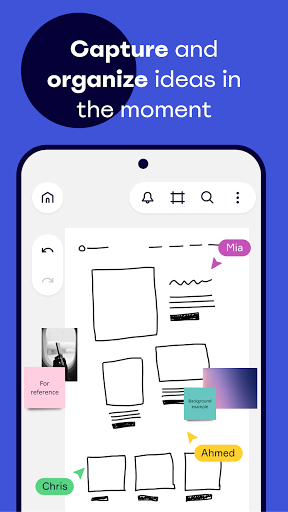
Fast idea capture and organization, stylus-friendly note-taking, color-coding, and the ability to move ideas around fluidly—useful for creative tasks like plotting a book timeline or attaching reference documents.
Users complain about:
No consistent negatives surfaced in the provided reviews; limited feedback prevents identifying common pain points.
Is it Worth Paying For?
The app is free and lists no in-app purchases in this profile, so it’s an easy, no-risk choice to try. For many, the free experience should cover core whiteboarding and collaboration needs.
How it Compares to Alternatives
Compared to Microsoft Whiteboard, Miro offers broader templates and stronger integrations for agile and product work. Versus diagram-focused tools like Lucidchart, Miro emphasizes freeform collaboration and workshops over strict diagramming. Its mobile/tablet features and stylus support make it more versatile for on-the-go ideation than many alternatives.
Summary
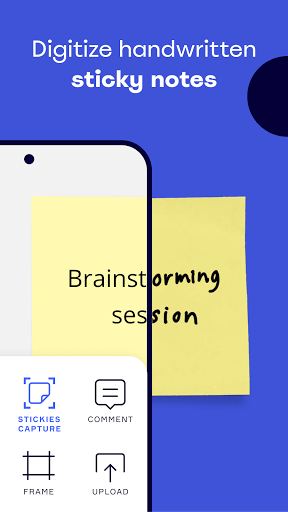
Miro: Online whiteboard delivers a robust, flexible canvas for distributed teams to brainstorm, plan, and manage work visually. With real-time collaboration, a deep template library, and integrations to staple productivity tools, it brings workshops, ideation, and documentation into one place. Mobile and tablet support, including stylus-friendly drawing and quick note capture, make it practical beyond the desktop. Given its free availability and strong usability signals from users, Miro is a compelling choice for teams and creators who think visually and need a shared space to turn ideas into plans.
Ratings
Trending APP












Alternative to this app









