
Copyright 2026 © swekartor. All Rights Reserved.



App Feature
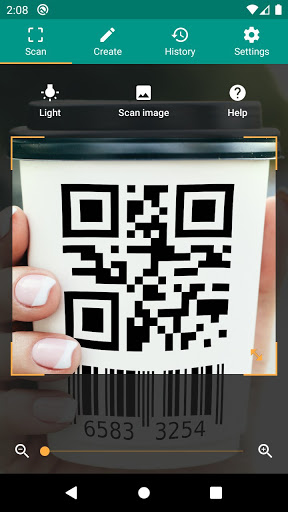
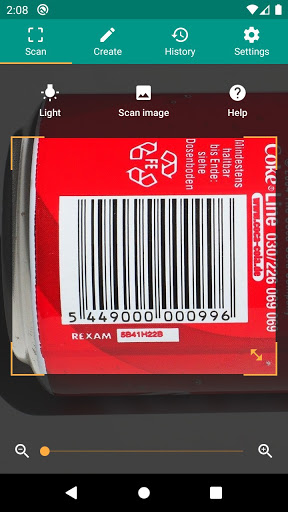
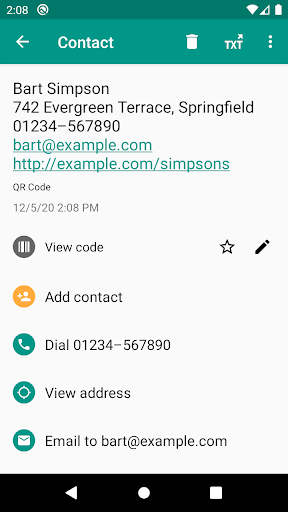
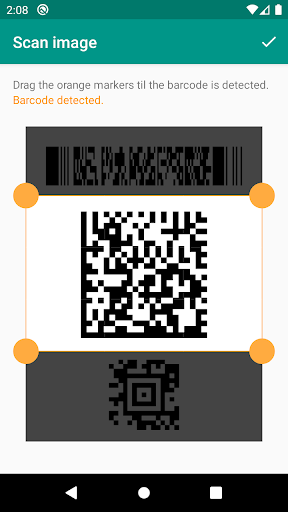
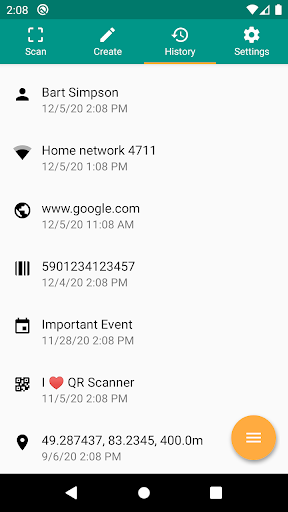
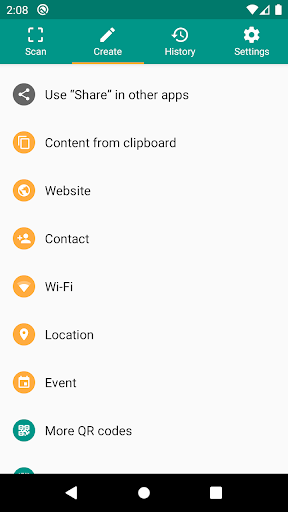
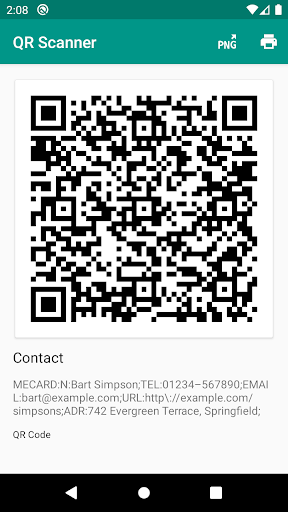
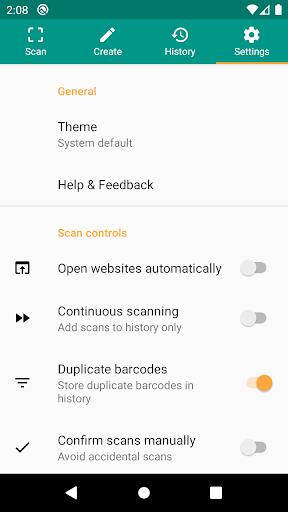
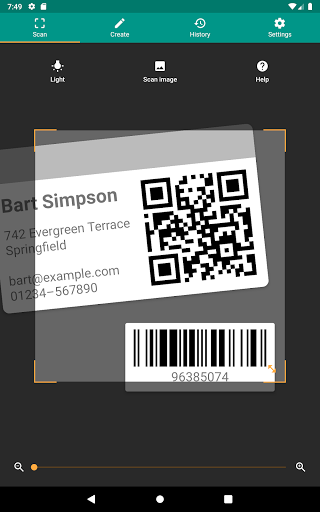
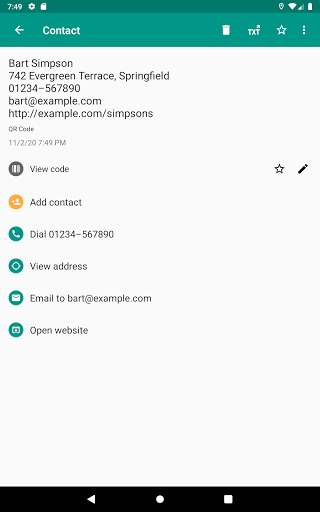
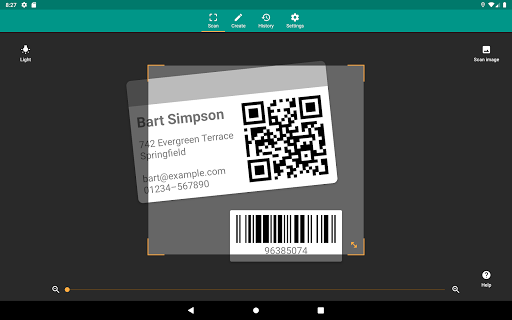
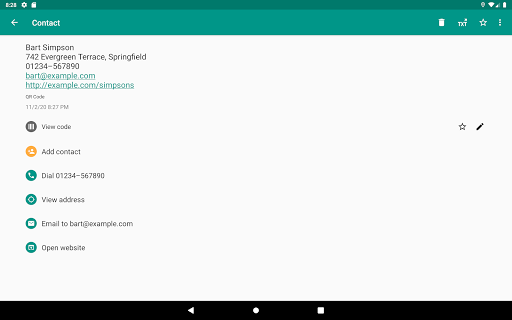
A lightweight QR and barcode scanner that recognizes all common formats, scans via camera or from images, opens safe-browsed links, supports flashlight and zoom, stores unlimited history with CSV export and annotations, lets you generate/share codes, and offers custom search actions.
Verdict
Verdict: A fast, reliable, and privacy‑minded QR/barcode tool with generous free features and thoughtful power-user extras.
Who is it for
Best for:
- Users who need quick, accurate scans across many code formats (QR, EAN/UPC, Code 128, Data Matrix, etc.)
- Shoppers and small businesses wanting history, CSV export, annotations, and product lookups
- Anyone who values minimal permissions, URL preview, and safe browsing
Not ideal for:
- People satisfied with basic built-in camera/Lens scanning and no need for history or exports
- Enterprises needing centralized device management or advanced inventory systems beyond CSV
Real-world User Experience
Users like it:
Very fast and accurate scanning even for tiny/damaged/low-contrast codes; simple, clean UI with minimal, non-intrusive ads; works from camera or gallery images; handy zoom and torch; clear URL preview before visiting; robust history that’s easy to share/export; code generation (PNG/PDF) and multi-store product lookups; responsive developer and good reliability.
Users complain about:
Occasional workflow quirks (e.g., share method sticking); a few ads require caution to avoid misleading prompts; free-to-pro via watching videos didn’t work for some; feature requests like in-app history search on some devices; product identification depends on available barcode data, so results can vary.
Is it Worth Paying For?
The free version is fully functional with light ads and suits most users. The one-time Pro upgrade (reported around US$7) removes ads and unlocks a few quality-of-life features (e.g., enhanced history/export/annotations). If you scan frequently, manage inventories, or dislike ads, the upgrade offers good value; otherwise the free tier is sufficient.
How it Compares to Alternatives
Compared to Google Lens or built-in camera scanners, this app adds richer history, CSV export, code generation, and custom searches while keeping permissions minimal. Versus many ad-heavy scanners, it’s lighter and more trustworthy. Security-focused scanners (e.g., Kaspersky) emphasize link safety; this app balances safety via Chrome Custom Tabs with broader features. QRbot (same developer) offers a similar experience—this app stands out for its polished scanning and management workflow.
Summary
QR & Barcode Reader delivers fast, highly accurate scanning across virtually all common formats, plus practical tools like safe URL preview, flashlight/zoom, scan-from-image, code generation, and a robust history with export/annotations. Reviews highlight its speed, reliability, clean interface, and minimal ads, with only minor gripes about sharing workflows and ad caution. For everyday scanning, shopping comparisons, or lightweight inventory tasks, it’s excellent out of the box; the affordable Pro upgrade makes sense if you scan often, want an ad-free experience, or rely on exports and annotations.
Ratings
Trending APP












Alternative to this app









