
Copyright 2026 © swekartor. All Rights Reserved.


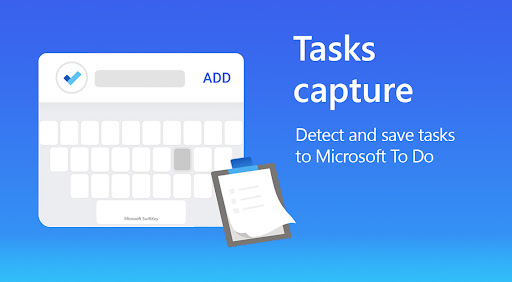
App Feature
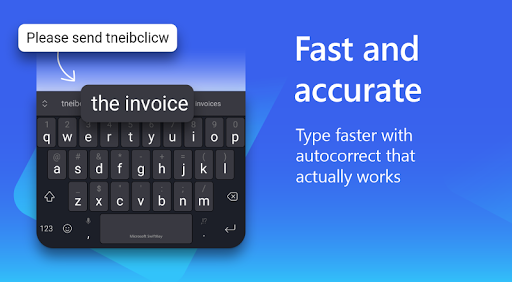
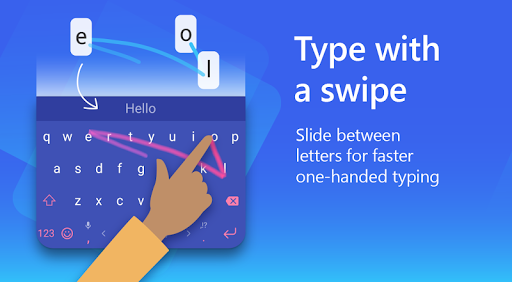
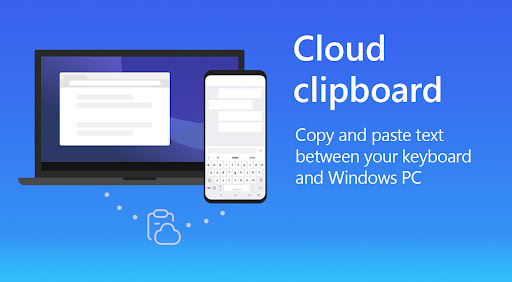
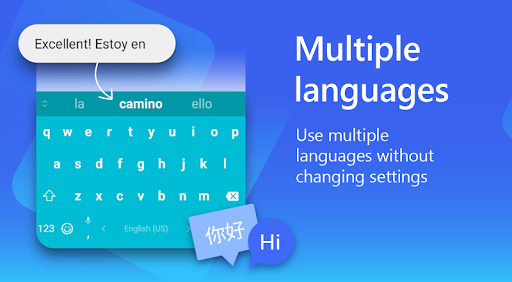
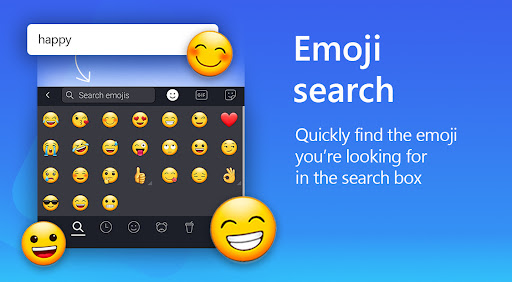
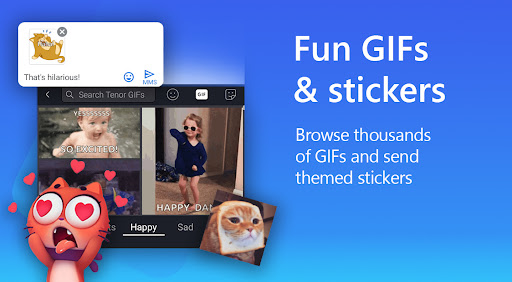
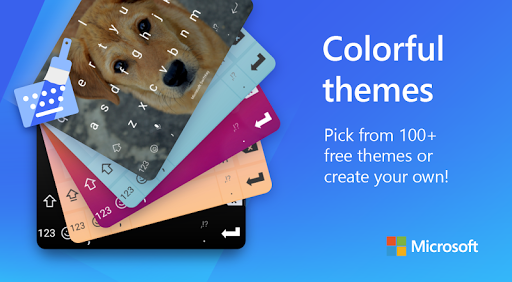
AI-powered keyboard with Copilot that learns your writing style for fast, accurate predictions. Supports swipe and tap typing, rich content (emoji/GIFs/stickers), robust clipboard and translation tools, voice dictation, and deep customization (themes, size/layout). Seamless multilingual typing across hundreds of languages without switching.
Verdict
Verdict: A powerful, highly customizable AI keyboard that excels at prediction and multilingual typing, though occasional autocorrect quirks and privacy concerns may deter some users.
Who is it for
Best for:
- Heavy texters who want fast, accurate predictions and swipe typing
- Multilingual users who need simultaneous language support
- Customization fans and power users (clipboard, translation, themes, split layout)
Not ideal for:
- Privacy-first users wary of big-tech telemetry
- Those needing editor-grade grammar correction over predictive speed
- Users on very old Android devices or who encounter language pack download issues
Real-world User Experience
Users like it:
Consistently praised for learning personal style and delivering accurate predictions over time, strong multilingual support without manual switching, rich customization and themes, helpful power features (clipboard history, translation, split keyboard), and flexibility to choose different speech-to-text engines. Many report faster, more comfortable typing compared to default keyboards.
Users complain about:
Occasional autocorrect/prediction misfires (e.g., swapping common words), sporadic bugs like words not adding to the dictionary or language settings stuck loading, mixed sentiment on privacy/telemetry, compatibility issues on older devices, and requests for more symbol/shortcut customization and an 'undo' option. Some users report ads within the app settings.
Is it Worth Paying For?
The app is free with no in-app purchases. It offers extensive functionality—AI predictions, Copilot access, translation, clipboard, themes—without a paywall. It may display ads in-app, but there is no paid tier to remove them.
How it Compares to Alternatives
Against Gboard, SwiftKey stands out for simultaneous multilingual typing, a robust clipboard, and deeper layout customization; Gboard integrates more tightly with Google services and voice dictation. Compared to Samsung Keyboard, SwiftKey generally offers better predictions, features, and themes. Grammarly Keyboard focuses on advanced grammar/style but is slower and less flexible for power features. SwiftKey provides a strong balance of speed, features, and personalization for most users.
Summary
Microsoft SwiftKey Keyboard is a mature, feature-rich typing companion built around adaptive AI prediction and deep personalization. It handles swipe/tap input, multilingual typing without switching, and rich content insertion while packing power tools like translation, a handy clipboard, and flexible layouts (including split). Users highlight meaningful gains in speed and accuracy as the keyboard learns their style and vocabulary, making it a long-term daily driver. Downsides are mostly edge cases: occasional autocorrect oddities, intermittent dictionary or language-download issues, and concerns about data telemetry, plus mixed reports of in-app ads. If you value predictive accuracy, multilingual convenience, and customization, SwiftKey is one of the best free keyboards available.
Ratings
Trending APP












Alternative to this app









