
Copyright 2026 © swekartor. All Rights Reserved.



App Feature
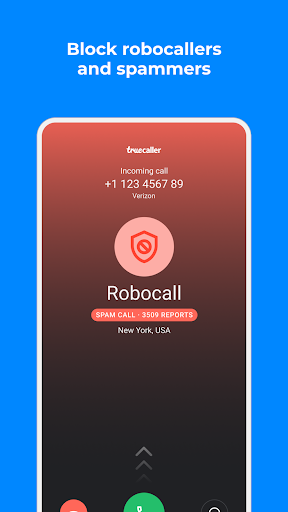
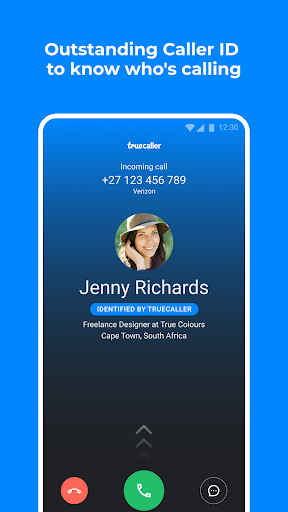
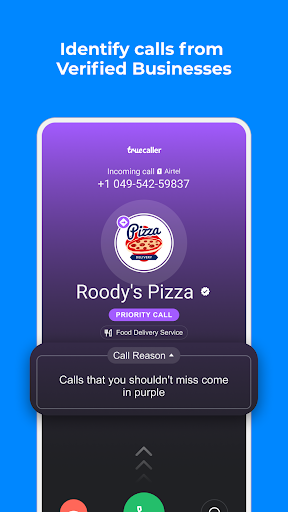
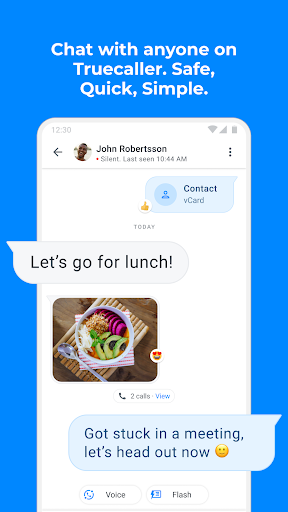
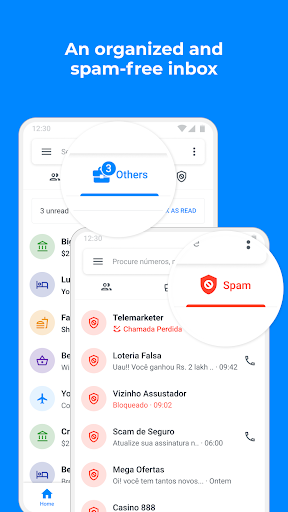
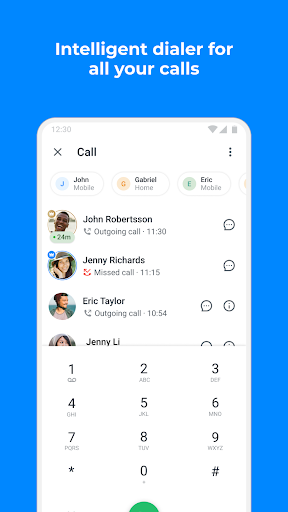
Truecaller is a caller ID and spam-blocking suite that identifies unknown callers, auto-blocks telemarketers and scams, filters SMS, and offers extras like AI Call Scanner, AI-powered call screening (Truecaller Assistant), reverse number lookup, call recording, and an optional default dialer/messaging experience with cloud backup.
Verdict
Verdict: A powerful all-in-one caller ID and spam shield, best for heavy spam regions and privacy-savvy call management.
Who is it for
Best for:
- Users plagued by spam/scam calls who want strong auto-blocking and real-time caller ID
- People who want integrated call screening, transcripts/recordings, and SMS filtering
- Families seeking centralized spam protection and remote safety controls
Not ideal for:
- Users who dislike ads or prefer minimalist, built-in phone apps without extra features
- Those very sensitive to data/privacy trade-offs inherent to crowd-sourced caller ID
- People who rely on flawless group MMS or strict Do Not Disturb passthrough behavior
Real-world User Experience
Users like it:
Consistently praised for accurate caller ID, effective spam and scam blocking, and an easy, fast interface. Many highlight peace of mind, reduced interruptions, and useful extras like SMS filtering, organized inbox tabs, and (on paid tiers) call screening and recording. Premium removes ads and can block by name; support responsiveness is also noted.
Users complain about:
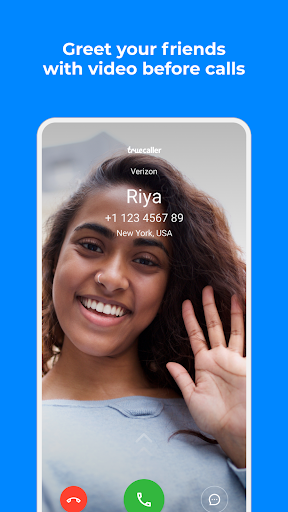
Some report occasional access issues or past crashes, ads in the free version, and concerns about privacy. Messaging quirks include group text replies splitting into individual threads and the ability to text landlines. Feature requests include selective history deletion, restored silent-ring behavior for blocked numbers, strict DND respect, and more call screen customization (e.g., full-screen photos).
Is it Worth Paying For?
Yes for power users: Premium meaningfully upgrades the experience with no ads, AI Assistant call screening, call recording with summaries/transcripts, ghost calls, announcements, profile views, and Incognito Mode. The Family plan adds remote protections and alerts. For casual users, the free tier’s caller ID + spam blocking is strong enough; upgrade if you need screening/recording or hate ads.
How it Compares to Alternatives
Versus Google Phone/Call Screen and Samsung Smart Call, Truecaller is more cross-device and feature-dense (crowd-powered spam list, reverse lookup, assistant, transcripts). Compared to Hiya, it’s similar in spam blocking but adds richer AI screening, recording, and a fuller messaging suite. Built-in OS options are lighter and more private by default but generally less effective outside supported carriers/regions and lack Truecaller’s advanced AI and database-driven features.
Summary
Truecaller combines robust caller ID, a vast crowd-sourced spam database, and modern AI tools to keep nuisance calls and texts at bay. It identifies unknown callers quickly, blocks scams effectively, and can replace your default dialer and messenger. The paid tiers elevate it with AI call screening, recording, summaries, and family protection. While the free version’s ads, occasional messaging quirks, and privacy trade-offs may deter some, its reliability, accuracy, and peace-of-mind benefits make it one of the strongest call management apps—especially where spam is rampant.
Ratings
Trending APP











Alternative to this app









