
Copyright 2026 © swekartor. All Rights Reserved.



App Feature
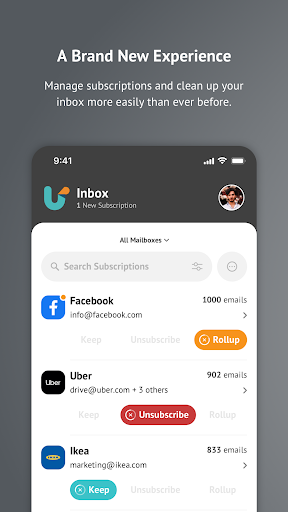
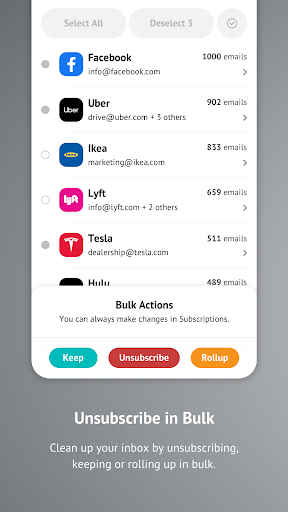
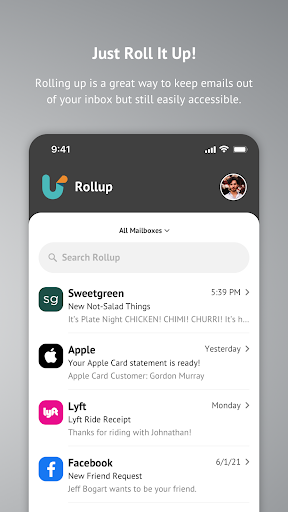
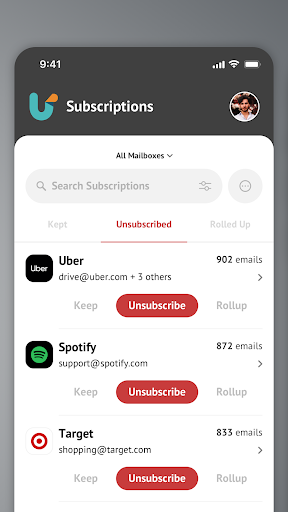
Unroll.Me is a free inbox cleaner that identifies subscription senders across multiple email accounts, lets you unsubscribe or block them in bulk, and optionally rolls remaining newsletters into a single daily digest for a clutter‑free inbox.
Verdict
Verdict: A powerful, free email decluttering tool that works across providers, best if you want fast bulk control over subscriptions.
Who is it for
Best for:
- People overwhelmed by newsletters and promotions across multiple inboxes
- Users who want quick bulk unsubscribe/block and a daily digest (Rollup)
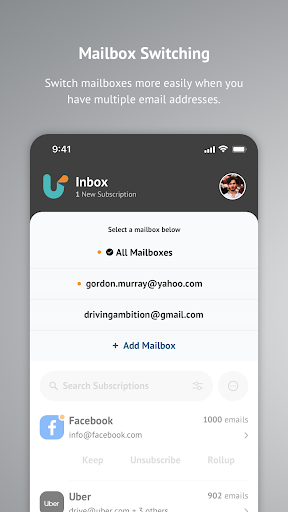
- Anyone seeking a universal solution that works with Gmail, Outlook, iCloud, Yahoo, and more
Not ideal for:
- Users who need full-featured email clients or advanced filtering rules
- Those uncomfortable with account-level access or setup steps like app passwords/2FA
- People who want true sender-side unsubscribe every time (it often blocks instead)
Real-world User Experience
Users like it:
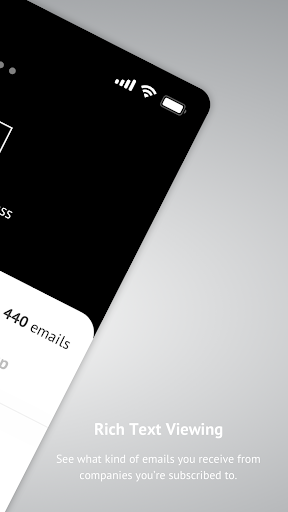
Setup is quick, interface is simple, and the List View makes hidden subscriptions visible for easy bulk actions. The Rollup reduces inbox noise to one daily email, and changes are reversible. Many report dramatic inbox relief within minutes and appreciate multi-account support.
Users complain about:
Occasional account disconnections, crashes, or delays in subscriptions appearing; some setup friction with app passwords/2FA. It frequently blocks at the account level rather than executing a true unsubscribe, and opening specific emails can take extra steps through the app.
Is it Worth Paying For?
The app is 100% free with no ads or in-app purchases, so there’s nothing to pay for—strong value given how much time it can save.
How it Compares to Alternatives
Compared to native tools (Gmail categories/‘Unsubscribe’, Outlook Focused Inbox), Unroll.Me offers a cross-account, sender-level dashboard with bulk actions and a digest—more holistic than per-client filters. Services like Clean Email, Leave Me Alone, or SaneBox offer similar subscription management and automation, sometimes with richer rule sets but typically require a subscription fee; Unroll.Me’s main advantage is its free, universal, and streamlined approach.
Summary
Unroll.Me streamlines inbox cleanup by surfacing all subscription senders, letting you keep, block, or roll them into a single digest across multiple email providers. Reviews highlight immediate inbox relief, intuitive bulk management, and solid multi-account support. Downsides include occasional disconnects or crashes, some onboarding steps (e.g., 2FA/app passwords), and the fact that many actions block messages rather than strictly unsubscribing at the source. If you need a fast, no-cost way to tame promotional clutter across several inboxes, it’s an easy recommendation; power users who want granular automation or guaranteed sender-side unsubscribes may prefer paid alternatives.
Ratings
Trending APP












Alternative to this app









