
Copyright 2026 © swekartor. All Rights Reserved.



App Feature
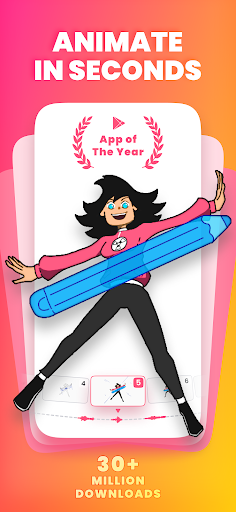
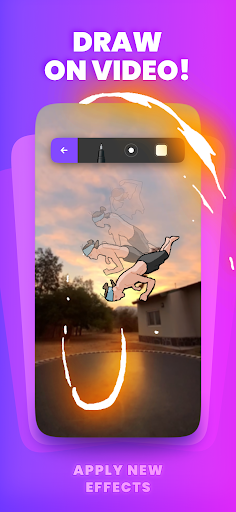
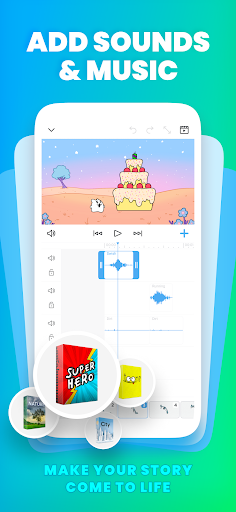
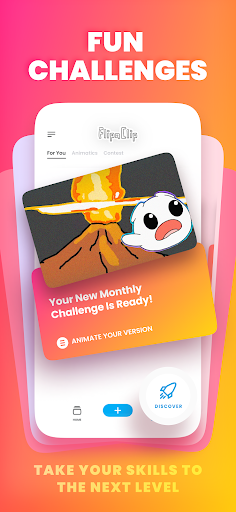
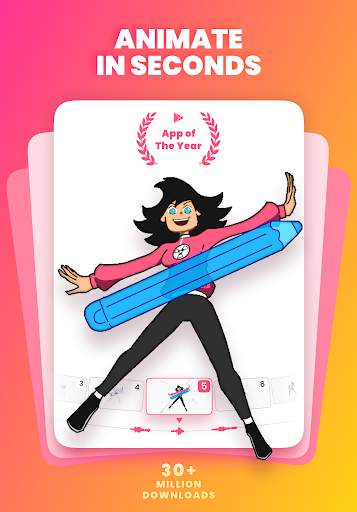
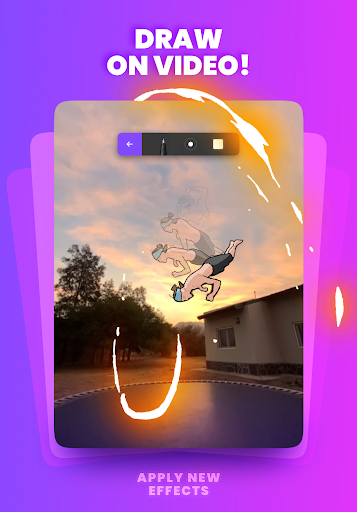
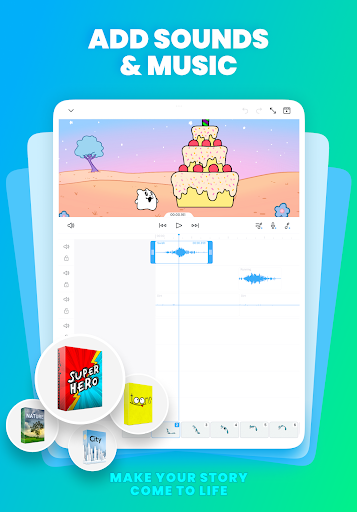
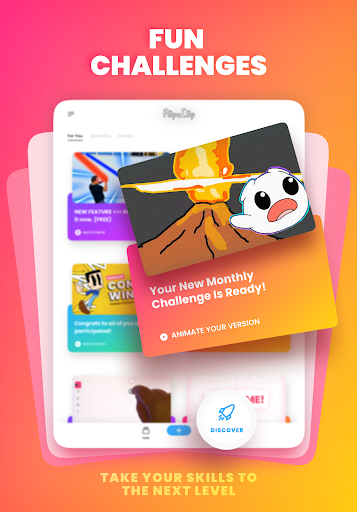
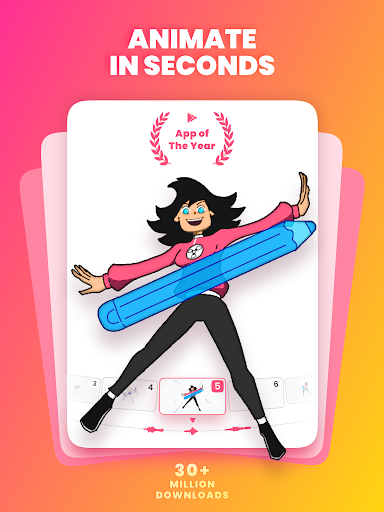
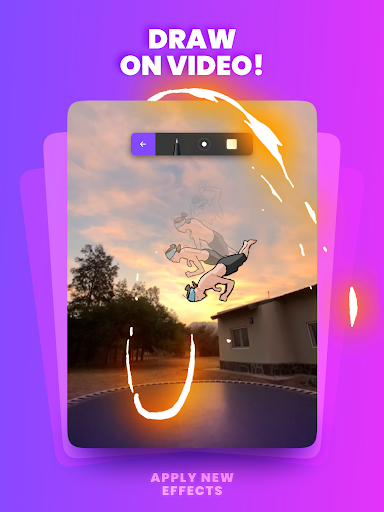
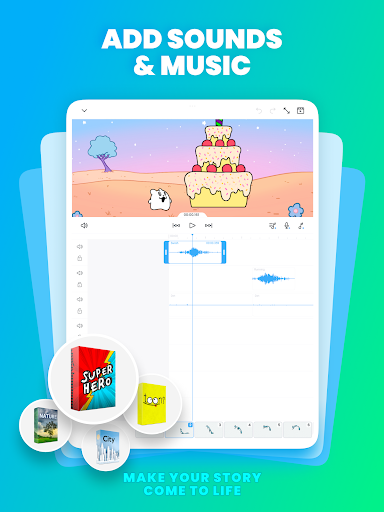
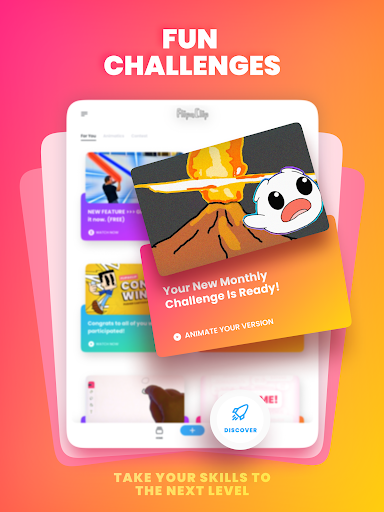
FlipaClip is a beginner-friendly 2D animation and flipbook maker that lets you draw frame-by-frame, manage layers (3 free, up to 10 with pro), use onion skinning, blending and glow effects, import photos/videos for rotoscoping, add music/voice with up to 6 audio tracks (plus AI Voice Maker), and export to MP4, GIF, or PNG sequences with transparency. It supports pressure-sensitive styluses and includes community challenges.
Verdict
Verdict: A standout mobile animation app for learning and quick 2D projects, though some pro features and video tools sit behind paywalls.
Who is it for
Best for:
- Beginners and hobbyists learning frame-by-frame animation or making memes/cartoons
- Mobile creators and YouTubers/TikTokers who need quick audio-friendly animation exports
- Stylus users (S Pen/SonarPen) wanting a simple, responsive timeline workflow
Not ideal for:
- Professionals needing deep layer counts, custom brushes, or advanced compositing
- Editors relying on long or flexible video imports and precise clip placement
- Users who dislike ads, IAP gating, or occasional mobile UI glitches
Real-world User Experience
Users like it:
Easy to learn with clear timeline tools; solid brush set with ruler, fonts, and onion skin; strong audio features (recording, multiple tracks); low storage impact; unlimited frames; community challenges; ability to watch ads to unlock some premium features; regular improvements (new brushes like airbrush/crayon) and AI tools.
Users complain about:
Audio sync hiccups when playing from start; occasional layer glitches and copy/paste issues; bucket fill leaves stray dots and lacks cross-layer fill; imported images default to single-frame duration and video import can be slow/laggy and limited (placement at start only, premium-gated); line quality can appear pixelated on some devices; UI sensitivity when scrubbing frames; requests for more layers, custom brushes, manual numeric inputs, accessibility settings, and undo/redo in hidden-panel mode.
Is it Worth Paying For?
Yes for frequent animators: the pro upgrade (e.g., more layers, video import, fewer ads, watermark removal) meaningfully improves workflows. Casual users can comfortably stay free thanks to generous core tools, ad-based unlocks for some features, and good exports.
How it Compares to Alternatives
Compared to ibis Paint (great brushes, weaker animation), FlipaClip wins on timeline/animation and audio integration. Versus RoughAnimator or Animation Desk, FlipaClip is simpler and faster to start but offers fewer pro controls and layer depth. It far outclasses simple stick-figure apps (e.g., ones with frame limits) with unlimited frames and better tools, yet remains more approachable than desktop suites (Krita, Blender) at the cost of advanced compositing and precision.
Summary
FlipaClip delivers one of the best mobile-first experiences for 2D, frame-by-frame animation. It combines intuitive drawing tools, onion skinning, basic effects, stylus support, and robust audio integration with easy exports, making it ideal for learning, quick shorts, and social content. While premium gating on video import, limited free layers, and some UI/bug quirks hold it back from full professional use, the free tier remains generous and the pro upgrade is worthwhile for serious mobile animators. If you want a fast path from sketch to animated short on Android, FlipaClip is a top pick.
Ratings
Trending APP









Alternative to this app










