
Copyright 2026 © swekartor. All Rights Reserved.



App Feature
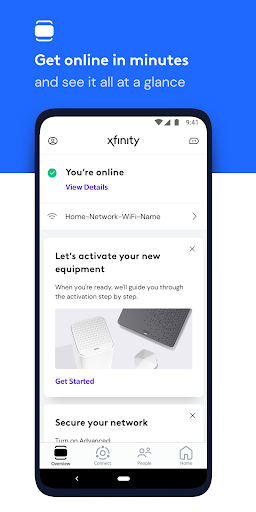
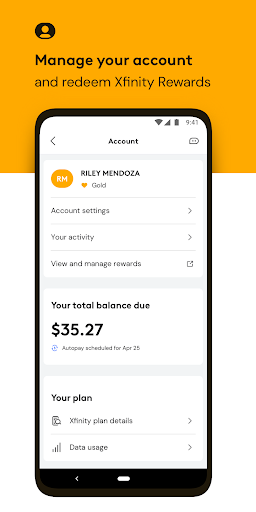
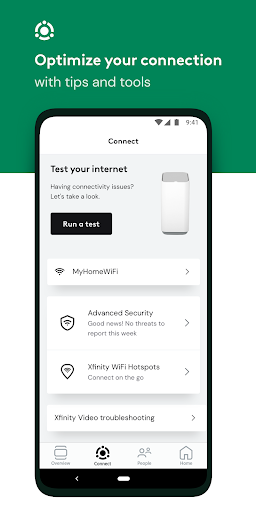
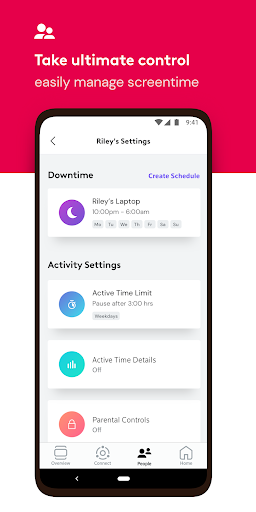
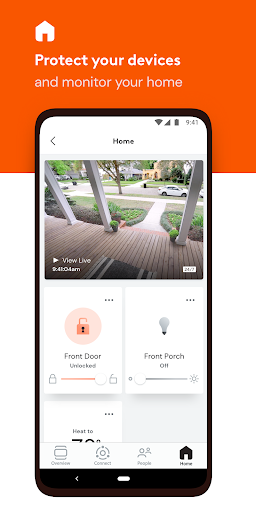
All-in-one companion for Xfinity customers to manage internet and mobile: activate equipment, run diagnostics and speed tests, pay bills, change plans, manage Wi‑Fi (profiles, parental controls, device pausing), and enable Advanced Security (including on-the-go VPN) with access to Xfinity Rewards and the new NOW internet/mobile option.
Verdict
Verdict: A capable, free hub for managing Xfinity services and home Wi‑Fi, best if you prefer self-service tools over live support.
Who is it for
Best for:
- Xfinity customers who want self-service troubleshooting, resets, and speed tests
- Households managing many devices, profiles, and parental controls
- Users renting Xfinity gateways who want Advanced Security and guided Wi‑Fi optimization
Not ideal for:
- People who prefer resolving issues exclusively by phone with a human agent
- Non‑Xfinity users or modem owners expecting full feature parity without renting equipment
Real-world User Experience
Users like it:
Quickly runs diagnostics and resets to fix flaky internet; clear control over devices, bandwidth usage, and Wi‑Fi credentials; simple setup and day‑to‑day management; helpful for seeing who’s using bandwidth and pausing devices; once tried, many find it more convenient than calling support.
Users complain about:
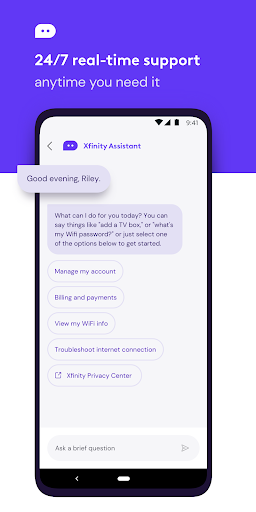
Initial frustration with Xfinity steering support toward the app/chat instead of phone agents; some permissions (e.g., VPN for security on the go) may feel heavy; features are richer for equipment renters than for customers using their own hardware.
Is it Worth Paying For?
The app is free with no ads or IAP. Value is high for Xfinity customers—especially those renting Xfinity equipment—since core tools (billing, diagnostics, Wi‑Fi controls, security features) come included.
How it Compares to Alternatives
Compared with My Spectrum, Cox Panoramic WiFi, and AT&T Smart Home Manager, Xfinity offers a similarly robust suite of diagnostics, device management, and parental controls, with strong integration for gateway renters. Google Home provides polished Wi‑Fi management but lacks billing/support integration for ISP services. Overall, Xfinity’s app stacks up well for ISP account + network control, with an edge if you use Xfinity’s hardware and services.
Summary
Xfinity’s app centralizes account management and home networking into a practical, self-service toolkit. You can activate gear, run speed tests and diagnostics, reboot or update equipment, manage Wi‑Fi names and passwords, assign profiles, pause devices, and apply parental controls. Equipment renters gain deeper benefits like Advanced Security and tailored Wi‑Fi optimizations, plus access to Xfinity Rewards and the NOW internet/mobile option. While some users dislike being nudged away from phone support and the app requests VPN permissions for security features, the overall package is convenient, effective, and free—making it a strong companion for most Xfinity households.
Ratings
Trending APP












Alternative to this app









