
Copyright 2026 © swekartor. All Rights Reserved.



App Feature
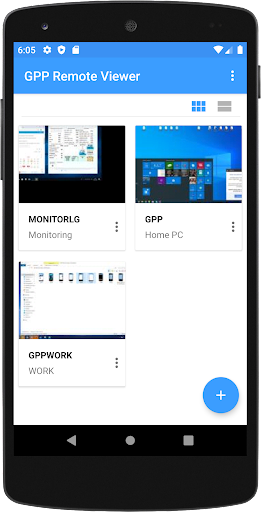
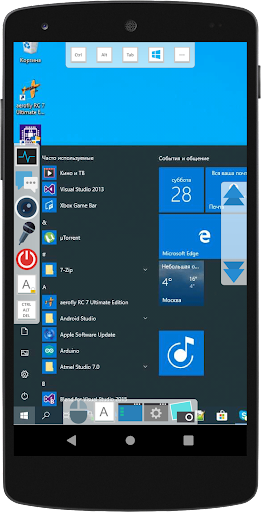
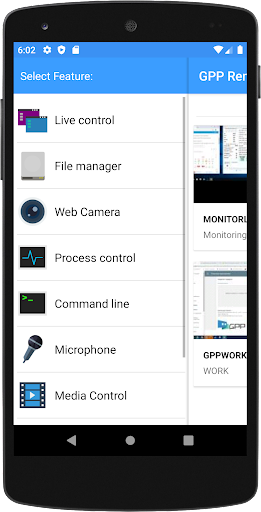
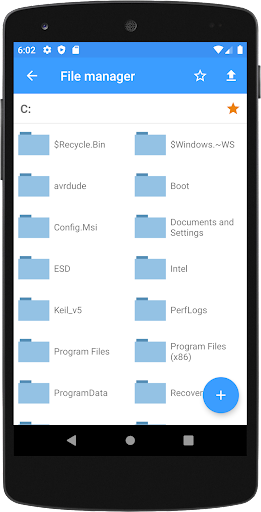
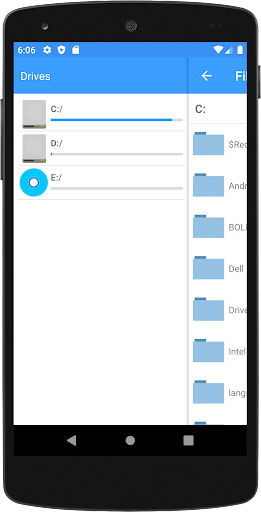
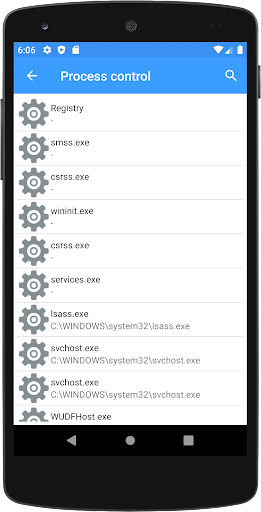
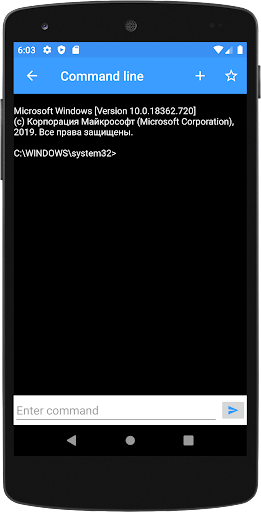
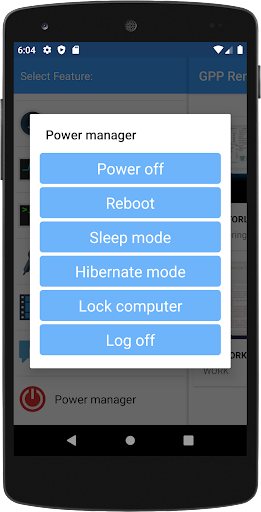
GPP Remote Viewer lets you remotely access and control your Windows PC from an Android device. Core tools include live control and screen viewing, webcam access, remote file manager (copy/upload/download), process control, messaging, and power management. It aims for easy setup, automatically discovering your PC and choosing the best connection path.
Verdict
Verdict: A capable, no‑cost remote PC control app that covers essentials, best for straightforward access rather than enterprise‑grade needs.
Who is it for
Best for:
- Users who want simple remote access to home or office PCs
- Parents or small teams needing light monitoring and file transfers
- Anyone seeking free, ad‑free remote control with basic features
Not ideal for:
- Users needing enterprise security, SSO, or granular admin controls
- Heavy-duty remote support with advanced diagnostics and integrations
- Those requiring polished cross‑platform clients and deep ecosystem support
Real-world User Experience
Users like it:
Generally praised for doing the basics well: quick setup, reliable discovery of the PC, responsive screen viewing for light tasks, straightforward file transfer, and useful extras like messaging and power management. The ad‑free, free pricing is appreciated.
Users complain about:
Some report occasional connectivity hiccups or lag over mobile networks, a UI that feels dated, and learning curve around installing/configuring the desktop component. A few want clearer security/permission details and broader platform polish.
Is it Worth Paying For?
The app is free with no ads or IAP, so there’s nothing to buy—easy to recommend trying. If you later need hardened security, multi-user management, or corporate support, consider paid tools.
How it Compares to Alternatives
Compared to TeamViewer and AnyDesk, GPP Remote Viewer is lighter, free, and ad‑free but offers fewer enterprise features, integrations, and performance optimizations. Versus Chrome Remote Desktop, it adds handy extras (webcam, process control, messaging) but lacks Google’s ecosystem polish and widespread support. Microsoft Remote Desktop remains best for Windows-to-Windows environments, while GPP is a solid general remote control option for Android-to-PC use.
Summary
GPP Remote Viewer focuses on the fundamentals of remote PC access from Android—live control, screen viewing, webcam, file management, messaging, and power options—wrapped in an easy setup and free, ad‑free package. It’s a practical pick for home users, parents, and small teams who need quick access to files or to check in on a machine without fuss. While it can’t match the enterprise security, performance tuning, or integrations of heavyweights like TeamViewer or AnyDesk, its straightforward feature set and zero cost make it a compelling, no‑risk choice for everyday remote access.
Ratings
Trending APP








Alternative to this app









