
Copyright 2026 © swekartor. All Rights Reserved.




App Feature
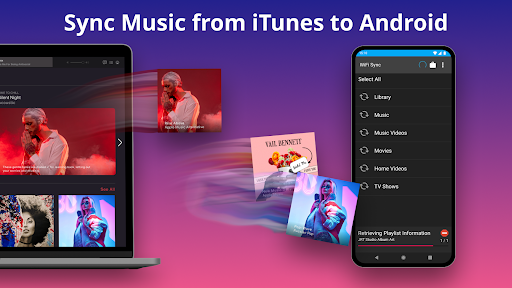
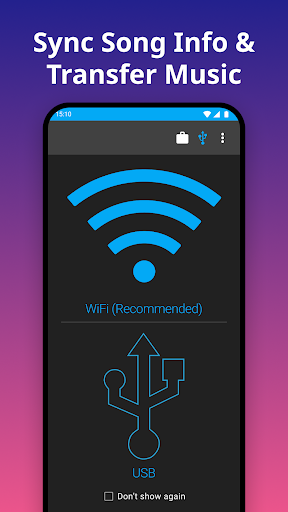
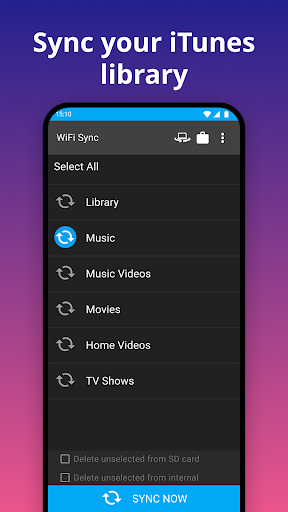
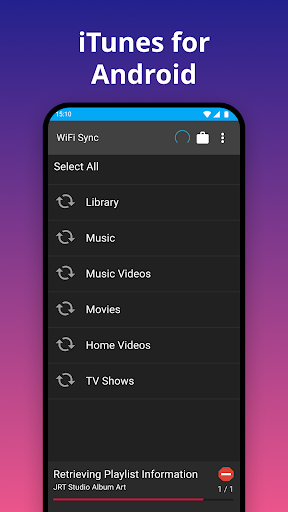
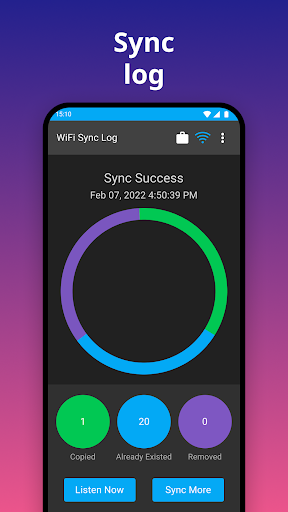
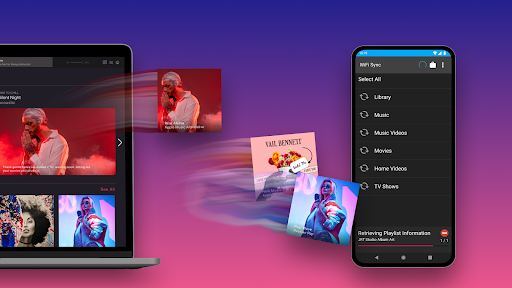
Transfers and syncs iTunes libraries to Android over USB or Wi‑Fi, preserving playlists, play counts, ratings, album art, and other metadata; supports podcasts/audiobooks, smart playlists, on‑the‑fly format conversion, internal/SD storage targets, and works via a required free desktop helper for Mac/Windows (no DRM content).
Verdict
Verdict: A reliable, metadata-accurate iTunes-to-Android sync tool, best over Wi‑Fi, with a worthwhile paid unlock for larger libraries.
Who is it for
Best for:
- Switchers from iPhone who want their exact iTunes playlists and metadata on Android
- Users with large local libraries who prefer offline, cable-free syncing over Wi‑Fi
- Podcast/audiobook listeners who need chapters and resume positions preserved
Not ideal for:
- People expecting DRM‑protected iTunes purchases to sync (not supported)
- Anyone wanting a pure cloud solution without a desktop helper or local files
- Users who need flawless USB/MTP syncing on locked-down PCs or with strict firewalls
Real-world User Experience
Users like it:
Consistently praised for mirroring iTunes behavior, preserving playlists and artwork, and offering smooth, fast Wi‑Fi sync that many find more reliable than USB and even easier than iTunes itself; strong marks for responsive developer support and successful transfers to popular Android players (e.g., Samsung Music, Rocket Player).
Users complain about:
Initial setup can be confusing, especially over USB/MTP; firewall/connection quirks may cause failed syncs until Wi‑Fi is configured; occasional need to restart the phone to see new playlists; some users report confusing upgrade prompts or third‑party ad popups during purchase flows.
Is it Worth Paying For?
Yes—if you have more than 100 songs per playlist or multiple playlists, the paid unlock is good value given accurate metadata sync, reliable Wi‑Fi transfers, and time saved versus manual copying. The free tier is fine for quick tests or small playlists.
How it Compares to Alternatives
Compared to doubleTwist and similar tools, iSyncr is notably strong at preserving iTunes metadata (play counts, ratings, artwork) and smart playlists, with Wi‑Fi syncing that users find particularly robust. Cloud-centric options (e.g., YouTube Music uploads) can store tracks but don’t reliably carry over iTunes playlists or detailed stats. For direct, local iTunes parity on Android, iSyncr is among the most consistent choices.
Summary
iSyncr focuses on what matters to iTunes users switching to Android: getting the same playlists, artwork, ratings, and play counts onto the phone with minimal fuss. The desktop companion plus Wi‑Fi sync delivers fast, dependable transfers and handles podcasts/audiobooks and on‑the‑fly conversions, while respecting internal or SD storage. Although USB/MTP can be finicky and setup may require firewall tweaks or a restart to surface new playlists, real‑world feedback points to excellent results—often better over Wi‑Fi than with cables. If your library exceeds the free limits, the paid upgrade is a sensible buy for reliable, metadata‑accurate syncing.
Ratings
Trending APP











Alternative to this app









