
Copyright 2026 © swekartor. All Rights Reserved.



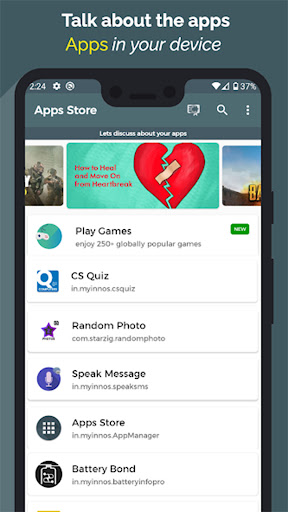
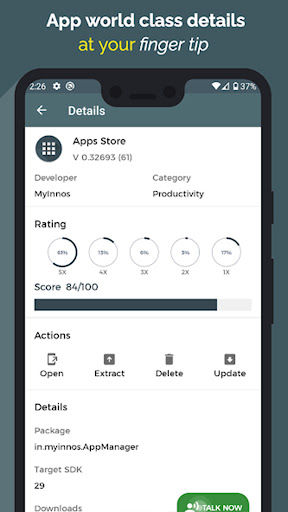
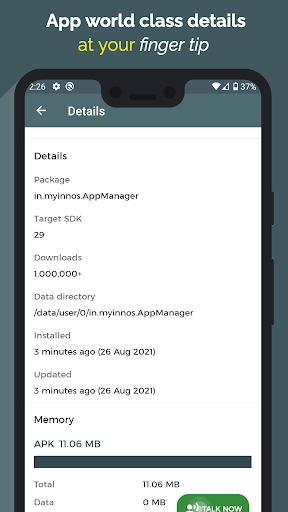
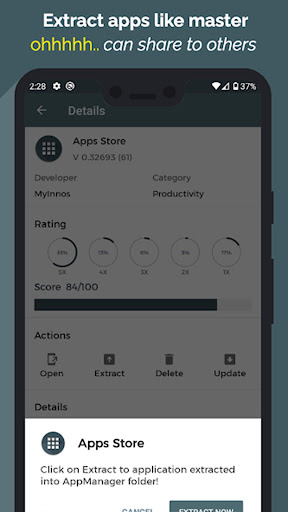
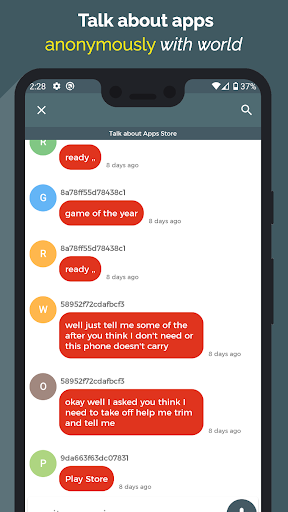

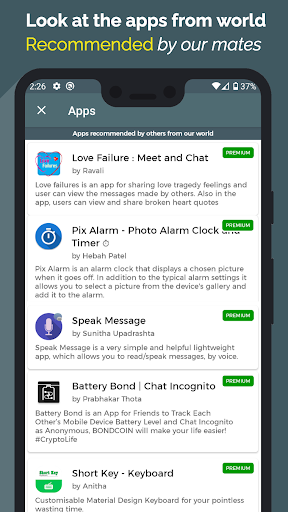
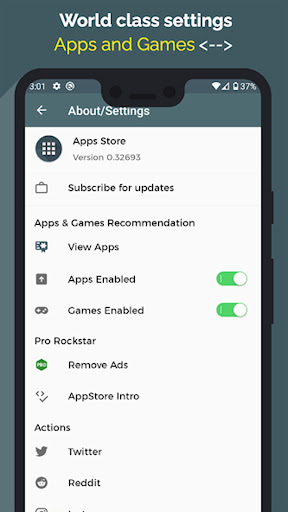
App Feature
Apps Manager – Your App Hub centralizes app discovery and management: view detailed app info (size, version, permissions, battery impact), extract/share APKs without storage permissions (Android 10+), export app lists (text/CSV), track storage/RAM/battery with home screen widgets, get weekly app activity reports, search/filter quickly, read/share community reviews, and personalize with themes, custom icons, and multi-language support.
Verdict
Verdict: A versatile, lightweight app manager with standout APK backup and insights, best for power users who want more than Android’s default settings.
Who is it for
Best for:
- Users who frequently install/uninstall apps and want clear stats, permissions, and battery impact details
- People who need fast APK extraction/backups and app list exports
- Customization fans who appreciate themes, widgets, and multi-language support
Not ideal for:
- Anyone expecting a full alternative store for paid content, games, or iOS app transfers
- Users who dislike ads or don’t need features beyond Android’s built-in App Info
- Devices with restrictive OEM policies where certain permissions/widgets may not work
Real-world User Experience
Users like it:
Fast APK extraction (seconds vs. minutes), simple and organized interface, easy discovery and search, helpful widgets and insights, and responsive customer support. Many praise convenience and overall speed.
Users complain about:
Occasional device-specific limitations (e.g., notification access or features not available), some confusion about using it like a full app store or transferring apps to iOS, and the presence of ads.
Is it Worth Paying For?
The app is free with ads and optional IAP (themes/premium perks unlocked via points). Core utilities—APK extraction, app insights, exports, and widgets—are valuable at no cost. Paying is only worthwhile if you want premium themes/customization; functionality is strong without IAP.
How it Compares to Alternatives
Compared to Android’s default App Info and Google Play, Apps Manager adds granular insights (battery/permissions), APK backup, and exports that Play/Settings lack. Versus dedicated APK extractors, it’s faster for many users and bundles search, reports, and widgets. Power-cleaner tools (e.g., SD Maid/Files by Google) focus more on storage cleanup, while Apps Manager focuses on app intelligence and backup. It’s not a full Play Store replacement for content purchases, but a capable companion for managing installed apps.
Summary
Apps Manager – Your App Hub delivers a strong toolkit for understanding and controlling your installed apps: permission and battery breakdowns, rapid APK backups without storage permissions on Android 10+, weekly activity reports, exportable app lists, and flexible widgets. Reviews highlight its speed, simplicity, and helpful support, with most complaints tied to device-specific permission limitations and expectations beyond its scope (e.g., iOS transfers). With a solid 4.1 rating and 1M+ installs, it’s a practical upgrade over the default app settings. Ads are present, but core features are free; optional IAP mostly covers themes. If you manage lots of apps or like keeping tidy backups and stats, this is an easy recommendation.
Ratings
Trending APP












Alternative to this app









