
Copyright 2026 © swekartor. All Rights Reserved.



App Feature
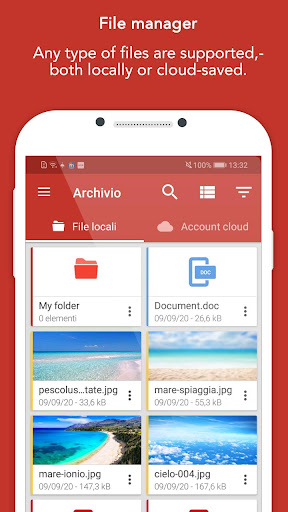
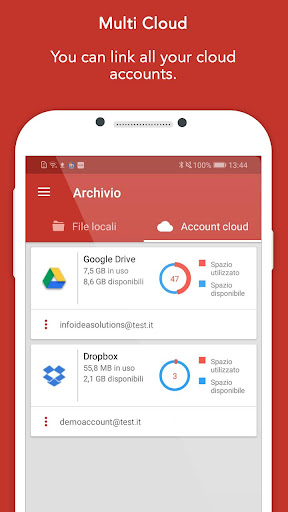
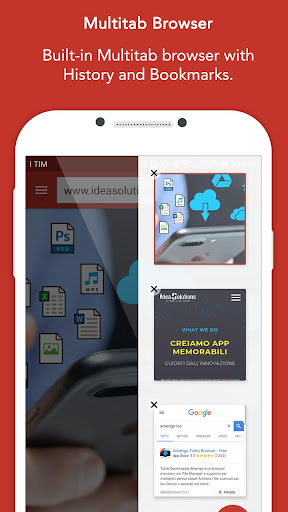
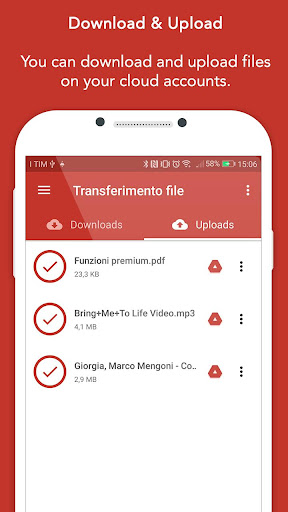
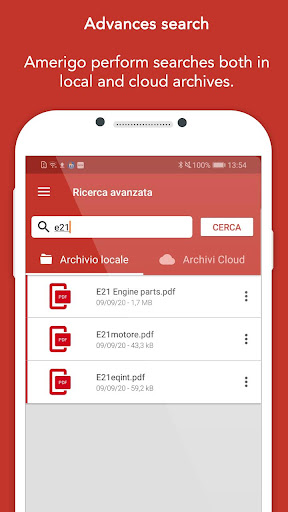
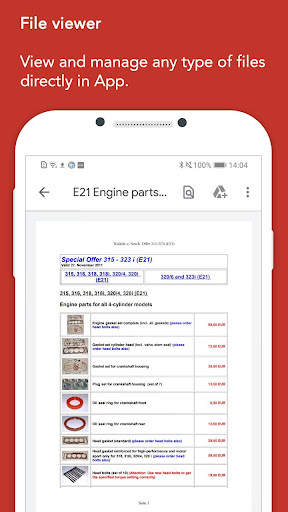
Amerigo is a multipurpose file manager that links multiple cloud services and accounts, offers a built‑in multitab browser with an advanced download manager, and includes an integrated media player—plus universal search across cloud and local storage.
Verdict
Verdict: A powerful all‑in‑one cloud file manager and downloader, best if you want everything in one app and can tolerate ads/IAP.
Who is it for
Best for:
- Users juggling multiple cloud accounts who need unified search
- People who frequently download files via an in‑app browser
- Anyone wanting file management plus media playback in one place
Not ideal for:
- Privacy purists who avoid in‑app browsers and ad-supported tools
- Power users needing desktop-grade scripting/automation features
- Those who prefer a minimal, ad‑free, purely local file manager
Real-world User Experience
Users like it:
High ratings suggest smooth performance, reliable multi‑cloud linking, fast transfers, and convenience from universal search and the integrated media player.
Users complain about:
Contains ads and optional IAP; some users report occasional download/browser quirks and would prefer fewer paywalls or a lighter, simpler UI.
Is it Worth Paying For?
The free version is fully usable but ad‑supported. If you rely on multi‑cloud transfers, heavy downloading, or want an ad‑free experience, the IAP likely adds clear value; casual users can stay on the free tier without missing essentials.
How it Compares to Alternatives
Compared to Google Files or File Manager+, Amerigo stands out with multi‑cloud linking, universal search across services, and an integrated browser + download manager. Versus Solid Explorer, it’s more download‑centric and media‑friendly out of the box, though Solid offers deeper customization/plugins. Against dedicated download managers like 1DM/IDM+, Amerigo trades niche download features for a broader all‑in‑one toolkit, which many will find more convenient.
Summary
Amerigo combines multi‑cloud file management, a capable download manager, and a built‑in media player into a single, streamlined app. Its universal search, simultaneous transfers, and multitab browser make it easy to find, fetch, and manage files across services and local storage. The trade‑offs are ads in the free version and occasional download/browser hiccups, plus fewer advanced automation features than power‑user tools. For most users seeking a versatile, cloud‑aware file hub with integrated playback, Amerigo delivers strong value—especially if you upgrade to remove ads and unlock the full experience.
Ratings
Trending APP












Alternative to this app









