
Copyright 2026 © swekartor. All Rights Reserved.



App Feature
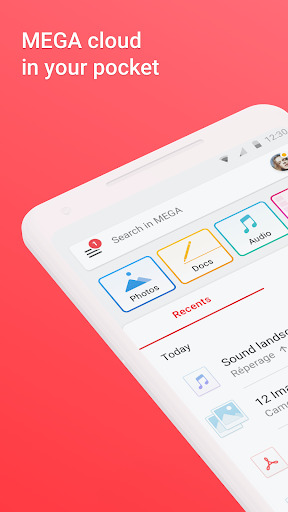
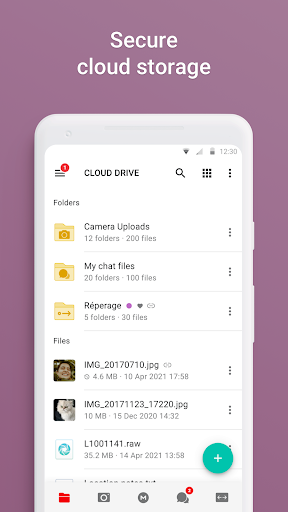
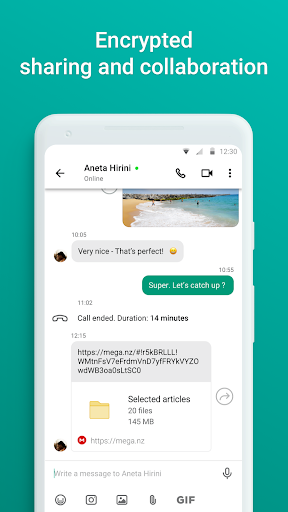
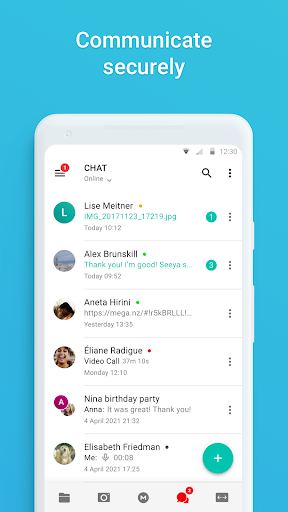
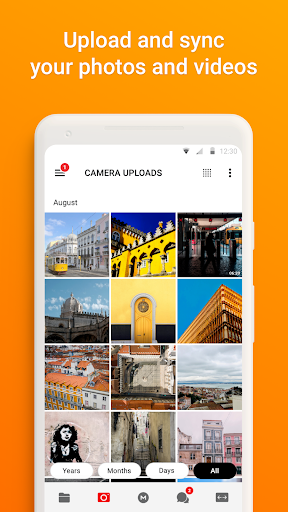
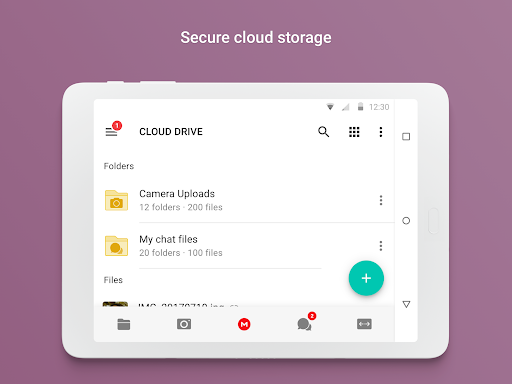
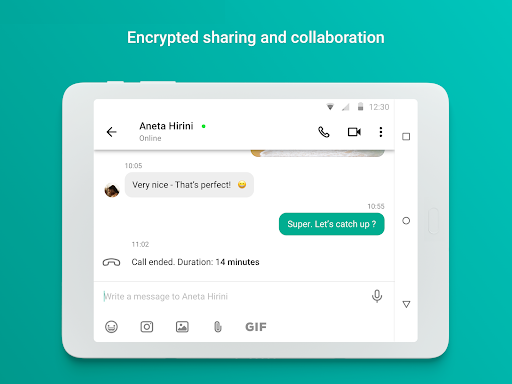
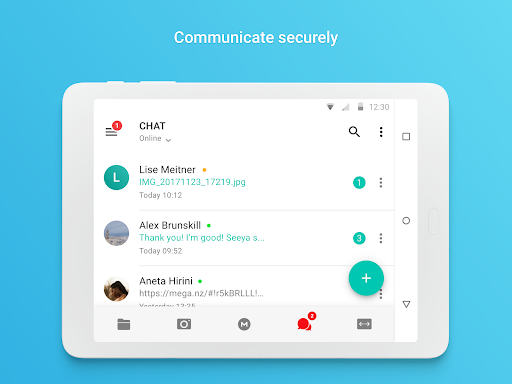
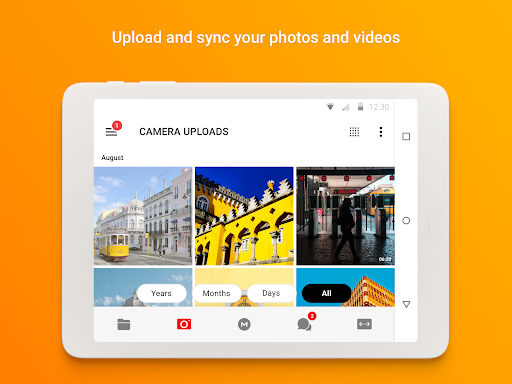
End-to-end encrypted cloud storage and secure chat with file upload/sync, sharing, and cross‑device access. Offers automatic folder backup/sync, real-time shared folders, private audio/video calls and messaging, plus generous free storage with achievement-based boosts.
Verdict
Verdict: A privacy-first, feature-rich cloud drive that excels at security and value, though media playback and photo organization need polish.
Who is it for
Best for:
- Privacy-focused users who want zero‑knowledge encryption and open-source clients
- People needing reliable cross-device sync, large uploads, and easy sharing
- Teams/families seeking secure chat and file collaboration in one app
Not ideal for:
- Users who want polished media playback (speed controls, fullscreen streaming)
- Heavy photo organizers who need robust album management and quick folder search
- Anyone unwilling to manage passwords/recovery keys (no reset possible)
Real-world User Experience
Users like it:
Fast uploads/downloads, dependable long-term storage, easy syncing across phone/desktop, generous free tier (20 GB + achievements), secure E2E chat/calls, simple and clean UI, reliable link sharing with access controls.
Users complain about:
No playback speed control and limited fullscreen for streamed videos; occasional freezes/crashes on very large batch uploads; album management and adding photos to albums from folders feel clunky; long filenames get truncated; offline folders don’t auto-sync; temporary storage bonuses can be confusing; inactivity may risk data removal if you don’t log in periodically.
Is it Worth Paying For?
Yes. The free plan is generous for casual use, and paid tiers are competitively priced given true end-to-end encryption, open-source clients, and robust syncing/sharing. If you outgrow free storage or need sustained large capacity without achievement expirations, upgrading offers strong value versus mainstream rivals.
How it Compares to Alternatives
Compared to Google Drive/OneDrive, MEGA prioritizes zero‑knowledge privacy (providers can’t decrypt your data) and includes secure chat, but lags in media polish and photo organization. Versus Dropbox, MEGA offers more free space and E2E by default, though Dropbox often feels snappier for collaboration UX. Against iDrive and other backup‑centric tools, MEGA is more versatile for day‑to‑day sharing and encrypted messaging. Overall, it’s a top pick for privacy and generous storage; mainstream suites still win on productivity integrations and media niceties.
Summary
MEGA delivers a strong, privacy-first cloud storage experience with true end‑to‑end encryption, transparent open-source clients, and seamless cross-device syncing and sharing. Real-time shared folders, secure chat/calls, and generous free storage make it compelling for individuals and small teams alike. Users consistently praise speed, reliability, and value, while noting rough edges around media playback (speed/fullscreen), photo album workflows, filename display, and occasional stability under very large transfers. Because passwords can’t be reset, you must safeguard your credentials and recovery key. If privacy and generous storage matter more than media polish and deep productivity integrations, MEGA is an excellent choice—and upgrading is worthwhile for sustained, higher-capacity needs.
Ratings
Trending APP












Alternative to this app









