
Copyright 2026 © swekartor. All Rights Reserved.


App Feature
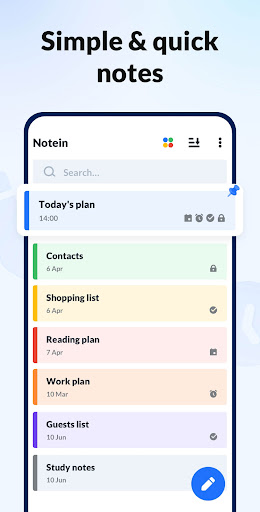
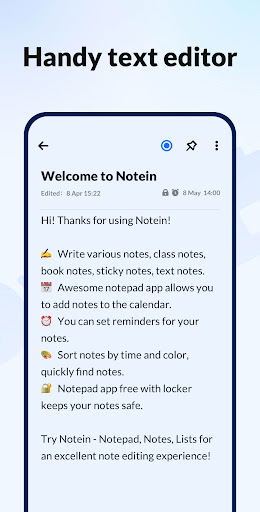
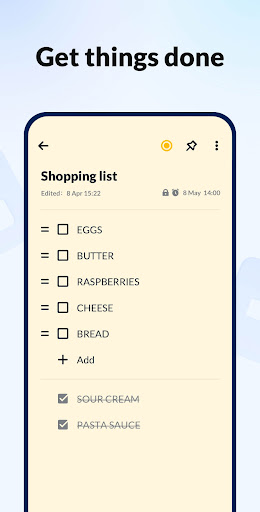
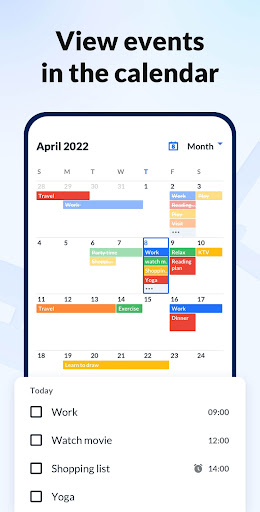
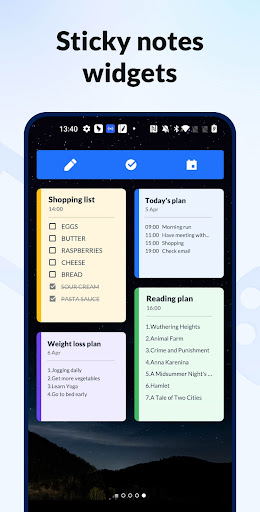
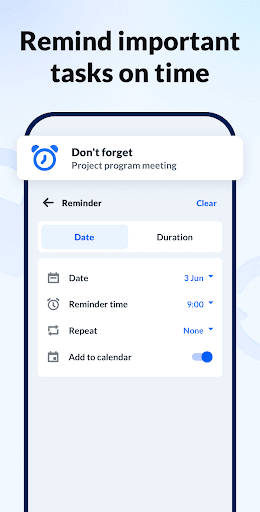
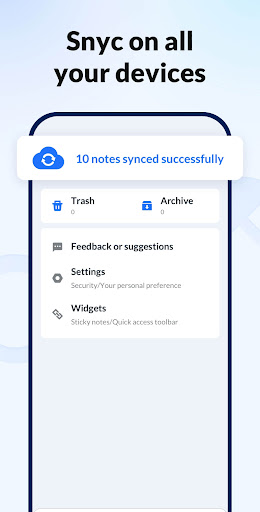
A lightweight, ad-light (often reported as ad-free) Android notepad that prioritizes fast text and checklist capture, color-coded organization, calendar-based scheduling, home-screen sticky widgets, reminders, optional note locking, and cloud backup/sync.
Verdict
Verdict: A clean, capable everyday notes and to‑do app that excels at quick capture and organization, but lacks deeper hierarchy and rich formatting.
Who is it for
Best for:
- Users who want fast, simple text or checklist notes with reminders
- People who organize by color and like calendar views and widgets
- Privacy‑minded users who want basic note locks and cloud backups
Not ideal for:
- Power users needing subfolders, nested notebooks, or collaboration
- Those wanting rich text, handwriting/stylus input, or attachments
Real-world User Experience
Users like it:
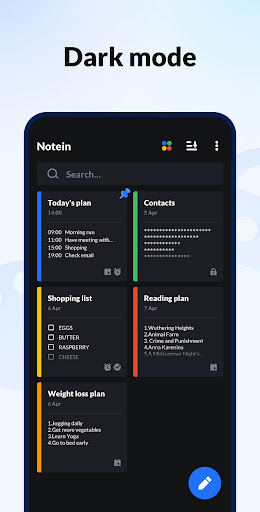
Simplicity and speed; reliable autosave; versatile text/checklist modes; excellent color tagging and categories; calendar integration and reminders; sticky widgets; minimal to no ads; cloud/Google sync; easy locking of sensitive notes; dark mode; unlimited note length.
Users complain about:
No subfolders/nested organization; limited color palette (desire for color wheel/pastels); lock method preferences (wish for fingerprint instead of pattern); fewer advanced features like rich formatting or tables.
Is it Worth Paying For?
The core experience is robust for free, with many reviewers noting no or minimal ads. It offers IAPs, but most users won’t need to pay—upgrading is only worthwhile if a specific premium perk (if available in your region) solves a clear need.
How it Compares to Alternatives
Compared to Google Keep, this app offers stronger calendar-style scheduling and less distraction, but lacks collaboration, OCR, and cross-platform web. Versus ColorNote, it feels more modern with integrated calendar and labels, though hierarchy remains basic. Against Samsung Notes or Evernote/Notion, it’s far simpler and lighter—great for quick lists and reminders, not for rich documents, handwriting, or team workspaces.
Summary
Notepad, Notes, Easy Notebook focuses on what most people actually do with a notes app: jot quick thoughts, make checklists, and remember tasks. It nails the essentials—fast capture, autosave, color tagging, calendar integration with reminders, widgets for instant access, basic locking for privacy, and dependable backup/sync—earning its high rating. While it doesn’t offer nested folders, rich text, or handwriting, its clean design and low friction make it an excellent daily driver for personal notes, to‑dos, and shopping lists. If you value simplicity with just enough organization and scheduling, it’s an easy recommendation.
Ratings
Trending APP












Alternative to this app









