
Copyright 2026 © swekartor. All Rights Reserved.


App Feature
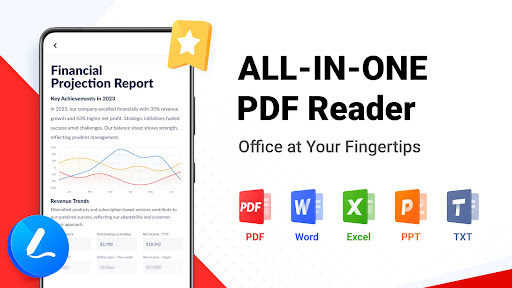
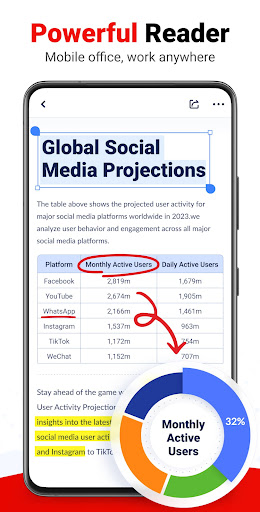
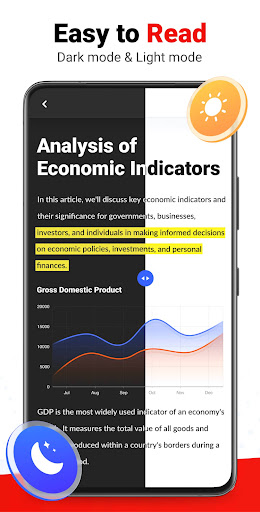
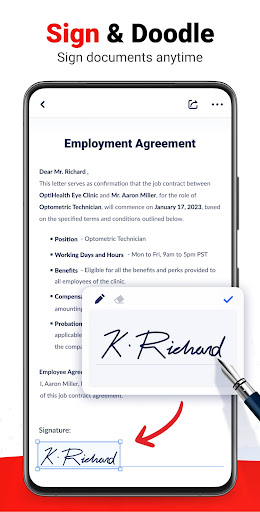
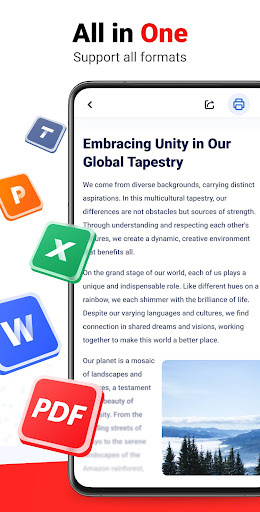
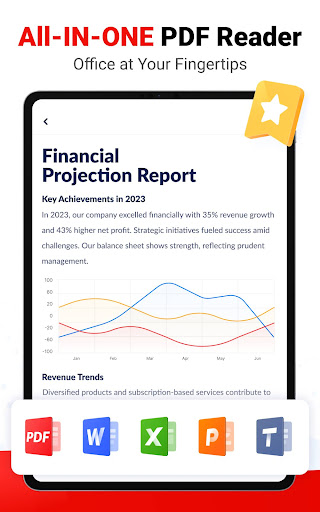
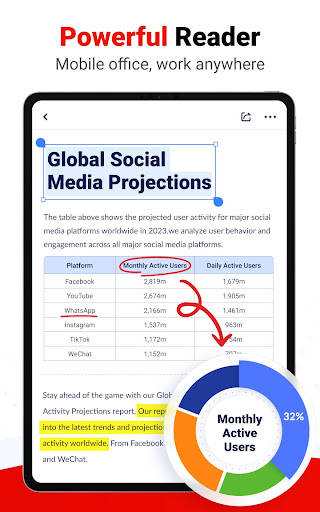
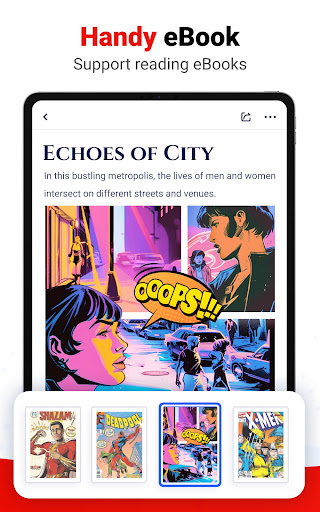
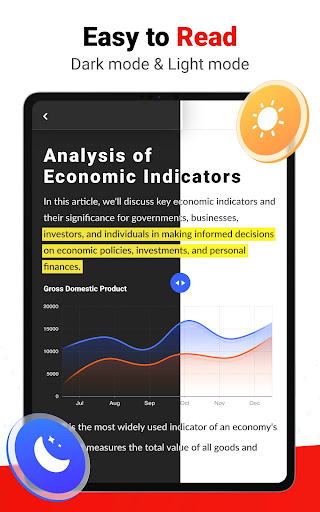
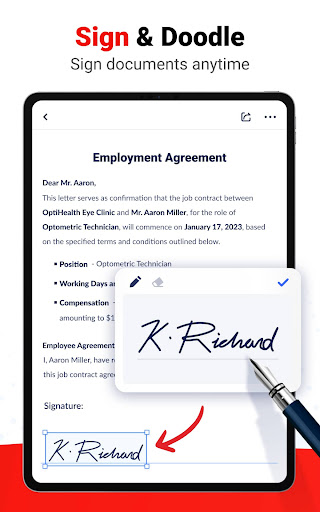
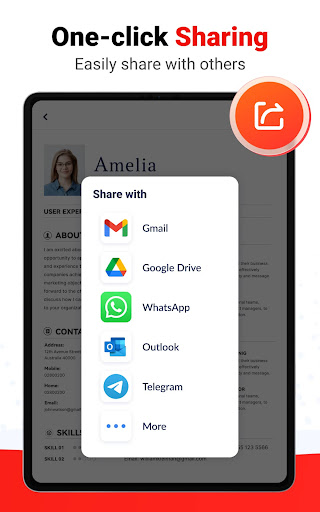
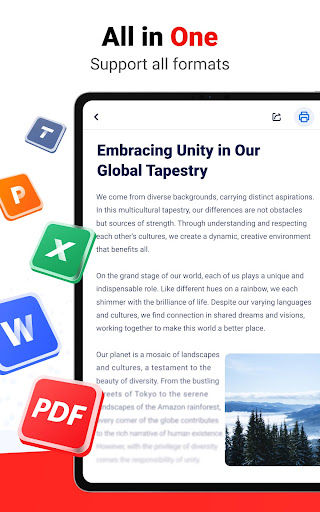
PDF Reader - PDF Editor is a lightweight, free Android app for viewing, annotating, and managing documents. It supports multiple formats (PDF, Word, Excel, PPT, TXT), handles password-protected files, offers image-to-PDF conversion, bookmarking, thumbnail navigation, and basic PDF editing/management with an offline-capable file manager.
Verdict
Verdict: A fast, no-frills PDF reader/manager that’s great for everyday use, but limited for advanced editing and hampered by frequent ads.
Who is it for
Best for:
- Users who want a simple, quick PDF reader and organizer
- Students and professionals needing basic annotations and image-to-PDF conversion
- Anyone who prefers lightweight, offline-friendly document tools
Not ideal for:
- Power users who need advanced editing, form filling, or e-signatures
- Anyone who dislikes in-app ads or needs an ad-free option
- Teams requiring cloud sync, collaboration, or cross-platform desktop parity
Real-world User Experience
Users like it:
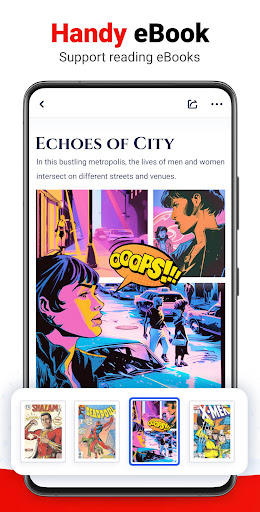
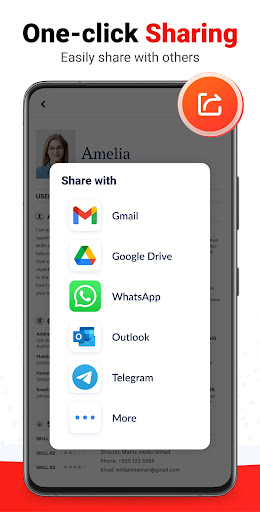
Simplicity and speed; clean layout that neatly lists PDFs; smooth reading flow; convenient sharing/printing; helpful for novels and everyday documents; generally reliable and satisfying to use.
Users complain about:
Ads interrupt access and can delay opening important documents; no clear option to remove ads.
Is it Worth Paying For?
The app is free, ad-supported, and currently lists no in-app purchases, so there’s nothing to pay for and no official way to remove ads. If you can tolerate ads, it offers strong value at no cost.
How it Compares to Alternatives
Compared to Adobe Acrobat Reader, it’s lighter and faster to browse files but lacks robust tools like form filling, advanced annotations, cloud services, and e-signatures. Versus Xodo, it provides core reading and basic annotation/conversion but falls behind on richer annotation sets and cloud sync; Xodo is often ad-free. Against Foxit PDF Reader, it is simpler and more approachable but misses enterprise-leaning features and finer editing. Overall, it prioritizes speed and simplicity over depth.
Summary
PDF Reader - PDF Editor delivers a clean, fast experience for reading, annotating, converting images to PDF, and managing documents offline across common formats. It automatically organizes local files, supports password-protected PDFs, and keeps navigation straightforward with thumbnails and bookmarks. User feedback highlights its ease of use and smooth reading, with the main drawback being interruptive ads and limited advanced editing. If you need a dependable, lightweight reader and basic editor for everyday tasks, it’s a strong free choice; if you rely on advanced PDF workflows or an ad-free experience, consider alternatives like Adobe Acrobat, Xodo, or Foxit.
Ratings
Trending APP












Alternative to this app









