
Copyright 2026 © swekartor. All Rights Reserved.





App Feature
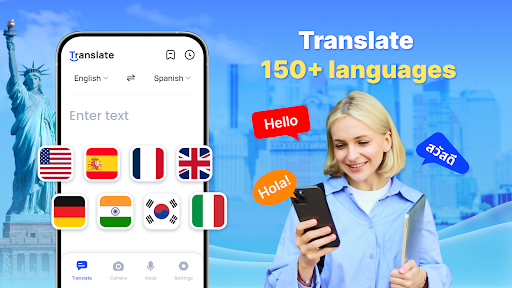
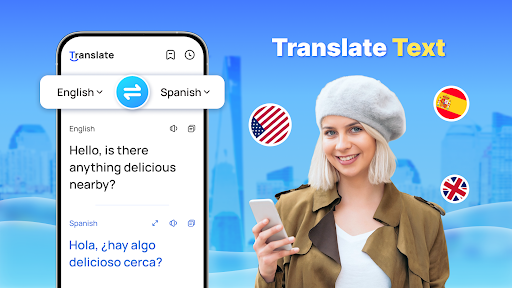
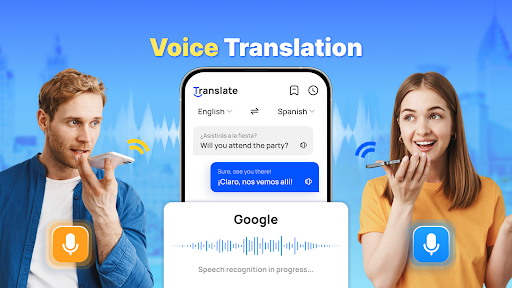
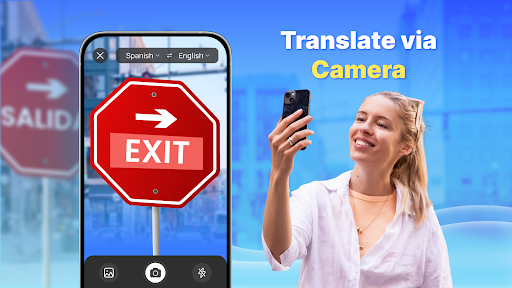
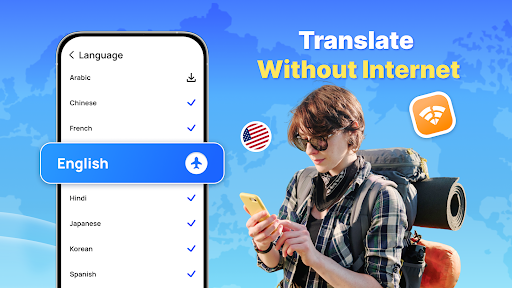
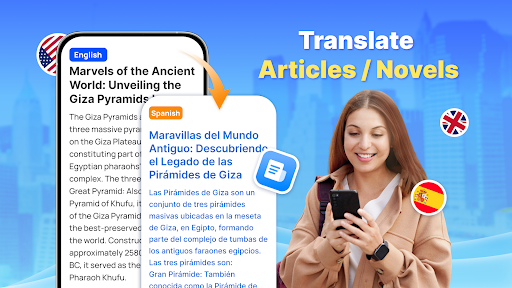
All-in-one translator for 150+ languages offering text, real-time voice, and AI-powered photo translation, with offline packs, auto language detection, reverse translation, saved collections, and a floating ball overlay to translate on any screen.
Verdict
Verdict: A fast, capable everyday translator with strong offline and camera features, but heavy ads may frustrate frequent users.
Who is it for
Best for:
- Travelers needing quick text/voice/photo translation offline
- Students and language learners saving phrases and reviewing translations
- Users who want an on-screen overlay for translating full-screen text
Not ideal for:
- Ad-averse users who want an uninterrupted experience
- Professionals requiring enterprise-grade privacy or glossary/terminology control
- Power users seeking deep linguistic nuance editing or advanced grammar tools
Real-world User Experience
Users like it:
High accuracy for everyday phrases, helpful offline mode, effective voice recognition, and practical camera translation; many find it easier than a dictionary and good for learning or communicating across languages.
Users complain about:
Frequent or intrusive ads, including at launch and mid-session; occasional confusion about supported/system languages.
Is it Worth Paying For?
The free version is fully usable but ad-supported. Given frequent complaints about ads, purchasing IAP (likely to remove ads/unlock extras like offline packs or higher limits) is worthwhile if you use it daily or need a cleaner experience; casual users can stay free.
How it Compares to Alternatives
Compared to Google Translate and Microsoft Translator, it matches core features (text, voice, camera, offline) and adds a convenient floating overlay. Google offers broader ecosystem integration and often superior OCR/voice accuracy with fewer ad distractions; Microsoft excels at multi-device conversation modes. Naver Papago is strong for East Asian languages but narrower overall. This app’s offline support and quick UI are competitive, but ads and fewer advanced controls may deter power users.
Summary
Translate - Translator delivers fast, accurate text, voice, and photo translations across 150+ languages, with useful offline packs, auto-detect, reverse translation, collections, and a floating ball for translating full-screen content. User feedback highlights strong day-to-day accuracy and practical utility for travel and learning, while ads are the main drawback. For most users, the free tier suffices; frequent translators may find an ad-free upgrade worthwhile. If you prioritize a clean, integrated experience, Google/Microsoft may edge it out, but this app stands out for convenience and robust offline capability.
Ratings
Trending APP












Alternative to this app









