
Copyright 2026 © swekartor. All Rights Reserved.



Information about Hidden Gallery - Private Album
App Feature
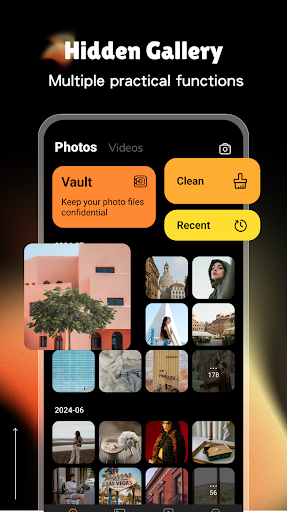
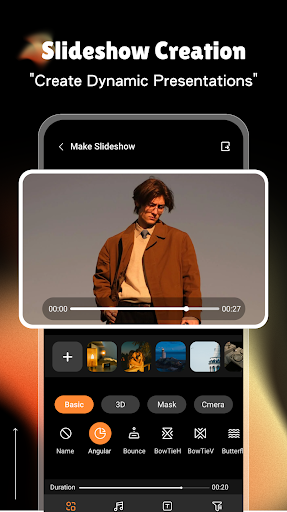
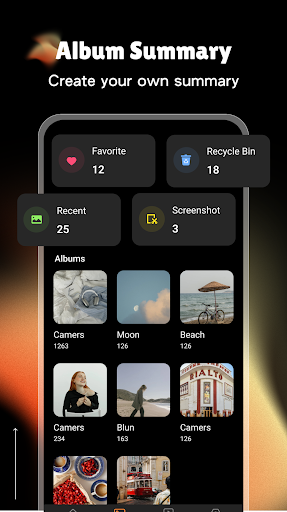
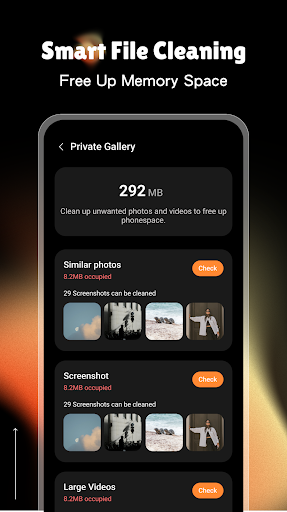
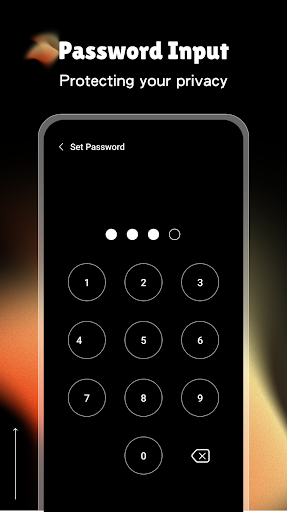
Hidden Gallery - Private Album is a free privacy vault for photos and videos that locks access behind a PIN or fingerprint, encrypts media, organizes it with folders/tags, and offers selective, secure sharing—all within a clean, beginner-friendly interface.
Verdict
Verdict: A capable, no-cost private gallery with strong basics, best if you’re comfortable granting full storage access and tolerating ads.
Who is it for
Best for:
- Users who want a simple, free vault for hiding photos/videos with PIN or fingerprint
- People who value offline, device-based storage and straightforward organization
- Anyone needing selective sharing without exposing their entire library
Not ideal for:
- Privacy purists uncomfortable granting All Files Access (MANAGE_EXTERNAL_STORAGE)
- Users who dislike ads or want an ad-free premium experience
- Those needing cloud backup, multi-device sync, or desktop access
Real-world User Experience
Users like it:
Overall positive ratings suggest users appreciate the easy setup, clean UI, quick importing, reliable locking (PIN/fingerprint), and the ability to neatly organize hidden albums.
Users complain about:
Common pain points likely include the presence of ads, concerns about the broad storage permission required, and the lack of premium features like cloud backup or cross-device sync.
Is it Worth Paying For?
The app is free with no in‑app purchases; if you’re fine with ads and on-device storage, it offers solid value without ongoing costs.
How it Compares to Alternatives
Compared to popular vaults like Keepsafe, LockMyPix, or Calculator-style vaults, Hidden Gallery stands out for being fully free with unlimited local storage and secure sharing, but it lacks subscription-backed perks such as cloud backup, multi-device sync, or stealth modes. Versus Google Photos’ Locked Folder, it’s more flexible for organization but doesn’t integrate with a broader cloud ecosystem.
Summary
Hidden Gallery - Private Album delivers a straightforward, privacy-focused vault for photos and videos with PIN/fingerprint protection, encryption, and tidy organization, plus selective sharing—all at no cost. It’s a good fit if you prefer local-only storage and want an intuitive experience without subscriptions. The trade-offs are ads, the requirement for All Files Access, and missing advanced features like cloud backup or multi-device syncing. For most users who want a simple, free way to hide and manage sensitive media on-device, it hits the mark.
Ratings
Trending APP












Alternative to this app










