
Copyright 2026 © swekartor. All Rights Reserved.



Information about Ace Cleaner
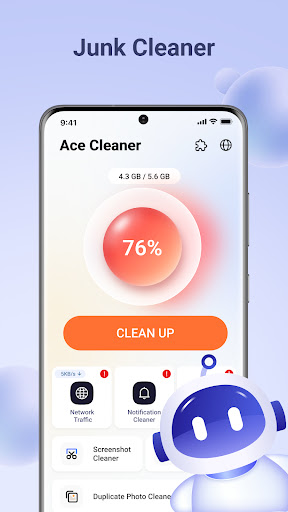
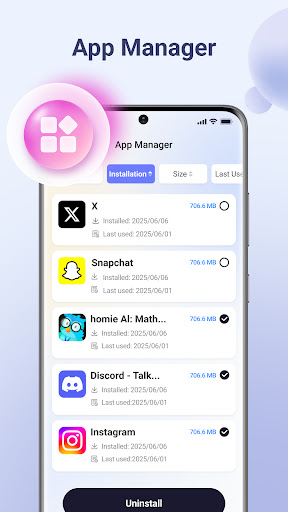
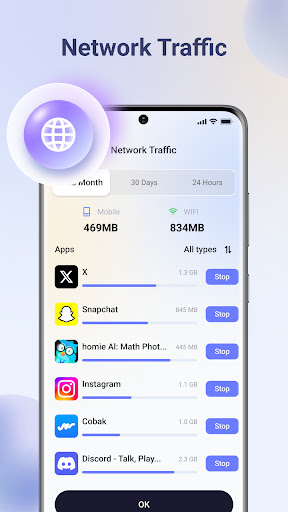
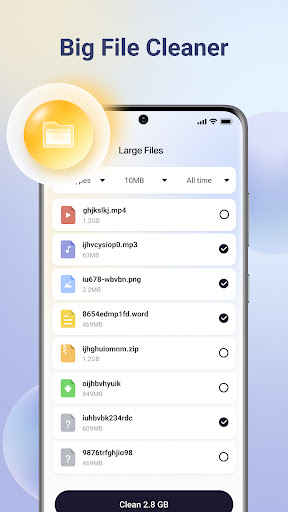
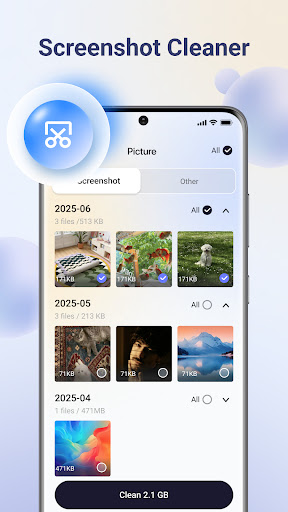
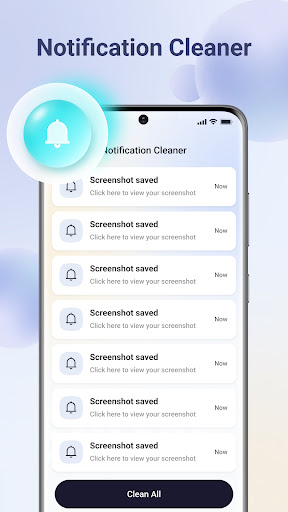
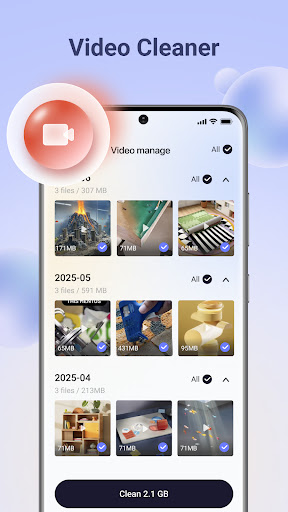
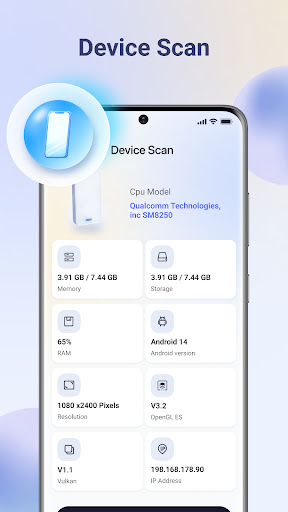
App Feature
Ace Cleaner is a lightweight Android utility focused on reclaiming storage and keeping files organized. Core tools include a junk cleaner for cache/temp files, an app manager for uninstalling and inspecting apps, a large-file finder, a photo/video tidy-up flow, plus optional memory booster and battery saver tweaks. It emphasizes on-device processing and a simple, transparent interface.
Verdict
Verdict: A straightforward, privacy-conscious cleaner for basic storage housekeeping, but uneven reliability and limited depth make it secondary to established alternatives.
Who is it for
Best for:
- Users who want a simple, free way to clear cache and large files
- People who value on-device scanning with no ads or IAP
- Those needing a basic app manager to uninstall seldom-used apps
Not ideal for:
- Power users seeking advanced automation, scheduling, or detailed analytics
- Anyone expecting meaningful performance gains from RAM/battery boosters on modern Android
- Users who need rock-solid consistency across diverse device models
Real-world User Experience
Users like it:
Many report that it is easy to use, quick at freeing space, and effective for removing residual/junk files and old APKs. Several praise its straightforward interface and the ability to review photos/videos and uninstall apps without fuss.
Users complain about:
A minority report glitches or features not working on their device (e.g., setup/verification issues), and some mention the app or prompts "reappearing" frequently. Overall reliability appears inconsistent across phones, with occasional confusion about features beyond basic cleaning.
Is it Worth Paying For?
The app is free with no ads and no in‑app purchases, so there is nothing to pay for. Given the zero cost, it’s reasonable to try; just temper expectations around RAM/battery boosts and verify results on your specific device.
How it Compares to Alternatives
Compared with Files by Google, Ace Cleaner offers a similar junk/large file cleanup flow but lacks Google’s polish, smart suggestions, and broad device compatibility. Versus SD Maid or CCleaner, it’s simpler and ad‑free, yet has fewer advanced tools (e.g., deep system cleaning, schedulers, granular filters). Its on‑device privacy stance is a plus, but the perceived efficacy of memory/battery optimizers is comparable to other cleaners—often modest on modern Android.
Summary
Ace Cleaner focuses on practical storage tasks: scanning and removing junk files, organizing media, finding large items, and managing installed apps, all processed locally for privacy. Most users highlight its simplicity and quick wins for reclaiming space, while a smaller subset report glitches and frequent prompts that hurt trust. With no ads or payments, it’s an easy, low‑risk way to tidy storage, but its RAM and battery optimizations may deliver limited benefits on current Android versions. If you want a polished, highly reliable experience or advanced cleanup controls, Files by Google or power-user tools like SD Maid likely serve you better. For basic, ad‑free cleanup and simple app/file management, Ace Cleaner is a reasonable starting point.
Ratings
Trending APP












Alternative to this app










