
Copyright 2026 © swekartor. All Rights Reserved.



Information about SmartCut - Ai Video Editor
App Feature
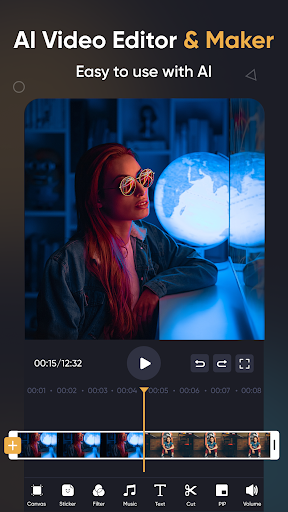
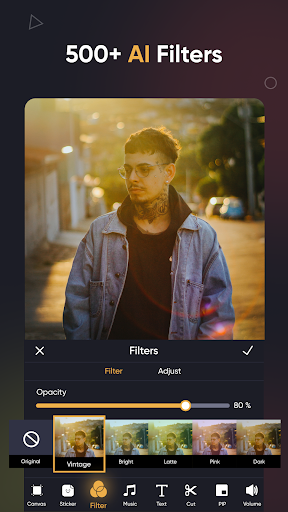
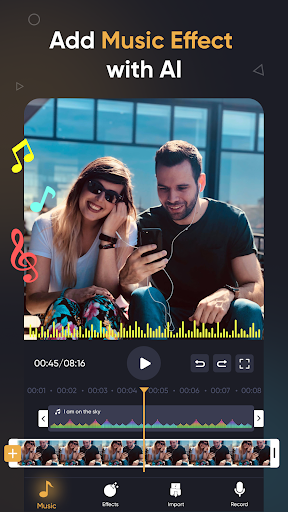
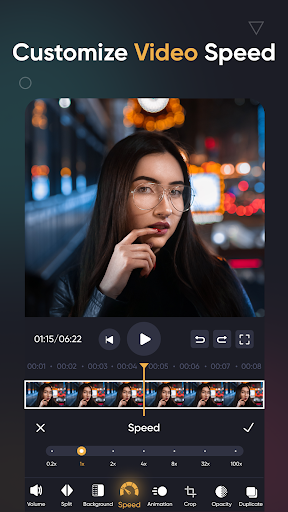
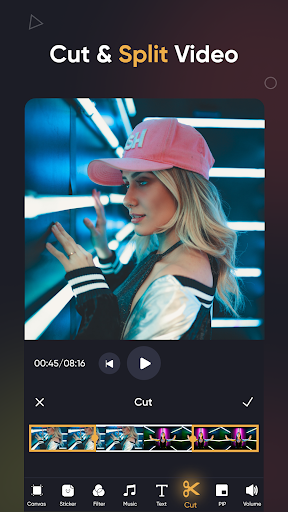
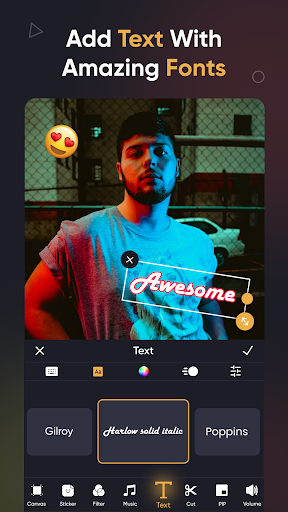
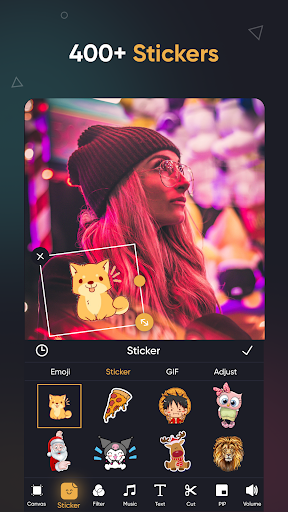
SmartCut - Ai Video Editor (aka Vidcut) is an all‑in‑one mobile editor focused on AI-assisted workflows: automatic scene detection/cutting, AI effects, auto captions (speech‑to‑text), background removal, and motion tracking. It also includes standard pro tools—multi-layer timelines, PIP, keyframes, chroma key, filters, transitions, speed ramping, reverse, collage/slideshow, and 4K/60fps export with adjustable aspect ratios for social platforms.
Verdict
Verdict: Feature-packed and beginner-friendly, but inconsistent quality and monetization concerns make it a risky primary editor.
Who is it for
Best for:
- Beginners who want quick, AI-assisted edits for reels and shorts
- Casual creators needing one-tap effects, captions, and social-ready exports
- Users who value a broad toolset (PIP, chroma key, filters) in one app
Not ideal for:
- Power users who need consistent pro-grade performance and reliability
- Editors who want minimal ads and transparent pricing limits
- Creators requiring advanced timeline control comparable to desktop NLEs
Real-world User Experience
Users like it:
Reviewers praise the easy-to-use interface, variety of effects, and AI conveniences like auto captions, background removal, and tracking. Many highlight fast results and good-looking outputs for social media, noting the app is beginner-friendly with useful presets and 4K export.
Users complain about:
Despite positive comments, the low average rating suggests broader dissatisfaction not reflected in highlighted reviews—likely around intrusive ads, account prompts, occasional bugs/crashes, and paywalls or feature limits in the free tier.
Is it Worth Paying For?
The app is free with ads and offers in‑app purchases. If you need frequent 4K exports, ad-free use, or to unlock premium effects, a paid tier may be convenient—but given the mixed overall rating, try the free version first to ensure stability on your device before spending.
How it Compares to Alternatives
Against CapCut, VN, InShot, and KineMaster: SmartCut competes on AI features (auto captions, background removal, tracking) and a wide toolset. CapCut and VN typically offer more stable performance and richer editing control for free, while InShot excels at quick social exports with polished templates. KineMaster remains strong for multi-track precision but often requires a subscription. SmartCut’s advantage is one-tap AI aids; its downside is reliability and ad/paywall friction versus better-established rivals.
Summary
SmartCut - Ai Video Editor bundles modern AI tools—auto captions, background removal, smart tracking—with a capable mobile editor that covers most creator needs, from filters and transitions to chroma key and PIP. It’s approachable for beginners, quickly producing social-ready videos at up to 4K/60fps. However, the discrepancy between enthusiastic user comments and a low average rating implies potential pitfalls: heavy ads, prompts, and stability quirks that could disrupt a workflow. If you want fast, AI-assisted edits and can tolerate ads or consider upgrading, SmartCut can work as a casual editor; for mission-critical or pro-grade reliability, compare it against CapCut, VN, or KineMaster first.

Ratings
Trending APP












Alternative to this app










