
Copyright 2026 © swekartor. All Rights Reserved.



Information about Google Chrome
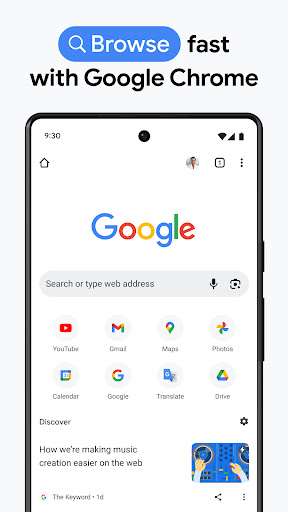
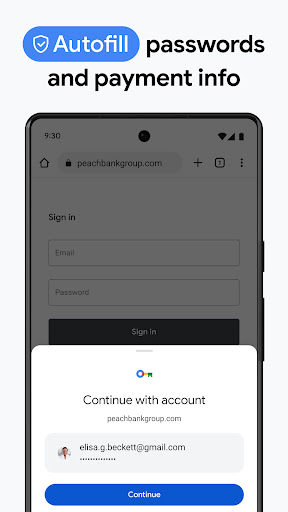
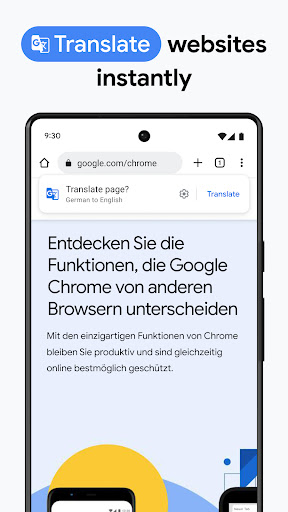
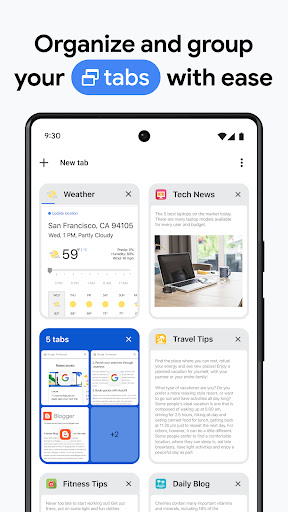
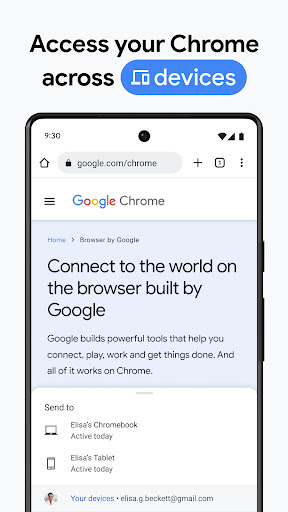
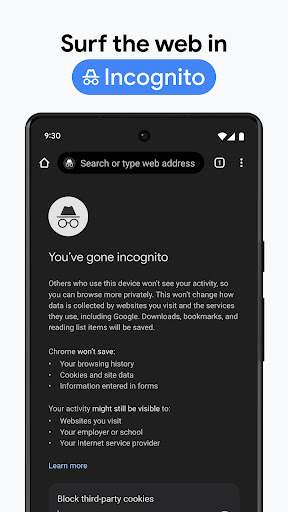
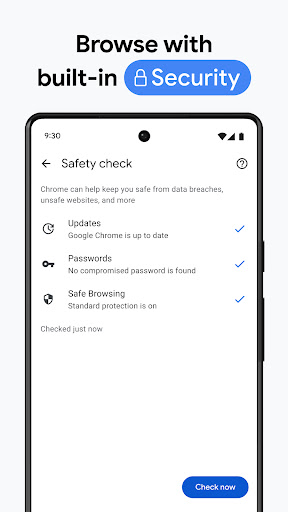
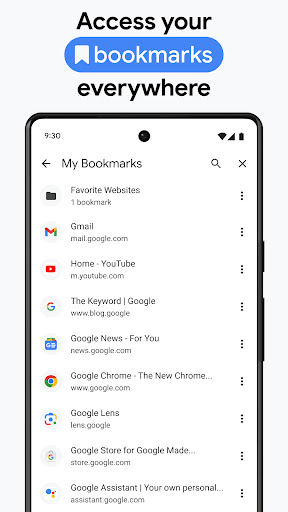
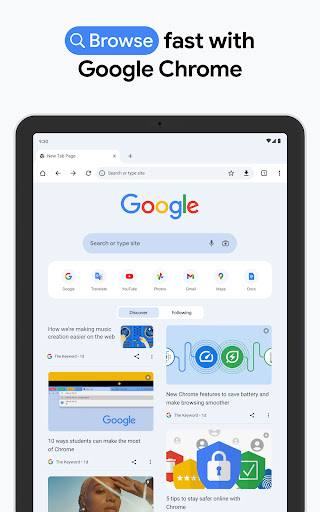
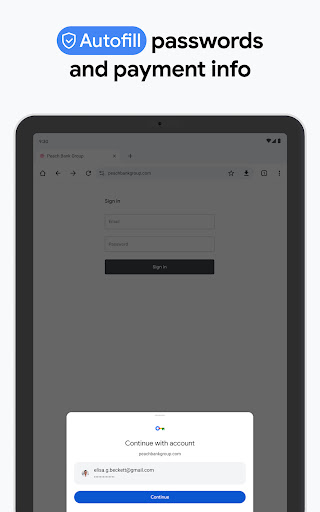
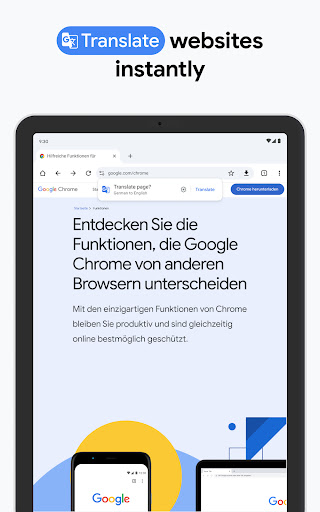
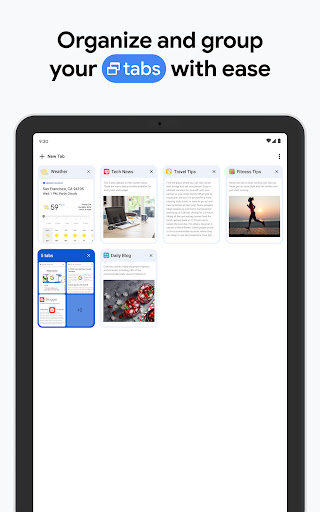
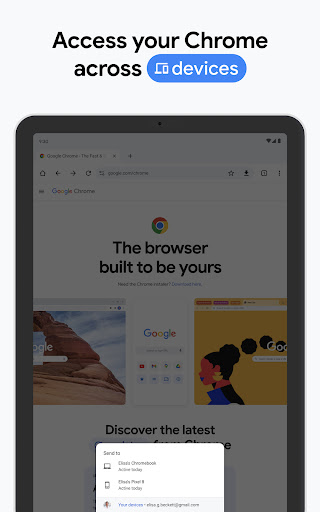
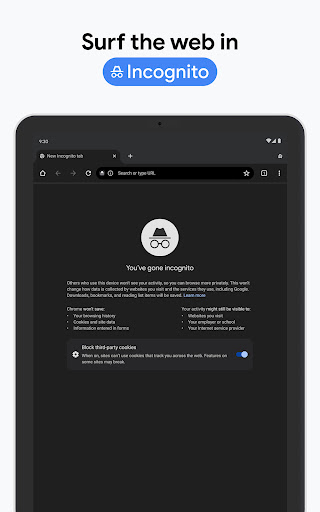
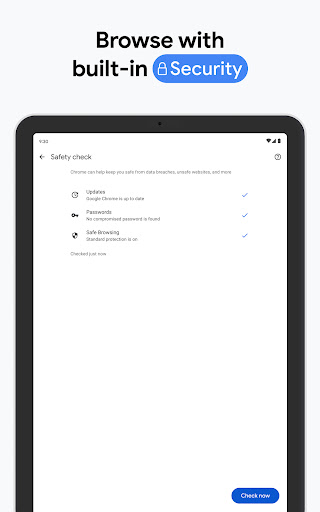
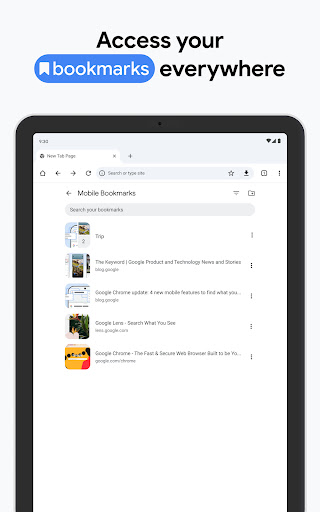
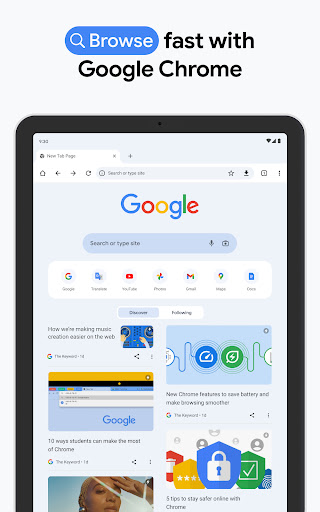
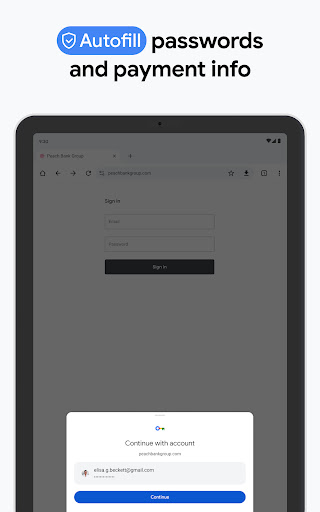
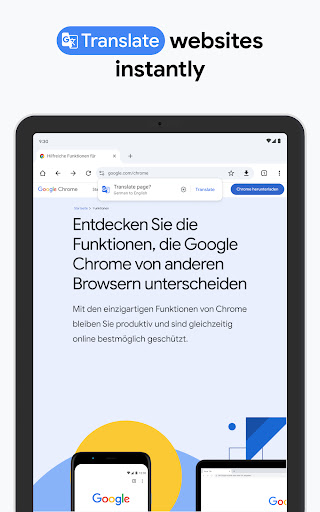
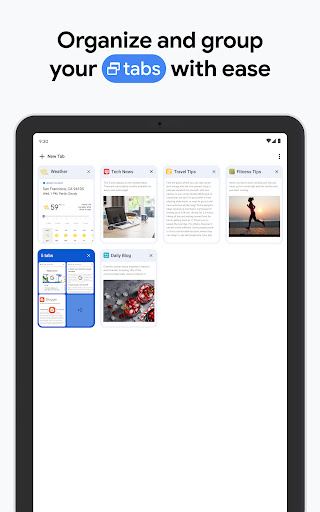
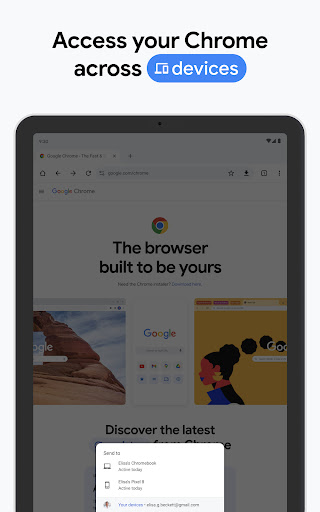
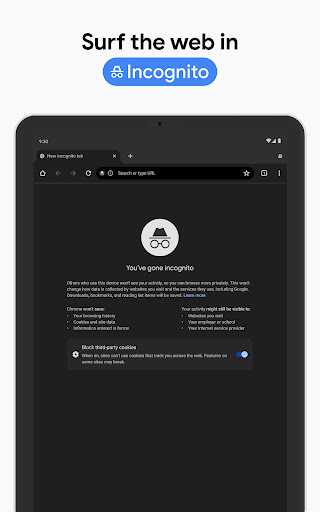
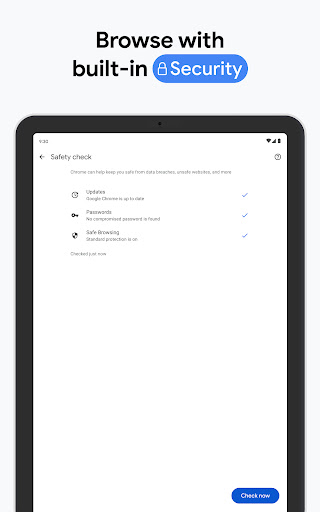
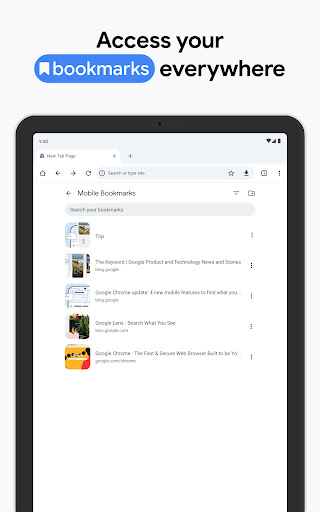
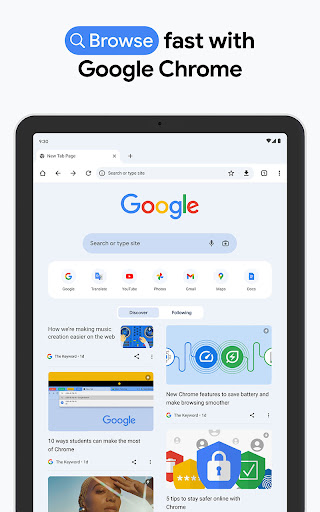
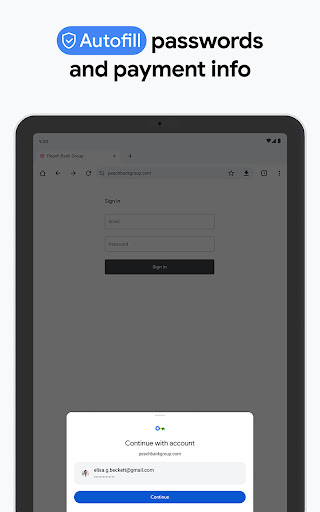
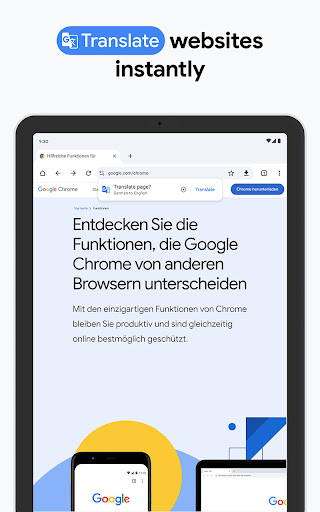
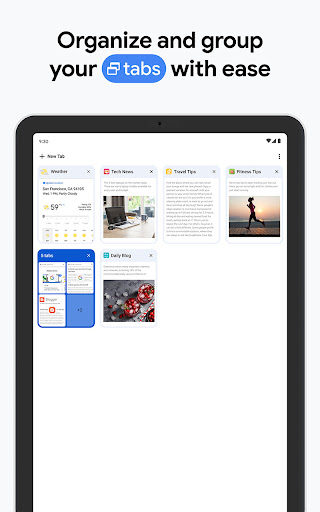
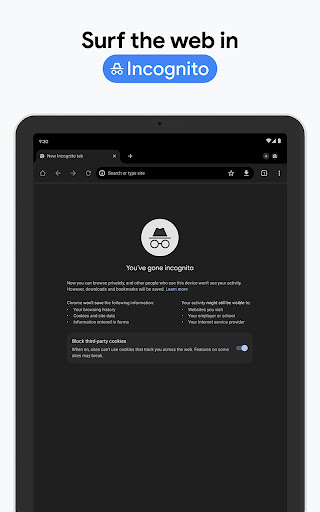
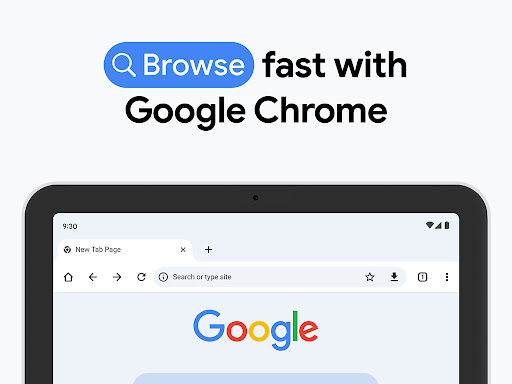
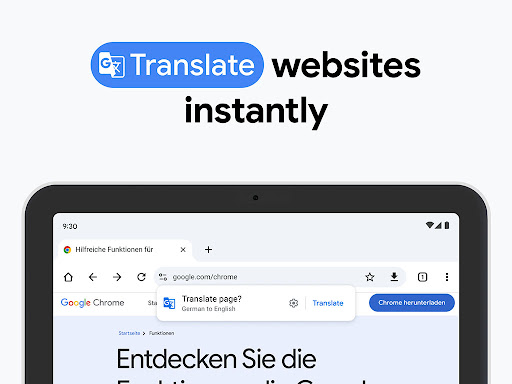
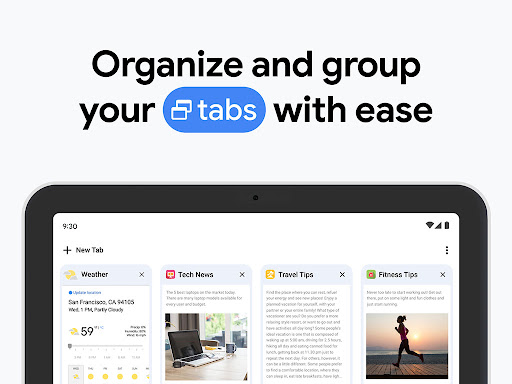
App Feature
Google Chrome is a free, cross‑device web browser focused on speed, security, and seamless sync. Core features include Google Search and Voice Search, Google Lens visual search, built‑in Translate for full‑page translation, Enhanced Protection and Safety Check, Google Password Manager, Autofill, Incognito mode, tab groups, and robust extension ecosystem (desktop) with smooth data syncing across phone, tablet, and PC.
Verdict
Verdict: A fast, secure, and highly integrated browser best for users deep in the Google ecosystem, but heavy resource use may deter performance and battery purists.
Who is it for
Best for:
- Users who want fast browsing with strong security and built‑in Google tools (Search, Translate, Password Manager)
- People who switch between devices and need effortless sync for bookmarks, tabs, and passwords
- Users who value extensions and customization (especially on desktop) and clean, familiar UI
Not ideal for:
- Users sensitive to RAM usage or battery drain on mobile with many tabs
- Those who prefer minimal Google integration or heightened privacy defaults
- Users needing strict control over media autoplay or niche site behaviors without tweaks
Real-world User Experience
Users like it:
Consistently praised for speed, smooth page rendering, and reliability; effortless cross‑device sync of bookmarks, history, and passwords; clean, intuitive interface; helpful features like Incognito, voice search, full‑page Translate, and strong security checks; extensions and customization enhance productivity.
Users complain about:
Resource‑intensive with higher RAM usage and potential battery drain on mobile; occasional site or security‑check friction (CAPTCHAs, privacy warning pages); some confusion around autoplay controls; sporadic lag for a few users.
Is it Worth Paying For?
The app is free with no in‑app purchases. There’s nothing to pay for, and the feature set—speed, security, sync, Translate, Password Manager—offers excellent value at no cost.
How it Compares to Alternatives
Compared to Firefox, Chrome is typically faster in page load and has tighter Google service integration, while Firefox offers stronger privacy defaults and lighter resource use for some. Versus Samsung Internet on Android, Chrome wins on cross‑platform sync and extensions (desktop), while Samsung Internet can feel leaner on certain Galaxy devices. Microsoft Edge mirrors Chromium speed and adds Microsoft features; Chrome still leads on Google integrations and extension depth. Brave and Opera offer built‑in privacy/ad tools or extras; Chrome prioritizes ecosystem integration, stability, and the broadest site compatibility.
Summary
Google Chrome remains a top‑tier browser for speed, security, and convenience, especially if you rely on Google services. Its standout strengths—fast performance, cross‑device sync, Google Lens and Translate, and solid protection features—make everyday browsing effortless. Real users laud its reliability and productivity benefits, though heavy RAM and battery usage with many tabs and occasional site/security prompts can frustrate some. If you value seamless integration across phone, tablet, and desktop with strong built‑in tools, Chrome is an excellent default choice. Privacy‑focused or resource‑sensitive users may prefer alternatives, but for most, Chrome’s balance of performance, features, and compatibility is hard to beat.
Ratings
Trending APP










Alternative to this app






















