Copyright 2026 © swekartor. All Rights Reserved.



Information about HD Player-Music and Videos
App Feature
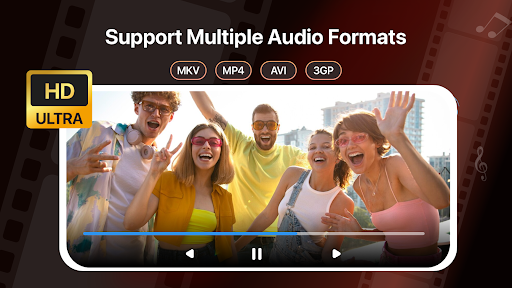
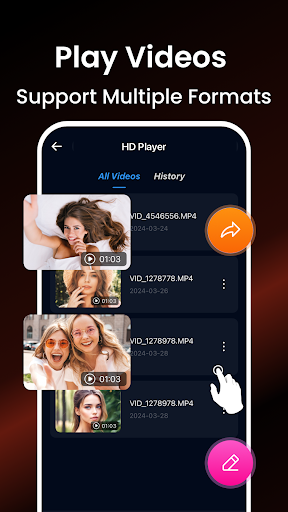
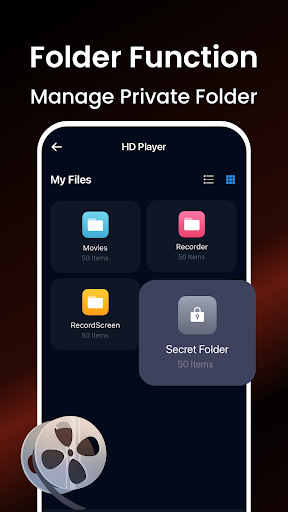
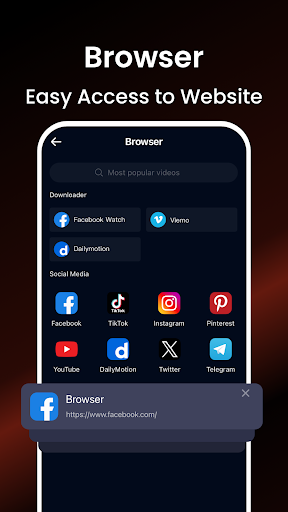
HD Player-Music and Videos (HD Player- Video&Downloader on Google Play) is a free media player focused on seamless, high-quality playback for many audio/video formats. It offers a simple, user-friendly interface, customizable playback options (e.g., equalizer and resolution), basic library browsing, and an integrated in-app browser/downloader for all-in-one media access.
Verdict
Verdict: A capable, lightweight media player for everyday local playback, but power users may prefer more feature-rich, ad-free alternatives.
Who is it for
Best for:
- Users who want a simple, free player that handles many formats
- Viewers who value quick, HD playback with minimal setup
- People who like basic customization (EQ, playback controls) without complexity
Not ideal for:
- Power users needing advanced codecs, casting, and extensive subtitle tools
- Anyone who dislikes in-app ads or prefers open-source, ad-free players
- Users who rely on robust network streaming or library management features
Real-world User Experience
Users like it:
Overall sentiment trends toward mixed-to-positive: users appreciate smooth HD playback across multiple formats, the clean and straightforward interface, and having customizable options to tweak audio/video to their taste.
Users complain about:
Common pain points for apps in this category—and reflected in a 3.5–3.7 score—include ad interruptions, occasional stability or compatibility hiccups on certain files/devices, and uneven satisfaction with the integrated browser/downloader experience.
Is it Worth Paying For?
The app is free, contains ads, and offers no in-app purchases. There’s nothing to buy; value depends on your tolerance for ads versus the convenience of a no-cost, capable player.
How it Compares to Alternatives
Compared to VLC (ad-free, open-source, excellent format/streaming/subtitles) and MX Player (polished UI, advanced decoding, richer subtitle and gesture controls but ads/IAP), HD Player is simpler and more lightweight. It covers core local playback well and adds an in-app browser/downloader, but it lacks the depth, reliability, and ecosystem features of top-tier players. If you need network streaming, casting, or advanced subtitle handling, VLC or MX Player usually performs better; if you want a straightforward local player with basic customization, HD Player is sufficient.
Summary
HD Player-Music and Videos aims to be a one-stop, easy media player with solid HD playback, broad format support, and a clean interface. Its customizable preferences (like EQ and resolution choices) make it flexible enough for daily use, and the built-in browser/downloader appeals to users who want everything in one place. The trade-offs are typical of free tools: ads, occasional stability/compatibility issues, and fewer advanced features than leading competitors. If you’re after a lightweight, no-cost player for local files that “just works,” it’s a reasonable pick; for deeper control, network features, or an ad-free experience, consider VLC or MX Player instead.
Ratings
Trending APP












Alternative to this app