
Copyright 2026 © swekartor. All Rights Reserved.


Information about Chrome Beta
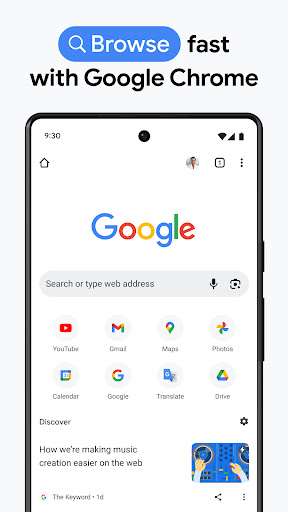
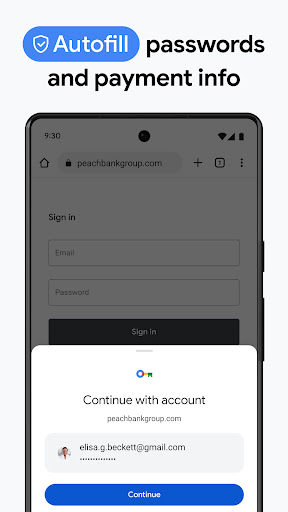
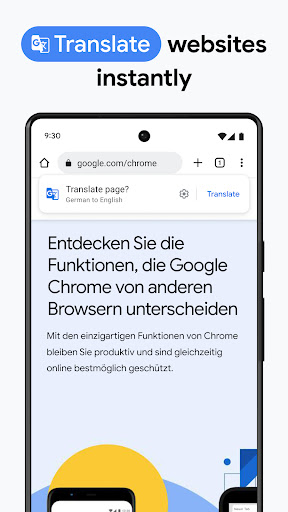
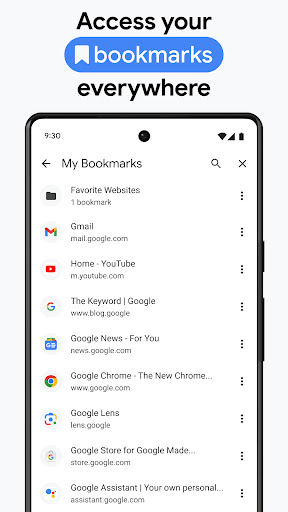
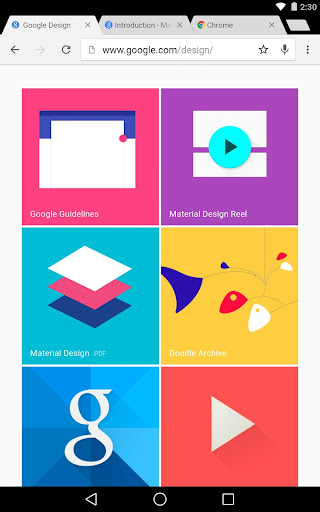
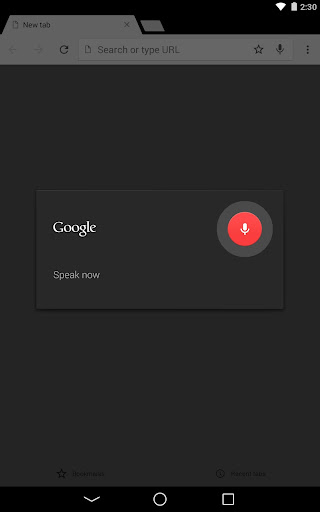
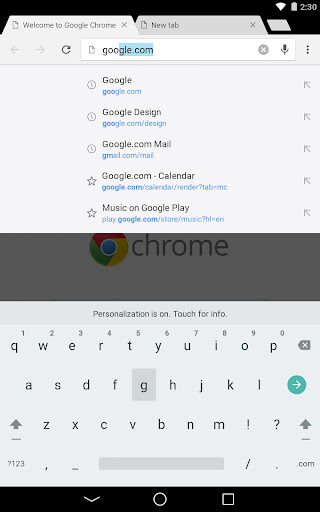

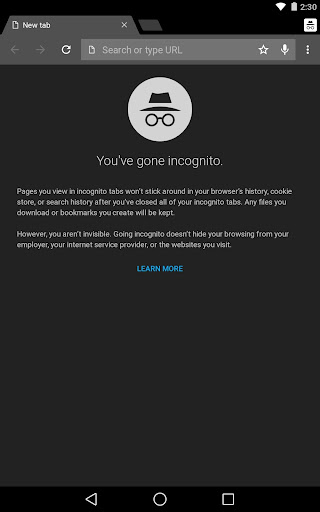
App Feature
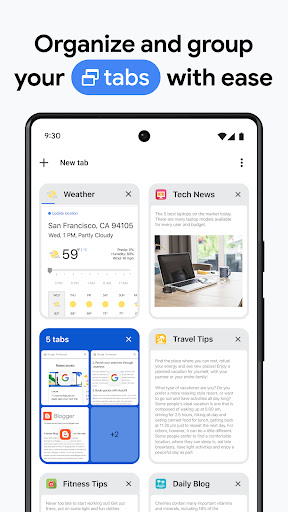
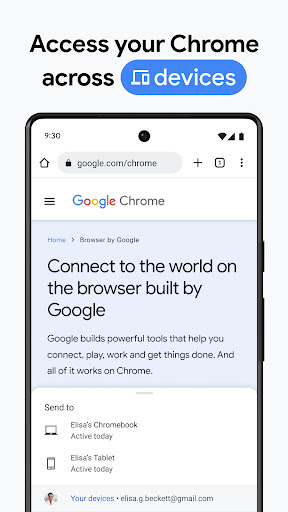
Chrome Beta brings the speed and simplicity of Chrome to Android with early access to upcoming features. It lets users preview experimental updates, sync browsing data with Google accounts, manage many tabs efficiently (including grouping and quick switching), and send feedback to help shape the stable browser.
Verdict
Verdict: A fast, feature-forward Android browser for early adopters, but expect occasional rough edges and inconsistent polish.
Who is it for
Best for:
- Early adopters who want to test new Chrome features first
- Users who value speed, smooth scrolling, and strong site compatibility
- Power users who keep many tabs open and like tab grouping
Not ideal for:
- Anyone needing maximum stability with zero bugs or UI changes
- Privacy-focused users seeking built-in aggressive ad/pop-up blocking
- People who dislike managing sync quirks across multiple devices/accounts
Real-world User Experience
Users like it:
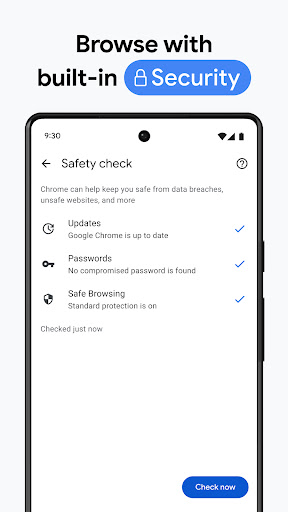
Many report smoother performance than stable Chrome, clean and sleek UI, fast page loads even on weaker connections, reliable tab management with easy navigation and restoring sessions, and solid security feel. Several users appreciate that it fixes issues they saw in stable Chrome and enjoy trying new features ahead of release.
Users complain about:
A subset encounters sync/password friction (e.g., passwords not appearing in stable Chrome, unclear identity handling across devices), occasional UI quirks and orientation defaults, and requests for stronger ad/pop-up controls. Typical beta hiccups—freezes, blank pages, feature regressions—appear for some, plus autofill gaps beyond logins (e.g., addresses/payments).
Is it Worth Paying For?
It’s free with no in‑app purchases. There’s no paid tier to evaluate; value comes from early access to features and contributing feedback.
How it Compares to Alternatives
Compared to Chrome stable, Beta often feels faster and introduces features earlier, but stability can vary. Versus Firefox, it trades deep privacy/customization and robust tracking protections for superior site compatibility and seamless Google ecosystem sync. Against Microsoft Edge, it’s similarly speedy but offers earlier Chromium features; Edge may have stronger built-in content controls and Microsoft integrations. Opera adds extras like built-in ad blocking and data-saving modes, while Chrome Beta focuses on core browsing performance and early feature trials.
Summary
Chrome Beta for Android delivers a fast, polished browsing experience with the perk of trying new features before they land in stable Chrome. Users highlight smoother performance, efficient tab handling, and solid day-to-day reliability—impressive for a beta. However, as an experimental channel, it can surface sync inconsistencies, intermittent bugs, UI quirks, and limited built-in ad/pop-up control compared with privacy-centric alternatives. If you enjoy shaping the future of Chrome and can tolerate occasional hiccups, it’s an excellent companion to (or replacement for) stable Chrome; if you need rock-solid stability and stronger default tracking/ads protection, consider sticking to the stable channel or a privacy-focused browser.
Ratings
Trending APP












Alternative to this app




















